QR codes for personal trainers that book intros and get you paid
You do not own the gym walls, so your sign is your business card, your clipboard and the phone in your hand. Put your payments, your intro booking and your reviews on codes that live there, and see which one brings clients in.
Free account, no card. 2 tracked codes and 1 hub on the free plan.

Pay for your sessions
Put your name and the package in the note.
Powered by Scanlo
Payments: what clients see after scanning
Where the codes go, and what each one does
Session packs and drop-ins
Clients pay the way they pay friends: Venmo, Zelle, Cash App, or a card for the ones who want a receipt. One payment hub holds all of them, so you stop reading your handle out loud at the end of a session.
- The back of your business card
- Your clipboard or program sheet
- A sticker on your water bottle or bag
Free intro sessions
Most new clients start with a conversation. Point a code at your Calendly intro slot, hand out the card, and the person who asked about training at the squat rack books before they forget.
- Business cards you hand out on the floor
- Flyers at running clubs and physical therapy offices
- Your car window or bike, if you train outdoors
Monthly coaching on autopay
A Stripe payment link can be a subscription. Put your monthly coaching or online programming behind one, so the client signs up once and you stop chasing the payment every month.
- The last page of a client’s program
- The end of your intro session handout
- Your gym bag tag
Reviews after the milestone
Ask on the day of the first pull-up, the race finish or the deadlift PR, not at the end of a random Tuesday. A review code on your phone or card makes the ask a scan, and the count shows how many of those days turned into a review.
- Your phone lock screen, to show after a PR
- The progress check-in sheet
- A thank-you card at the end of a block
What trips trainers up with QR codes
Many gyms do not allow independent trainers to post signs or solicit on the floor. Check the rules before you put a code on their wall. Your own card, clipboard and phone are always yours.
Venmo, Cash App and PayPal personal accounts are meant for paying friends. For client payments, use the business profile each app offers, so you stay within the app’s terms and clients see your business name.
Trainers change gyms, booking tools and payment apps. The code on a box of business cards should not die with them. A Scanlo code keeps its pixels, so you change the link in the dashboard and the cards you already handed out still work.
On which plan
Free
2 tracked codes, 1 hub with up to 2 links and 30 days of scan history. Enough for a payment hub with your two most used apps, plus a Calendly intro code and a Google review code.
Standard
Up to 20 codes and 10 hubs with up to 10 links each, 90 days of history, which method and which placement wins, and no Scanlo branding. Room for every payment app your clients use, monthly coaching next to it, and a separate code for each flyer and card run so you know which one brings clients.
Questions
- Do I need a business account to use this?
- Not for Scanlo. For the payment apps, a business profile is the right fit for client payments. Scanlo works with whatever link you paste.
- Can clients pay for a pack of sessions with one scan?
- Yes. The payment hub opens a page with each app you accept. The client taps the one they use and pays you directly. Scanlo never touches the money.
- Can I take a monthly subscription?
- Yes, through a Stripe payment link set up as a subscription. Scanlo points the code at that link and counts the scans. Billing and cancellations stay in Stripe.
- Will the code open the client’s Venmo or Cash App?
- Yes, for clients who have the app. A tap on a hub button opens it on your payment screen, and we tested that on iPhone in both Safari and Chrome.
- What happens to my business cards if I stop paying?
- They keep working. A printed Scanlo code redirects forever, on any plan. Only editing and deeper analytics are gated.
Prefer one link per code?
Each of these makes a tracked code for a single app or site, for a sign that only needs one.
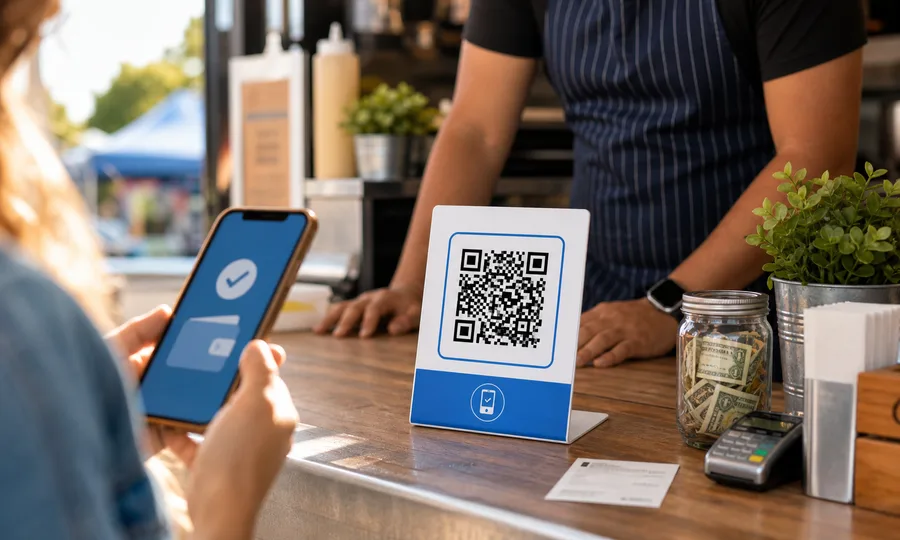
Venmo QR code
A scannable Venmo link so customers can pay you in seconds, tracked per placement.
Create free QR code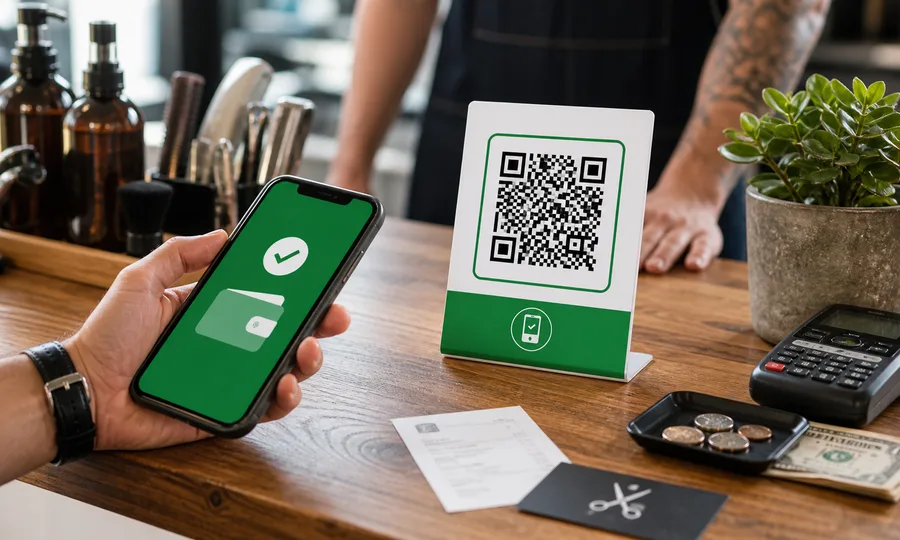
Cash App QR code
Turn your $Cashtag into a scannable code customers can pay on the spot, tracked per placement.
Create free QR code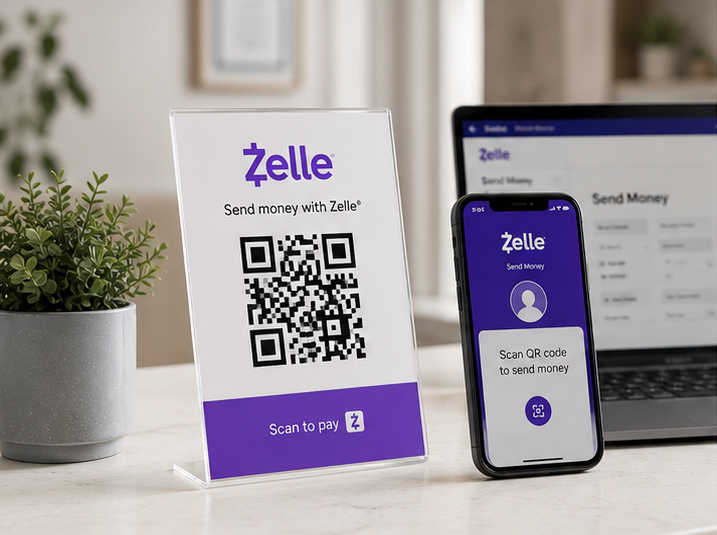
Zelle QR code
Your bank app’s Zelle QR code, turned into a printable one you can track and re-point later.
Create free QR codeRead more
Practical guides from the Scanlo blog on making your personal trainers work harder.
Should Your Small Business Take Venmo, Zelle and Cash App? A Four-Question Test
Most payment articles compare processors. The real decision comes earlier, at the counter, when a customer has no cash and you do not want to lose 3% to a card reader. A four-question test for what to accept and how to show it.
Stripe vs PayPal QR Code for Small-Business Payments
A practical comparison of Stripe and PayPal QR codes for small-business payments, plus the one thing that matters whichever you choose.
When to Ask for a Review: Before the Customer Walks Out
Some jobs cost more to bill than they earn. Doing them for free and asking for a review can pay better, as long as the favor is not the price of the review and the ask happens before the customer leaves.
One card in your pocket, every way clients pay and book
Set it up in a few minutes with the links you already use, and let the scans show you which card run and which conversation brought the client.
- No card to start
- Printed codes never stop working
- Edit links without reprinting