
One QR code for every way your customers pay
Stop taping four QR codes to your counter. Put PayPal, Venmo, Cash App and card on one scannable page you can edit anytime, and see which method people actually choose.
Free account, no card. One hub with two methods on the free plan.
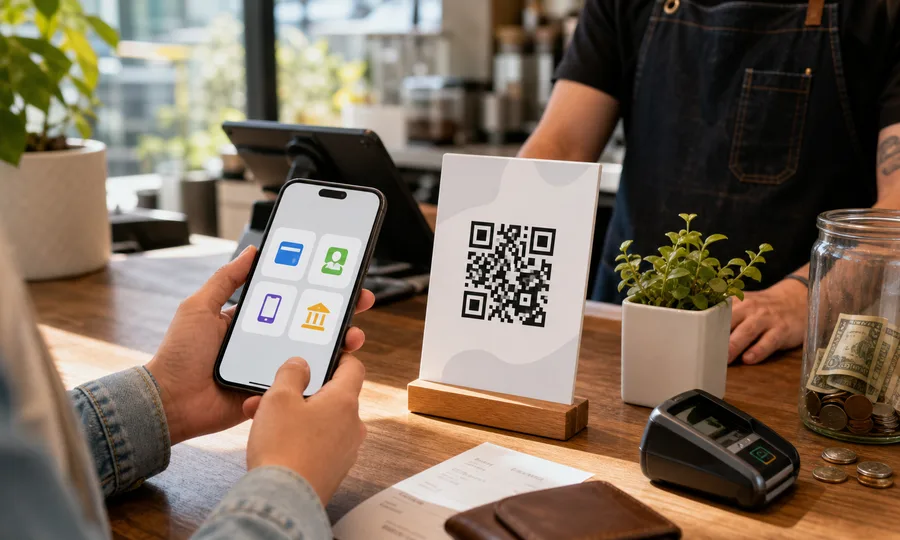
How it works
Create a free account and paste your payment links: PayPal, Venmo, Cash App, or a Stripe card link.
Download one QR code as PNG, SVG or PDF.
Print it once and stick it on the counter, table or invoice.
Customers scan once and tap how they want to pay, and you see which method they pick.
Questions
- Can I put several payment methods on one QR code?
- Yes. A Scanlo payment hub is one QR code that opens a simple page listing each way to pay. Customers scan once and tap PayPal, Venmo, Cash App or card, instead of you taping four separate codes to the counter.
- Which payment methods can I add?
- PayPal, Venmo, Cash App, Zelle, and a card checkout via a Stripe or Square payment link. You paste the link you already use, so there is no new processor to set up and Scanlo never touches the money. On the Standard plan you can add any other link too.
- Can I see which payment method people choose?
- Yes, and this is the part your payment apps cannot tell you. Scanlo counts how many people scan the code and which method they tap, so you can see whether your customers prefer Venmo over card. The per-method breakdown is on the Standard plan.
- Can I change the methods after printing?
- Yes. The printed QR points at a page you control, so you can add, remove or reorder methods, or swap a link, without reprinting anything. A printed code keeps working forever.
- Is it free?
- The free plan includes one hub with two payment methods. Standard adds up to 10 hubs with up to 10 links each, custom links and your own description, the per-method breakdown, and removes Scanlo branding.
- Do my customers need an app or account?
- They just scan with their phone camera and tap the method they already use. Whether they need an app depends on the method (for example Venmo opens the Venmo app), but there is nothing for them to install for Scanlo itself.
- Can I order my payment hub QR code as a counter sign?
- Yes. A tabletop sign by the register is where a payment hub does its job, and a sticker fits a stall or a card reader. You can also order it as a business card, poster, window cling or magnet. Choose Order prints in the dashboard, pick the product, and Zazzle prints and ships it. The printed code is the same tracked code, so you can still change where it points.
How businesses like yours use it
Read more
Practical guides from the Scanlo blog on making your multiple payment methods qr code work harder.
Multiple QR Codes on One Sign? Print One and Track It
The space next to your register is an asset, and most businesses spend it on a single link that pays them nothing. Here is what one code should point at, and how to see which spot earned the scan.
Should Your Small Business Take Venmo, Zelle and Cash App? A Four-Question Test
Most payment articles compare processors. The real decision comes earlier, at the counter, when a customer has no cash and you do not want to lose 3% to a card reader. A four-question test for what to accept and how to show it.
One code on the counter, every way to pay
Set it up in a couple of minutes, edit it whenever you add a method, and let the scans tell you which one wins.
More QR tools
Prefer a single destination? Each tool does one job: reviews, bookings, or one payment method per code.
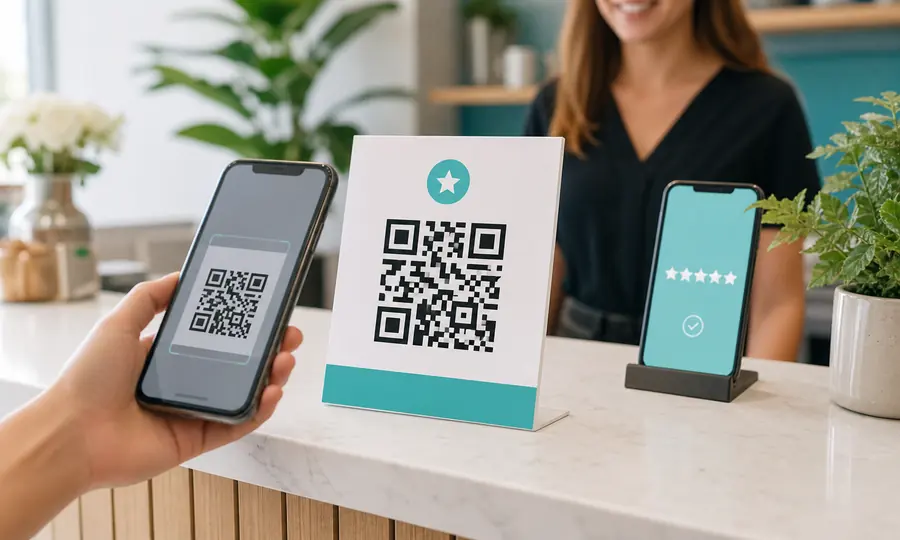
Google review QR code
Send customers straight to your Google review form, and see which placement earns the most reviews.
Create free QR code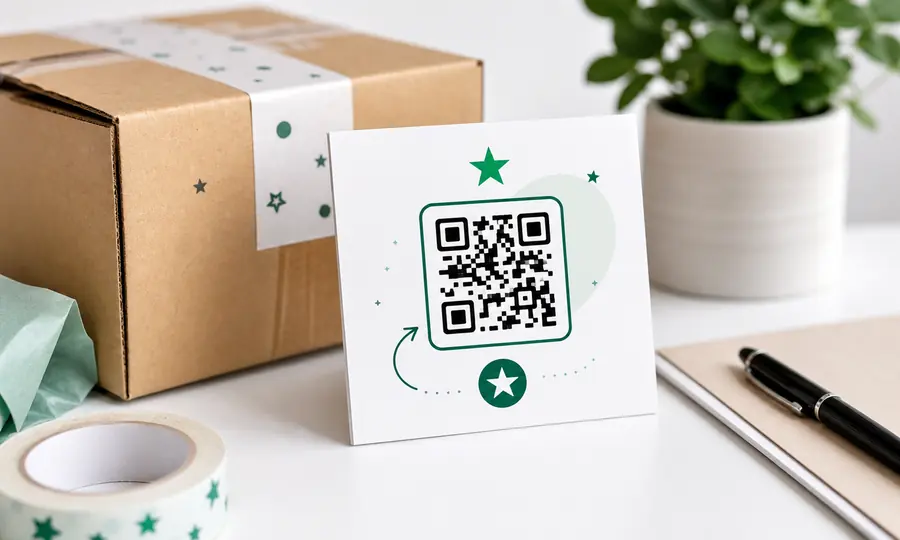
Trustpilot review QR code
Turn happy customers into Trustpilot reviews with a scannable link to your review form.
Create free QR code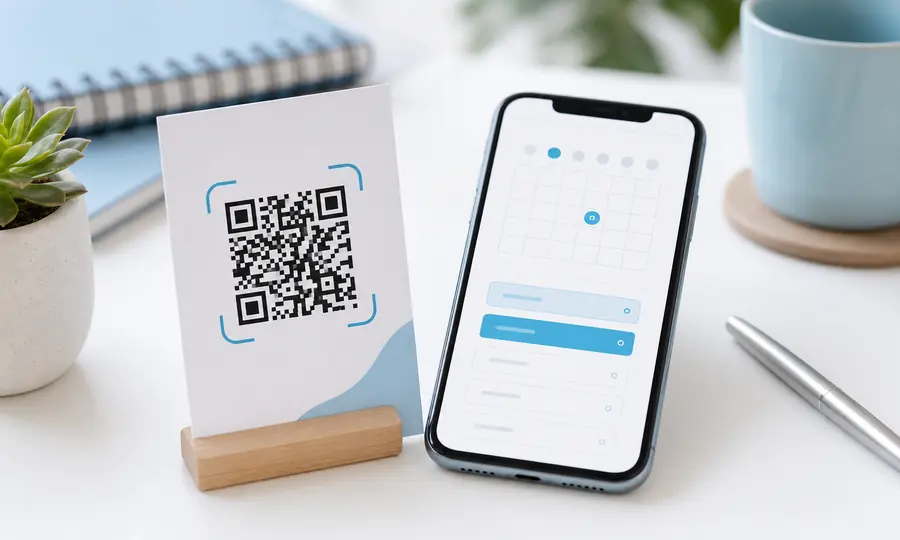
Calendly QR code
Let people book a slot the moment they see your card, flyer or door sticker.
Create free QR code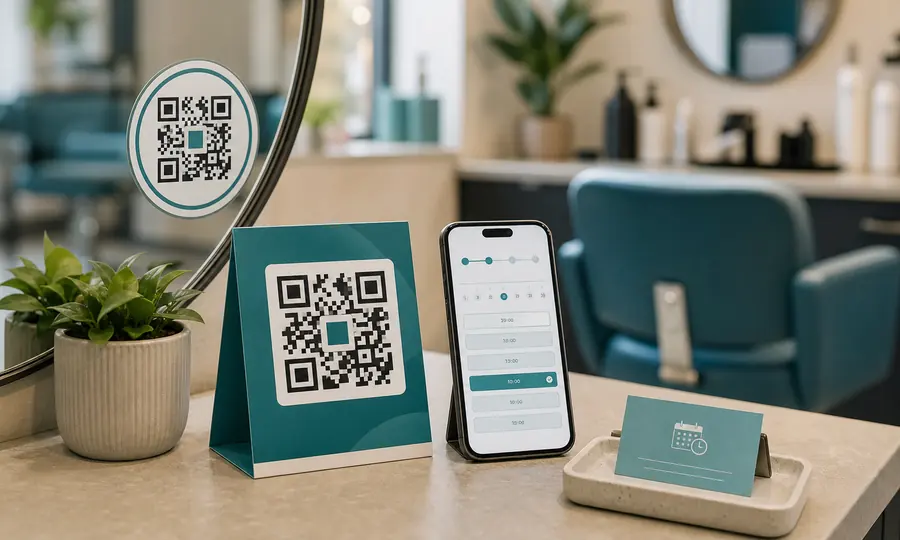
Booking page QR code
Booksy, Fresha, Setmore or your own site: one scan takes customers to your booking page.
Create free QR code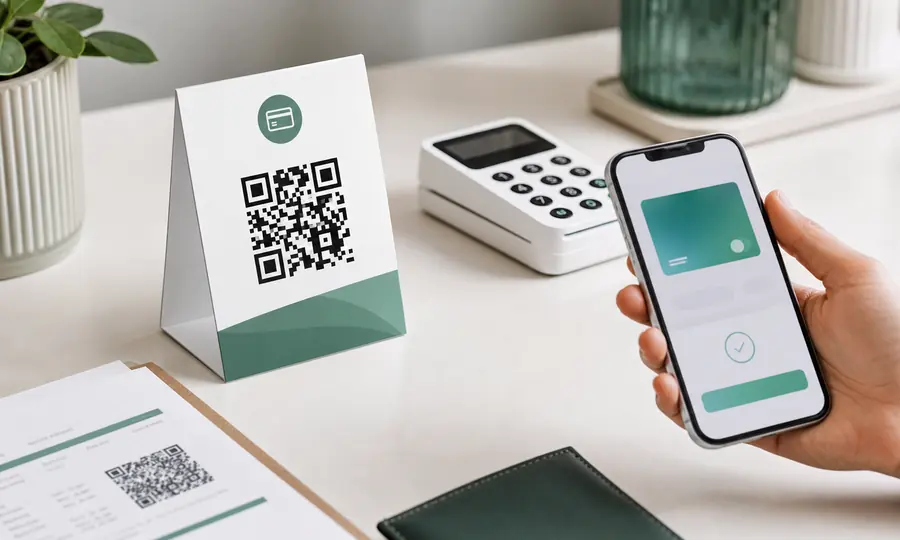
Stripe payment QR code
Turn a Stripe payment link into a scannable code customers can pay on the spot.
Create free QR code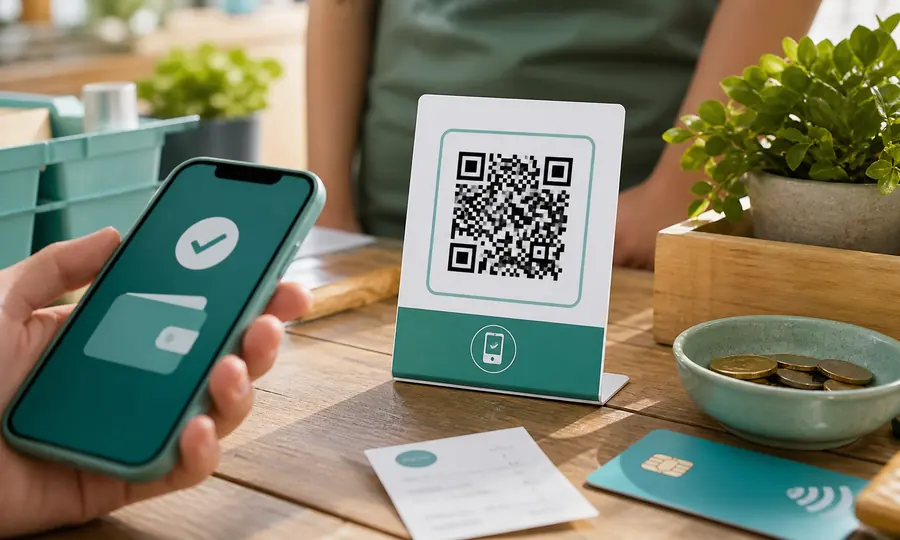
PayPal QR code
A scannable PayPal.Me link so customers can pay you in seconds, tracked per placement.
Create free QR code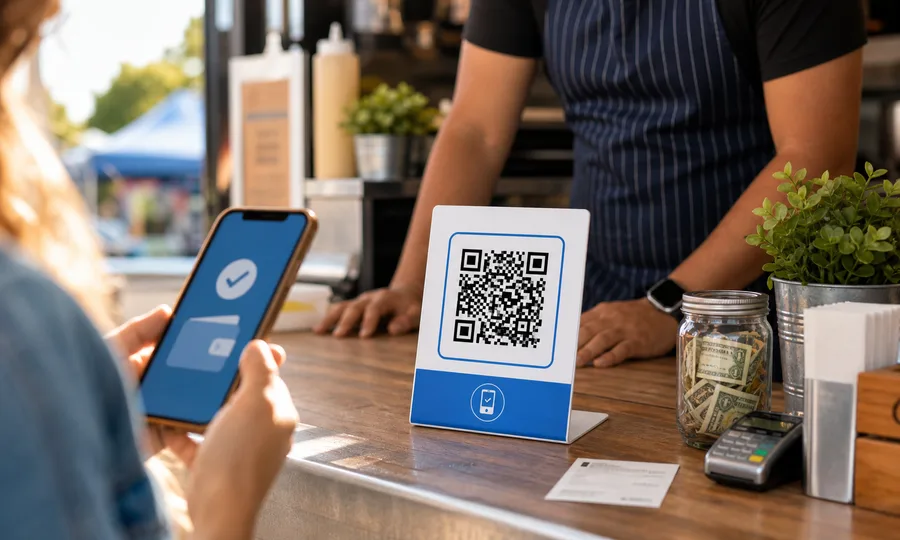
Venmo QR code
A scannable Venmo link so customers can pay you in seconds, tracked per placement.
Create free QR code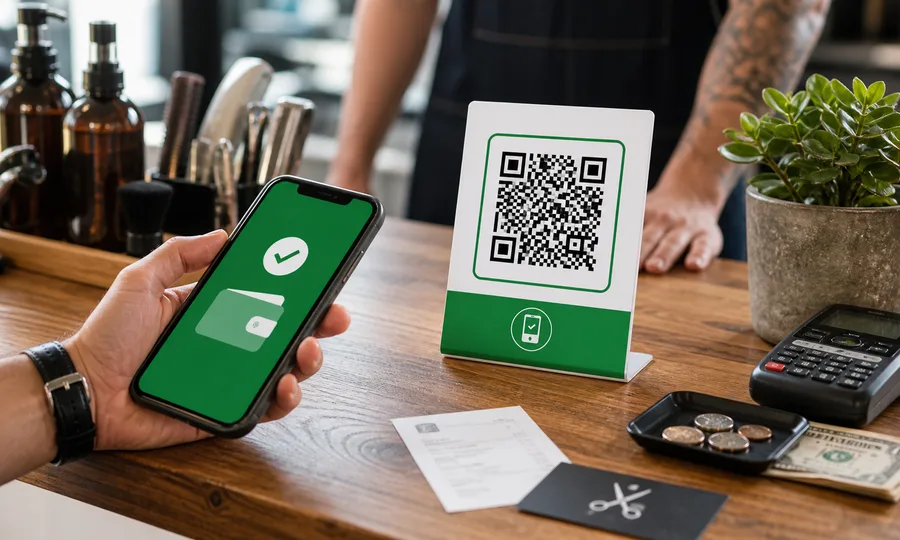
Cash App QR code
Turn your $Cashtag into a scannable code customers can pay on the spot, tracked per placement.
Create free QR code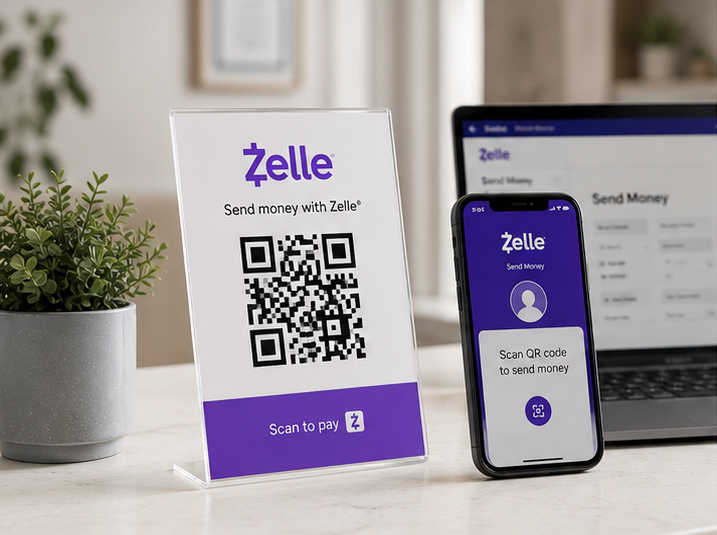
Zelle QR code
Your bank app’s Zelle QR code, turned into a printable one you can track and re-point later.
Create free QR code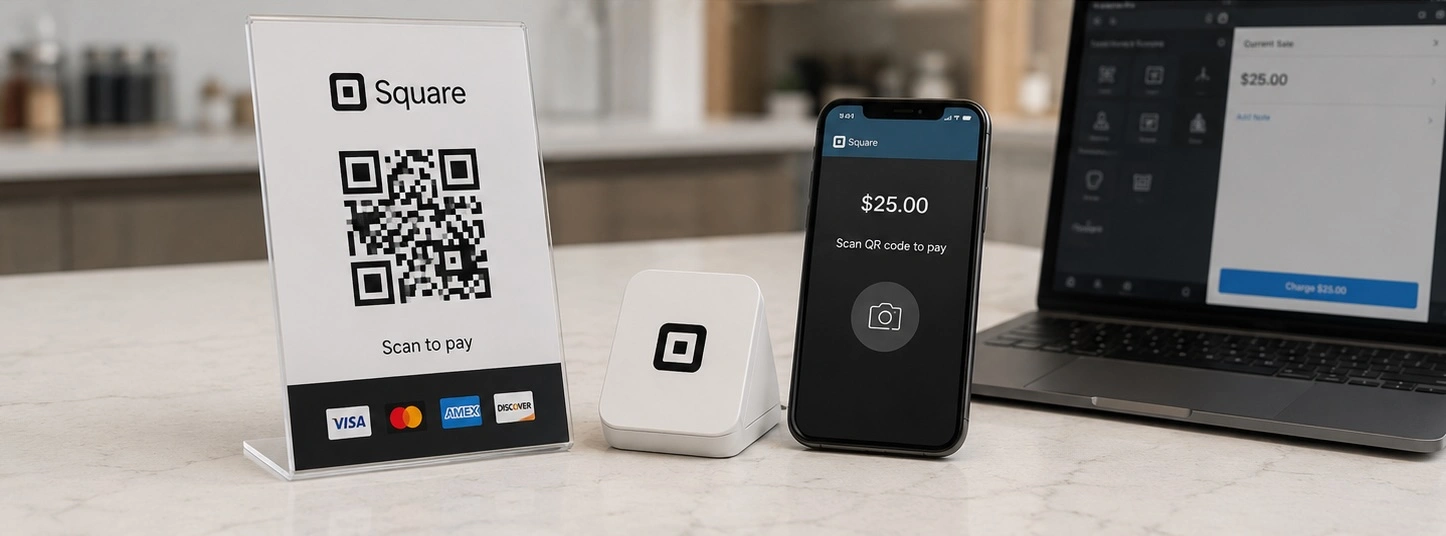
Square QR code
Turn a Square checkout link, online store or invoice into a scannable code, tracked per placement.
Create free QR code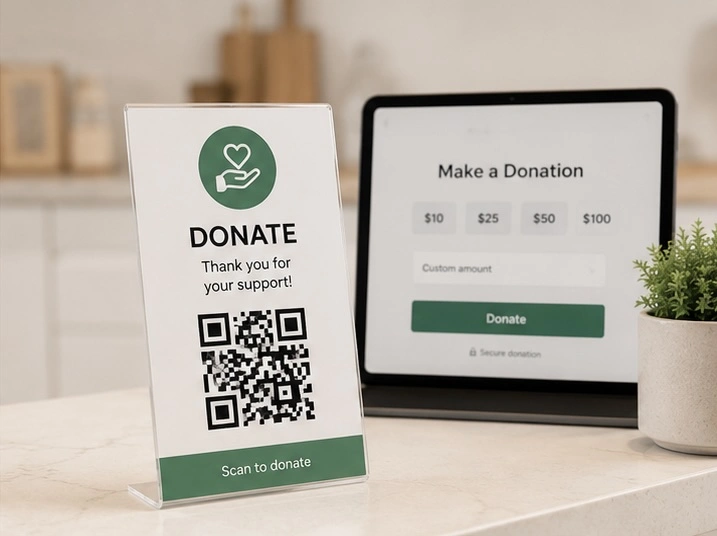
Donation QR code
One scan takes people to your giving page, and you see which door, table or noticeboard actually brought donations in.
Create free QR code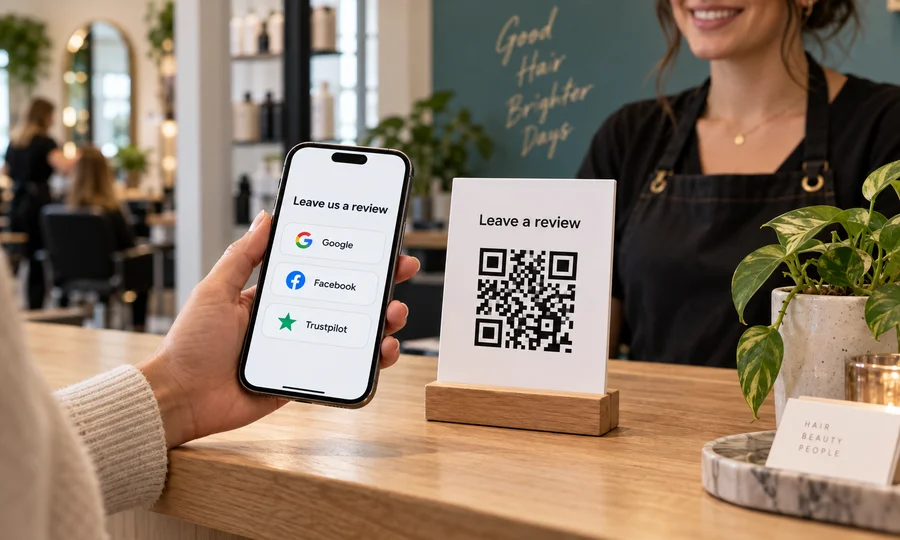
Multiple review sites QR code
One QR code with Google, Facebook, Trustpilot, Yelp and BBB. Customers scan once and pick where to review you.
Create free QR code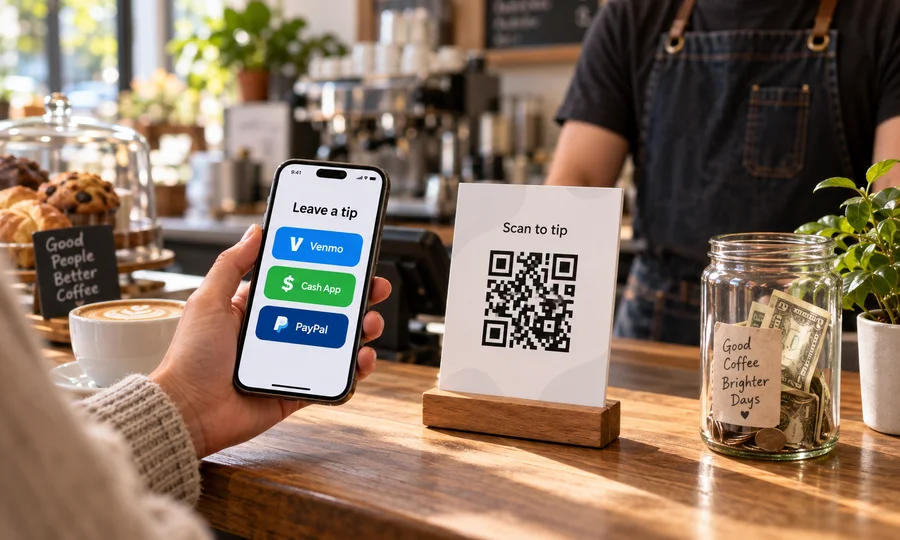
Tip jar QR code
A tip jar people can scan. Venmo, Cash App, PayPal or card on one code, and you see what gets used.
Create free QR code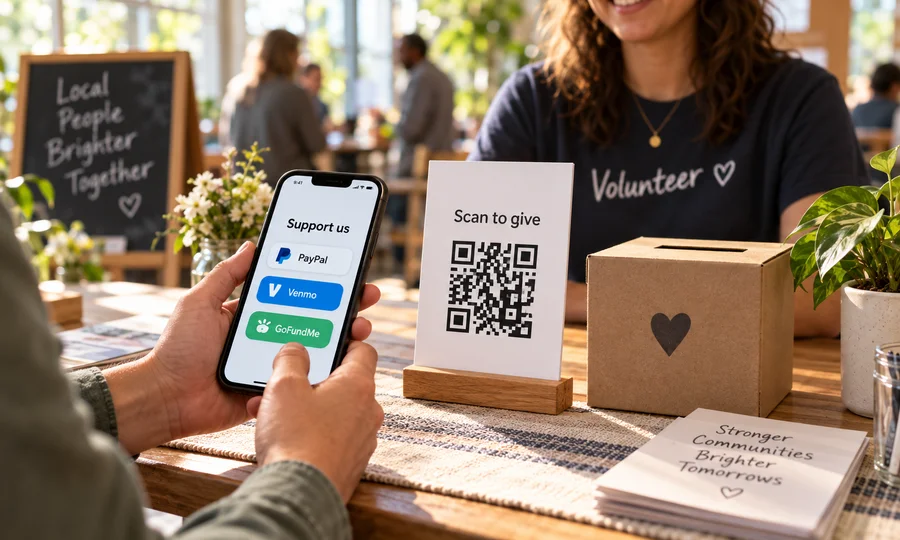
Multiple donation methods QR code
One QR code for giving. PayPal, Venmo, Cash App, card or GoFundMe on a single page you can edit anytime.
Create free QR code