
Google review QR codes that bring you stars
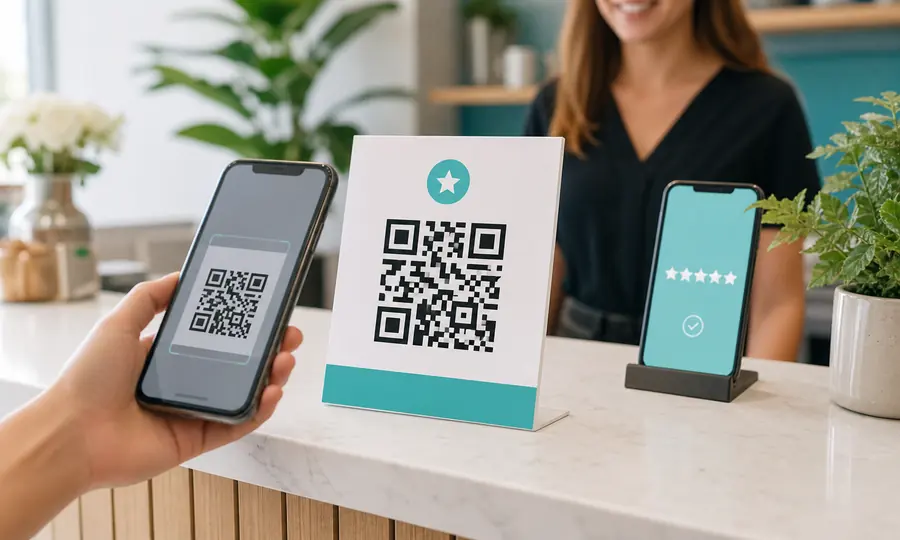
Put it on the counter, the receipt, the van. Customers scan, land on your Google review page, and you see which spot drove the most reviews, not just that someone scanned.
How to create a QR code for Google reviews
A Google review QR code sends customers straight to your Google review form, so they can leave a rating in seconds. In your Google Business Profile, choose Ask for reviews, copy the short review link, paste it above, and Scanlo generates a tracked QR code for Google reviews you can print on receipts, counters and vans. Every scan is logged per placement, so you see which spot earns the most reviews.
How it works
- 1
Paste your Google review link and generate a tracked QR code.
- 2
Download it as PNG, SVG or PDF and print it wherever your customers are.
- 3
Or paste the Scanlo snippet to show the same code live on your website, on your thank-you page for example.
- 4
Every scan routes through Scanlo to your review page and is logged.
- 5
See scans per placement so you know which spot earns the most reviews.
Questions
- Is the Google review QR code free?
- Yes. The Free plan includes 2 tracked codes forever, with scan totals and 30-day history. No card required.
- Does the code keep working if I stop paying?
- Always. A printed Scanlo code keeps redirecting forever, on any plan. We never disable a printed code. Only editing and deeper analytics are gated.
- Where do I find my Google review link?
- In your Google Business Profile, choose "Ask for reviews" and copy the short link it gives you. Paste that here.
- Can I put my Google review QR code on my website?
- Yes. Scanlo gives you a snippet you paste into your site, and it shows the same tracked code live. On a computer people scan it with their phone, on a phone they tap it, and both land on your Google review page. Your dashboard then splits scans by source, so you can see whether your website or your counter card brings more reviews. Included on every plan.
- Can I see which placement works best?
- Yes, give each code a placement label (counter, van, flyer) and compare scans per placement. Placement comparison is part of the Standard plan.
Read more
Practical guides from the Scanlo blog on making your Google review QR code work harder.
More QR tools
One code per job: reviews, bookings, payments. The free plan covers 2 tracked codes, so you can run two placements side by side.
Trustpilot review QR code
Turn happy customers into Trustpilot reviews with a scannable link to your review form.
Create free QR code
Calendly QR code
Let people book a slot the moment they see your card, flyer or door sticker.
Create free QR code
Booking page QR code
Booksy, Fresha, Setmore or your own site: one scan takes customers to your booking page.
Create free QR code
Stripe payment QR code
Turn a Stripe payment link into a scannable code customers can pay on the spot.
Create free QR code
PayPal QR code
A scannable PayPal.Me link so customers can pay you in seconds, tracked per placement.
Create free QR code
Venmo QR code
A scannable Venmo link so customers can pay you in seconds, tracked per placement.
Create free QR code
Cash App QR code
Turn your $Cashtag into a scannable code customers can pay on the spot, tracked per placement.
Create free QR code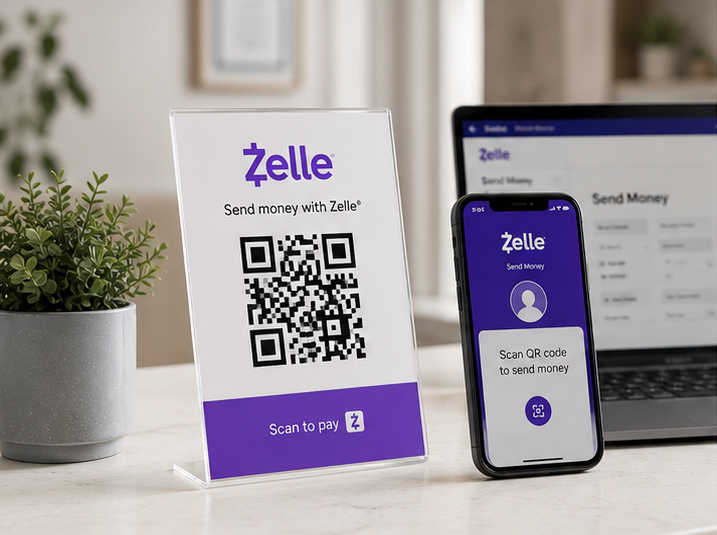
Zelle QR code
Your bank app’s Zelle QR code, turned into a printable one you can track and re-point later.
Create free QR code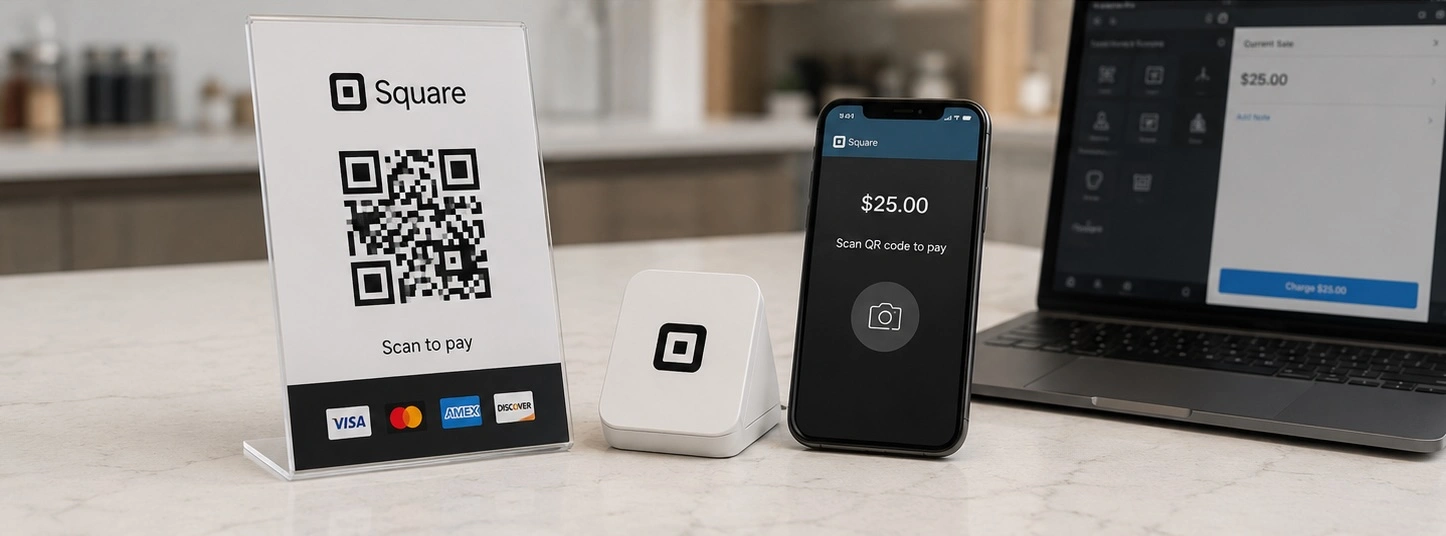
Square QR code
Turn a Square checkout link, online store or invoice into a scannable code, tracked per placement.
Create free QR code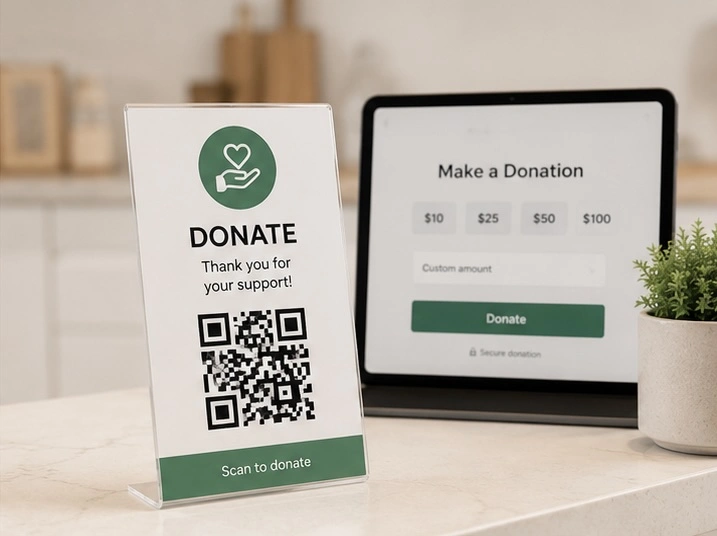
Donation QR code
One scan takes people to your giving page, and you see which door, table or noticeboard actually brought donations in.
Create free QR code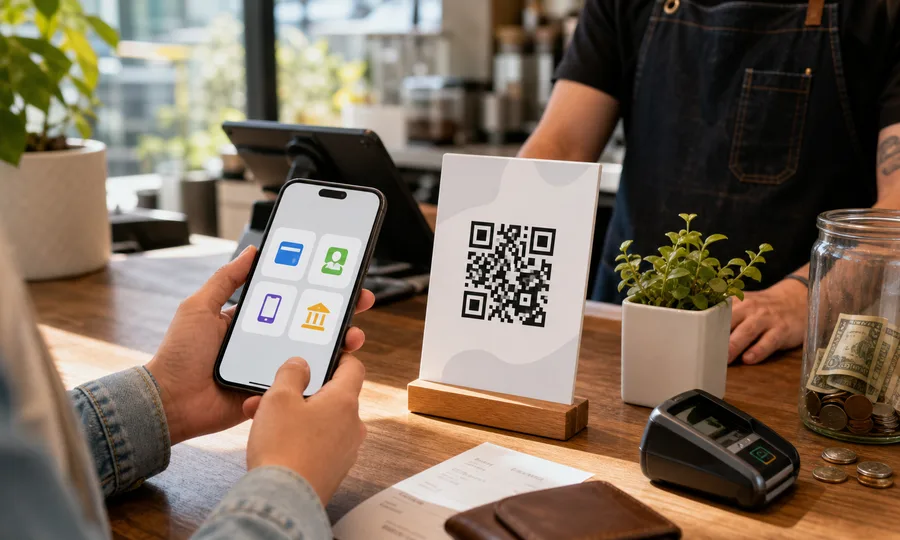
Multiple payment methods QR code
One QR code with PayPal, Venmo, Cash App and card. Customers scan once and pick how to pay, and you see which method wins.
Create free QR code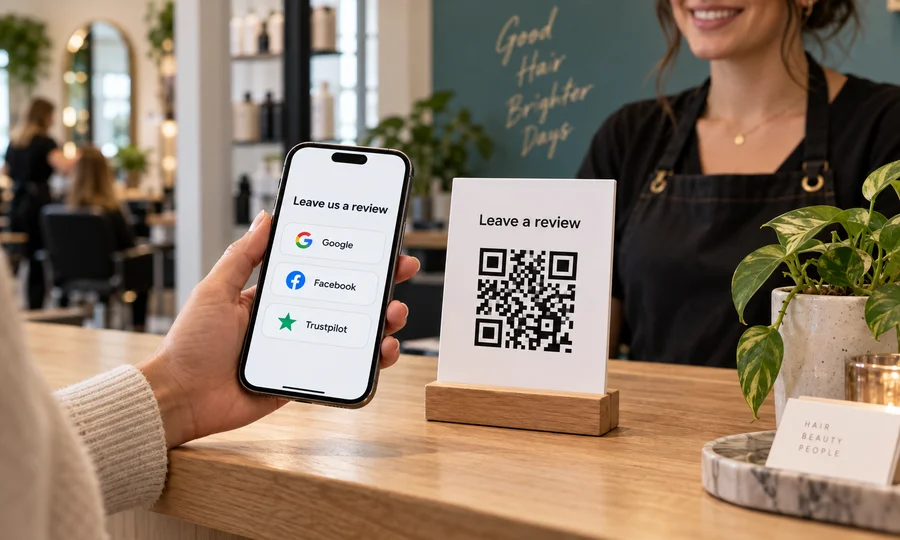
Multiple review sites QR code
One QR code with Google, Facebook, Trustpilot, Yelp and BBB. Customers scan once and pick where to review you.
Create free QR code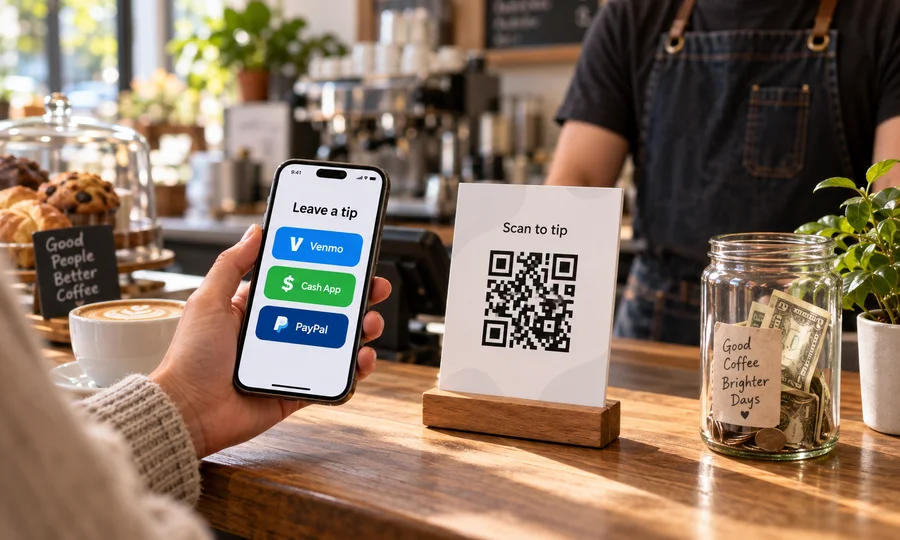
Tip jar QR code
A tip jar people can scan. Venmo, Cash App, PayPal or card on one code, and you see what gets used.
Create free QR code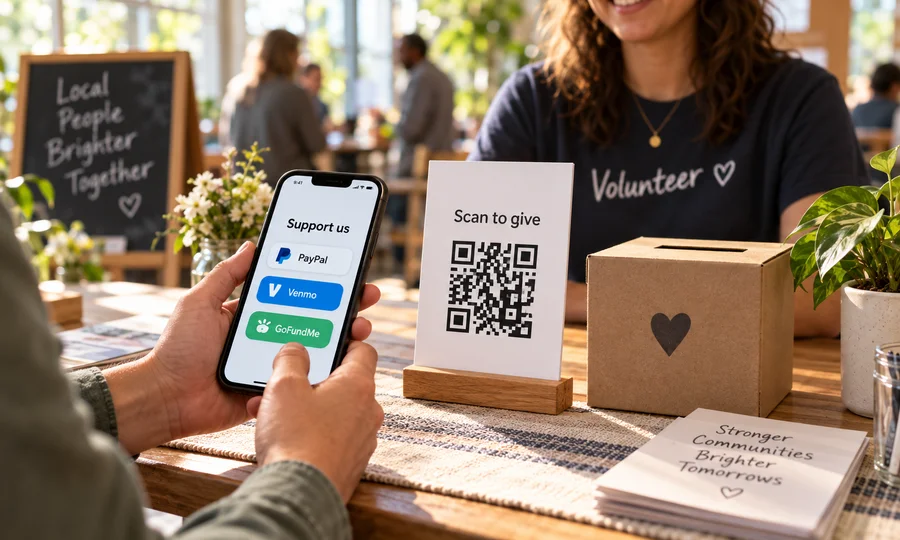
Multiple donation methods QR code
One QR code for giving. PayPal, Venmo, Cash App, card or GoFundMe on a single page you can edit anytime.
Create free QR code