QR codes for coffee shops that earn tips and reviews at the pickup counter
The card reader asks for a tip once, at the register. Then the customer waits at the pickup counter with a phone in hand and nothing to do with it. That wait is where a tip jar, a review ask and your bean shop belong, each on its own tracked code.
Free account, no card. 2 tracked codes and 1 hub on the free plan.

Thanks for the coffee
Tips are shared by everyone on shift.
Powered by Scanlo
Tips: what customers see after scanning
Where the codes go, and what each one does
Tips the register misses
Cash customers with no cash to spare, mobile orders picked up from the shelf, the pop-up cart at the farmers market. A tip hub lists Venmo, Cash App and PayPal on one sign, so the tip does not depend on what the card reader asked a few minutes earlier.
- The pickup counter, at eye level while people wait
- The mobile order shelf
- The pop-up cart or market tent
Reviews from the regulars
People pick a coffee shop from the map, and the map sorts by rating. Your regulars like you and have never been asked. A review code by the pickup counter asks while the drink is still warm, and the scans show whether the counter or the table tents do the asking better.
- The pickup counter, next to the tip sign
- Table tents and the window by the bar
- A sticker on the cup sleeve
Beans, gift cards and catering
Point a code at a Square payment link for a bag of the house blend, a gift card or a catering order. Customers who loved the drink buy the beans on the way out, and you see which placement sells them.
- The retail shelf with the bags
- The bag label itself, for the reorder
- Holiday signage in December
Cuppings, classes and the back room
Latte art classes, public cuppings, the room people book for a meeting or a birthday. Put a code on the flyer that points at your booking page, and compare which flyer fills the seats.
- Flyers on the community board
- The door of the room you rent out
- Receipts the week before an event
What trips coffee shops up with QR codes
A tip sign with the owner’s personal Venmo looks like the tips go to the owner. Decide first whether tips go to one shared team account or to each barista, use a business profile for a shared account, and say on the sign who gets them.
Cup sleeves and bag labels are printed by the thousand and stay in circulation for months. Print a Scanlo code on them and you can change where it goes with the season, from the bean shop in spring to gift cards in December, without throwing out a single sleeve.
A code on a curved cup or a glossy sleeve can be hard to scan. Test the size on the real cup before ordering a batch, and keep a flat version on the counter for everyone else.
On which plan
Free
2 tracked codes, 1 hub with up to 2 links and 30 days of scan history. Enough for a tip hub at the pickup counter with your two most used apps, plus a Google review code and a bean shop code.
Standard
Up to 20 codes and 10 hubs with up to 10 links each, 90 days of history, which method and which placement wins, and no Scanlo branding. Room for a code on every table, the sleeve and the bag, so you can see which one customers actually scan, and every tip app your customers ask for.
Questions
- Does this replace the tip screen on our card reader?
- No, keep it. The tip code catches the customers the reader misses: cash payers, mobile orders and pop-up sales. The two work side by side.
- Where do the tips go?
- Straight to the account behind each button, a shared team Venmo for example. Scanlo never touches the money. It counts the scans and which app customers tap.
- Can I change what the cup sleeve code does later?
- Yes. The printed code points at Scanlo, and you choose where Scanlo sends it. Change the destination in the dashboard and every sleeve already out there follows.
- Is this a menu QR code?
- No. Scanlo does not host menus. These codes do one job each: a tip, a review, a purchase or a booking.
- What happens to printed sleeves if we stop paying?
- They keep working. A printed Scanlo code redirects forever, on any plan. Only editing and deeper analytics are gated.
Prefer one link per code?
Each of these makes a tracked code for a single app or site, for a sign that only needs one.
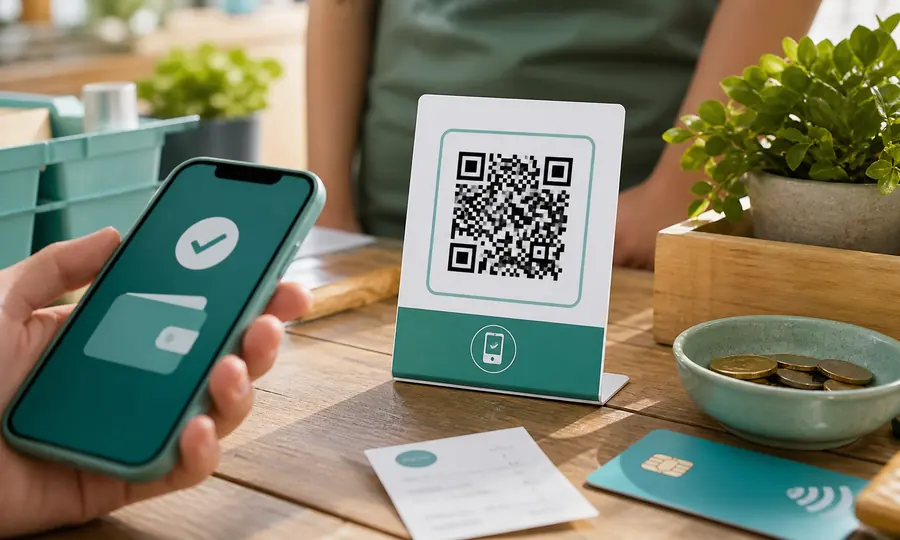
PayPal QR code
A scannable PayPal.Me link so customers can pay you in seconds, tracked per placement.
Create free QR code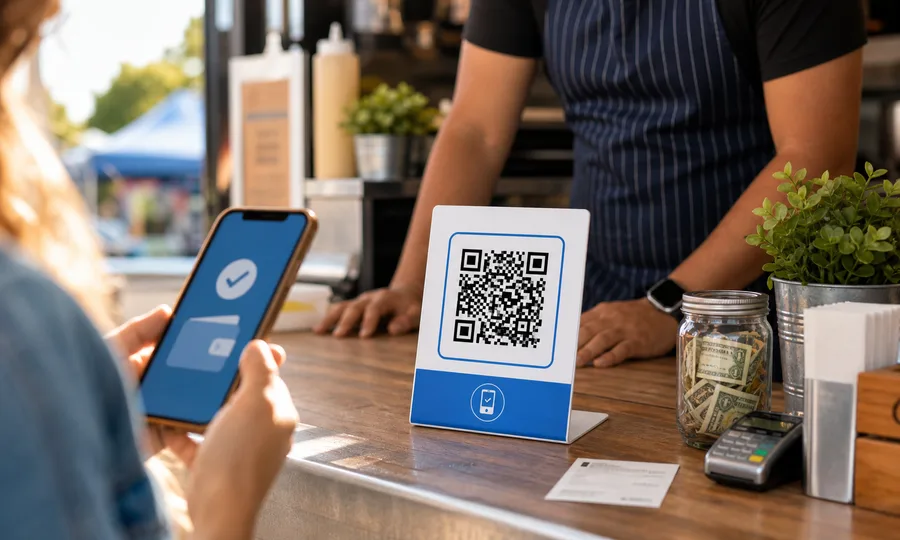
Venmo QR code
A scannable Venmo link so customers can pay you in seconds, tracked per placement.
Create free QR code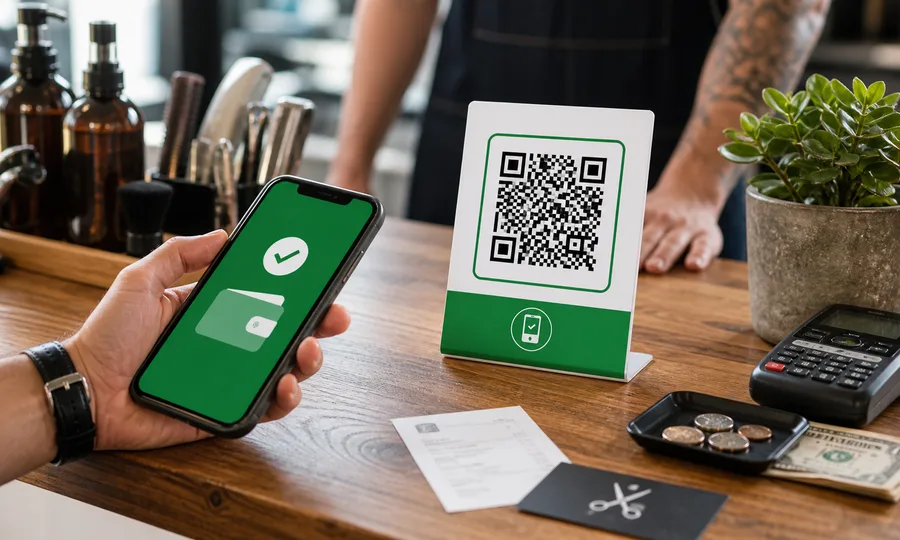
Cash App QR code
Turn your $Cashtag into a scannable code customers can pay on the spot, tracked per placement.
Create free QR codeRead more
Practical guides from the Scanlo blog on making your coffee shops work harder.
QR Code Tip Jar Sign: What to Print, and Where to Put It
A tip sign that points at one app only works for people who have that app. Here is what to put behind the code, what to write on the card, and how to tell whether the spot you chose is doing anything.
When to Ask for a Review: Before the Customer Walks Out
Some jobs cost more to bill than they earn. Doing them for free and asking for a review can pay better, as long as the favor is not the price of the review and the ask happens before the customer leaves.
How to Create a Square QR Code for Payments and Bookings
Square hands you a QR code in three different places, and they are three different codes. Here is how to create each one, what Square reports about them, and what it does not.
One sign at the pickup counter, tips and reviews from the wait
Set it up in a few minutes with the links you already have, and let the scans tell you which spot in the shop people actually use.
- No card to start
- Printed codes never stop working
- Edit links without reprinting