When to Ask for a Review: Before the Customer Walks Out
· Peter Bednarek
Contents
Quick answer
Ask for a review while the customer is still in front of you, at the moment the job is visibly done. Once they walk out, the odds drop: they forget, get distracted, or decide it can wait. A QR code on the counter or the receipt lets them open the review form right there. If you did a small job for free, keep the favor separate from the ask: the free job is not the price of a review.
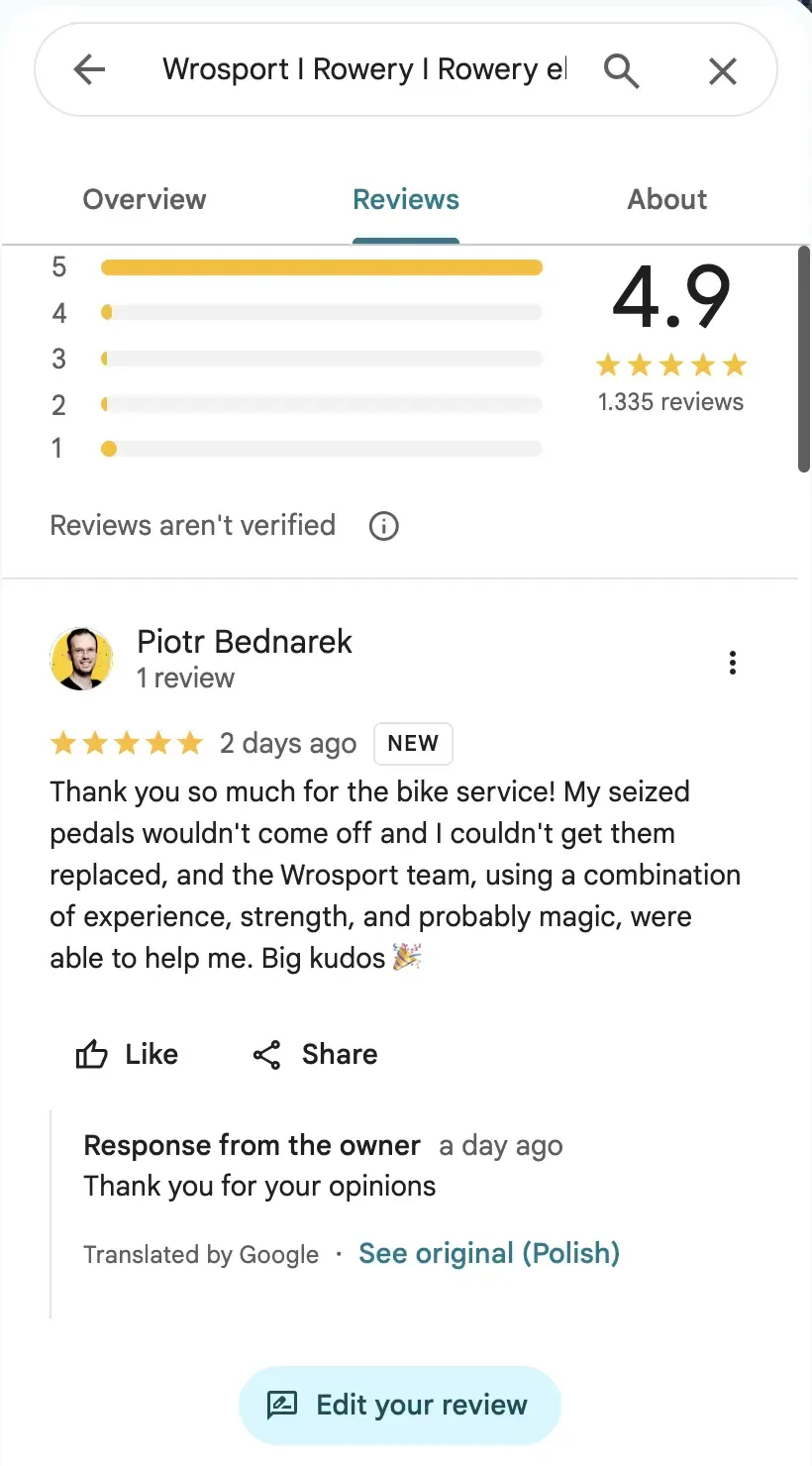
A few days ago I took my bike into a shop with a problem I could not fix myself: two pedals seized so hard into the cranks that no amount of leverage in my hallway would move them.
It was about an hour before closing and the shop was empty. One of the mechanics took the bike, spent maybe fifteen minutes with the right tools and a lot of force, and handed it back with new pedals on. Then came the part I did not expect. He said he was not even sure how he would ring that up, or whether the system had a line item for it, so there was nothing to pay. If I wanted, I could leave them a review on Google.
I walked out delighted. Good work, done fast, and free. As a customer, it was close to a perfect experience.
As someone who builds review tools, I noticed something else on the way home. The shop had done everything right and then let the best moment walk out the door.
The $10 job that costs more to bill than it earns
Start with the decision the mechanic made, because it was smarter than it looks.
Say the honest price for that job is $10. Here is roughly what the shop actually keeps if it charges it:
On a $10 card payment | |
|---|---|
Card processing (typically about 3% plus a fixed fee per transaction) | roughly $0.40 to $0.60 gone |
Sales tax, where it applies | collected for the state, never the shop's |
Income tax on what is left | another cut, depending on the business |
Finding or inventing a line item in the POS | a few minutes of an employee's time |
The small awkwardness of billing for a favor | hard to price, but real |
What remains is somewhere around six or seven dollars, minus the time spent collecting it. That is not nothing, but it is close to nothing, and the job happened in an idle hour when that mechanic's time had no other use.
Now put the alternative next to it. A review is not a one-off payment. It sits on your profile for years, it feeds the star rating shown next to your name in search and maps, and it is one of the things an AI assistant reads when somebody asks whether your shop is any good.
The best-known attempt to put a number on this is Michael Luca's research at Harvard Business School, which found that a one-star increase in a restaurant's Yelp rating was associated with a 5 to 9 percent increase in revenue for independent restaurants. One review does not move you a full star, and a bike shop is not a Seattle restaurant. But the direction is clear, and the effect of each review is largest when you have few of them.
So the trade is six dollars today against a small, permanent asset. For a quick job, done in a quiet moment, by someone who does it well, the free option often wins.
The line you must not cross: the favor is not the price
This is where the idea can go wrong, so be precise about it.
Google does not allow reviews bought with free goods or services. Its policy for Maps content treats reviews incentivized by a business, including in exchange for discounts or free services, as prohibited. Trustpilot bans incentives connected to a review, freebies included, and also bans picking and choosing which customers you invite. In the US, the FTC's Consumer Reviews and Testimonials Rule bans incentives conditioned on a review's sentiment.
The free job is fine. Making it conditional is not. The difference is one sentence:
Don't: "No charge, just leave us a five-star review."
Don't: "It's free if you review us."
Do: "No charge for that one." Full stop. Then, separately, the same line every customer hears: "If you ever want to tell people how we did, the code is right there."
Two rules keep you on the right side:
Decide the job is free before you mention a review. The customer owes you nothing either way, and should know it.
Ask everyone, not just the people you did a favor for. The ask belongs to every customer who passes the counter, paying or not. Asking only the delighted ones is exactly the cherry-picking Trustpilot prohibits, and it gives you a rating that lies to you about how you are doing.
Get those two right and there is nothing to hide. You did a small job for free because billing it made no sense, and you asked for a review the way you ask everybody.
The half step the shop skipped
Back to my bike. The mechanic asked for a review, which most people never do. But the ask was verbal, and a verbal ask has to survive the trip home.
Think about what happens between the counter and the couch:
You forget. Not out of ingratitude. Something else happens first.
You get distracted. You unlock your phone to write the review and a message is waiting.
You cool down. The glow of "that was great and it was free" fades by the evening, and "I'll do it later" quietly becomes never.
I did leave that review. But I left it later, at home, and I am in the business of thinking about reviews. Plenty of equally happy customers would not have. Every shop that asks this way loses some share of its most satisfied customers to the walk home, and it never finds out how many.
The fix is half a step: give the customer a way to open the review form before they leave. Not to write it under your gaze, which is awkward for everyone, but to have it open on their phone while the goodwill is at its peak. A form that is already open is a lot easier to finish than one you have to go looking for.
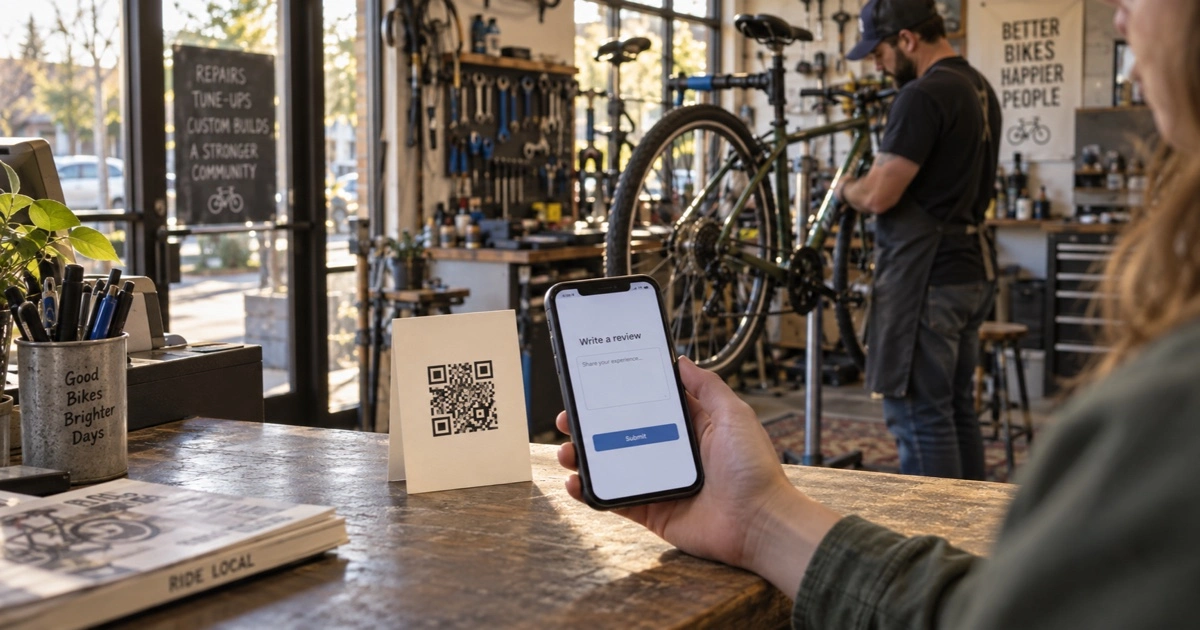
That is what a QR code at the counter does. The customer points their camera at it, the write-a-review form opens, and the hardest step, starting, is already done.
Where the code goes when the job is quick
Quick jobs and walk-in fixes have their own geography. The customer is standing at the counter or the workbench, holding the thing you just fixed. Put the code where their eyes already are.
On the counter, next to the register. Where every customer finishes, paid or free. A small stand or card is enough.
On the receipt, even a $0 one. If your POS can print a zero-value receipt, print one. It records the job, it is something to hand over, and the review code rides along at the bottom.
On the work ticket or tag. Shops that tag items for repair (bikes, shoes, phones, alterations) can print the code on the tag that goes back with the item.
On the workbench or the pickup shelf. Where the customer waits for the last minute of the job, which is exactly when they are watching you do good work.
Whatever the spot, point the code at the page where people write a review, not the one where they read them:
Google: in your Google Business Profile, choose "Ask for reviews" and copy the short review link. It opens the review form directly.
Trustpilot: use
trustpilot.com/evaluate/yourdomain.com, which opens the write-a-review form instead of your profile.
Every tap between the scan and the stars costs you reviews. These two links remove the biggest one.
And keep the words next to the code plain. "Tell us how we did" is enough. No stars printed on the card, no "leave us 5 stars", no promise attached.
Find out whether the counter is doing the work
Once the code is out there, one question is worth answering: is it working?
Make a separate tracked code for each spot, all pointing at the same review link, and name them by where they live: counter, receipt, work-tag. Each scan is logged against the code that produced it, so after a few weeks you know which spot customers actually use. If the receipt code gets scanned three times as often as the counter card, you know where the ask belongs.
One honest limit: we count scans, not reviews. Neither Google nor Trustpilot tells anyone which invitation produced which review. A scan tells you someone opened the form, which is the closest measurable proxy there is. Put that next to the new-review count in your Google Business Profile or Trustpilot account each week, and you will see quickly whether the half step is paying.
Scan totals and 30-day history are on the free plan, which is enough to test one spot. Comparing spots side by side is part of Standard.
If you collect reviews in more than one place, do not print two codes next to each other. A review hub is one code that opens a short page with a button per platform, so the customer picks the one they already use.
👉 Create a free Google review QR code with Scanlo 👈
Frequently Asked Questions
When is the best time to ask for a review?
Right after the job is visibly done, while the customer is still with you. The meal is eaten, the bike is fixed, the parcel is open. Waiting until later means the customer has to remember and reconstruct how they felt, and many never do.
Is it okay to do a job for free and ask for a review?
Yes, as long as the free job is not conditional on the review. Decide it is free first and say so. Then ask for a review the same way you ask every customer. Google, Trustpilot and, for sentiment-based incentives, the FTC all prohibit offering something in exchange for a review.
Can I offer a discount or a freebie in exchange for a review?
No. Google treats reviews incentivized with discounts or free goods and services as prohibited, and Trustpilot bans incentives connected to reviews. In the US, the FTC's Consumer Reviews and Testimonials Rule also bans incentives conditioned on the sentiment of a review.
Should I only ask happy customers for reviews?
No. Trustpilot explicitly prohibits inviting only customers you know had a positive experience, and it skews your rating in a way that hides real problems. Put the ask somewhere every customer passes, like the counter or the receipt.
What link should my review QR code point at?
The page where people write a review. For Google, the short review link from "Ask for reviews" in your Google Business Profile. For Trustpilot, trustpilot.com/evaluate/yourdomain.com. Your profile page is for reading reviews and adds a step.
Should I charge for small jobs?
It depends on the job and the moment. After card fees, taxes and the time it takes to ring it up, a $10 job often nets a lot less than $10. When the job is quick, the shop is quiet and the work is good, doing it free and asking for a review (the same way you ask everyone) can be worth more over time than the few dollars you would keep.
What happens to my printed codes if I stop paying for Scanlo?
They keep working. A printed Scanlo code keeps redirecting forever, on any plan, and scans keep being logged after a downgrade or a cancellation. Only editing is locked.
Bottom line
Some jobs are too small to bill. Doing them free is not charity; it is often the better trade, because a review keeps working long after six dollars is spent. Just keep the favor and the ask separate, and ask everyone, not only the people you helped for free.
Then take the half step most shops skip. The happiest moment your customer will have is at your counter, not at home that evening. Put a code where they are standing, and let them open the review before they walk out the door.
👉 Create a free Google review QR code with Scanlo 👈
Related reading: how to get more Trustpilot reviews, the fair way if Trustpilot is your platform, and one QR code for every review site if you collect on more than one.
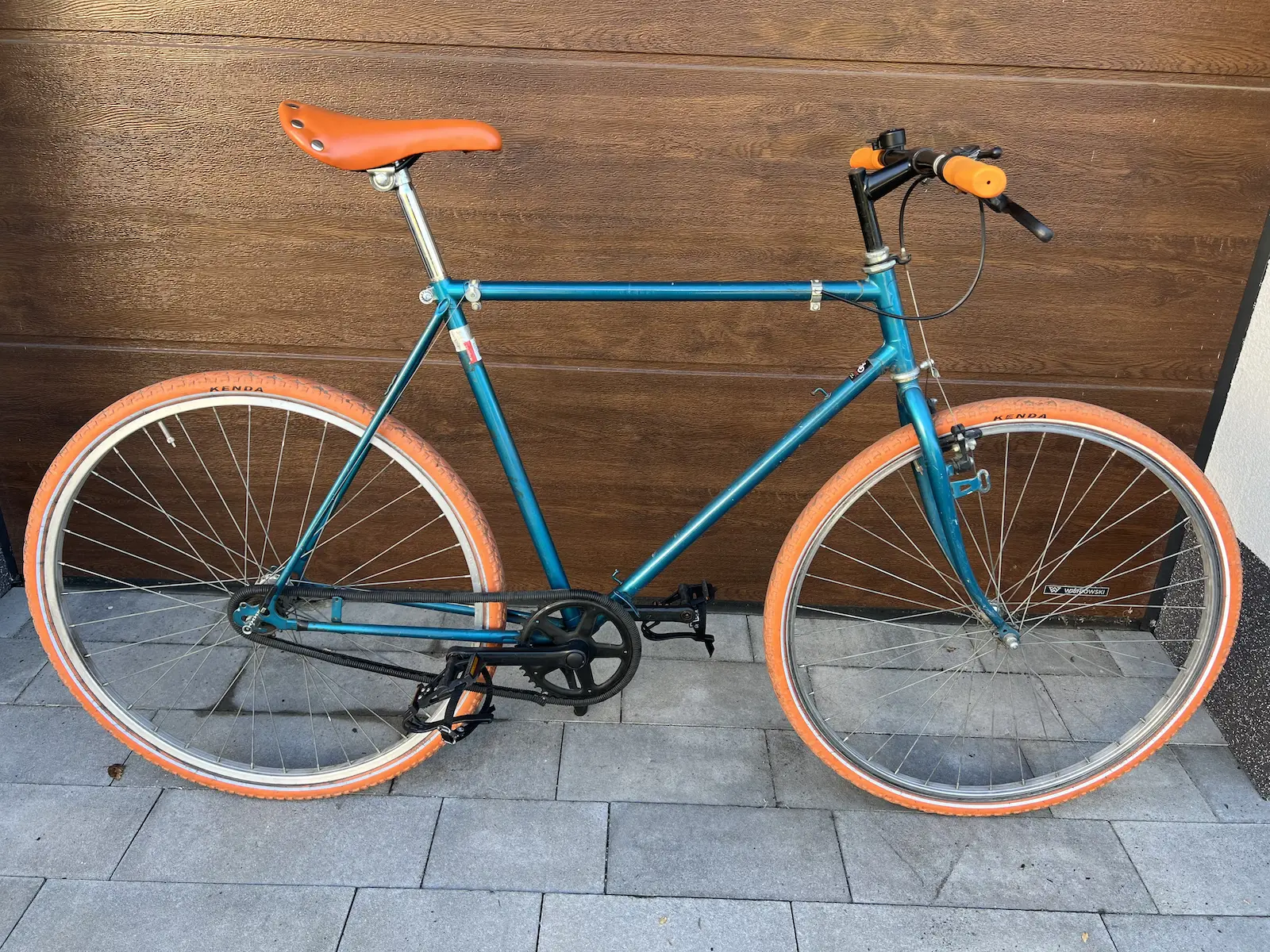
Last but not least - here's a picture of my bike with those brand-new shiny pedals 🚲