
A tip jar your customers can scan
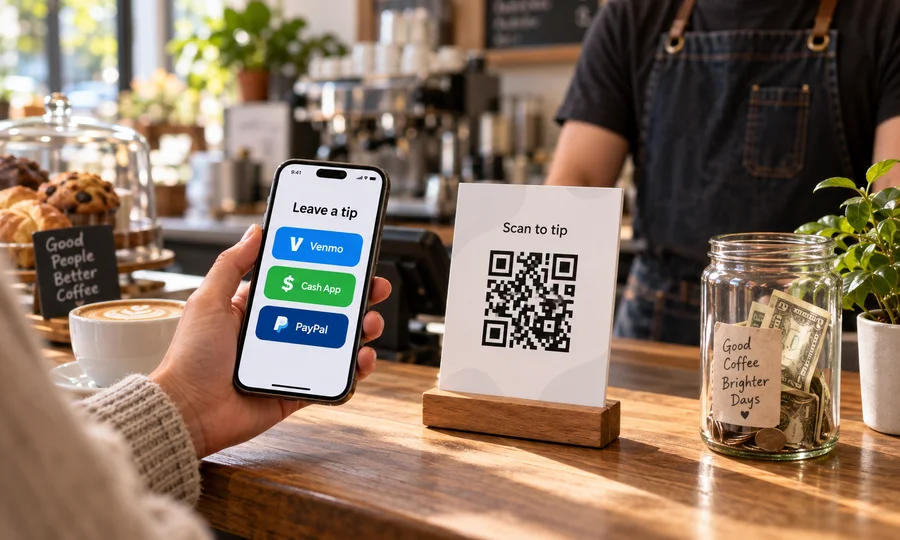
Nobody carries cash. Put Venmo, Cash App, PayPal and card on one code by the register, in the case or on the stage, and let people tip with whatever is already on their phone.
Free account, no card. One hub with two tip methods on the free plan.
How it works
Create a free account and paste the links you already use: Venmo, Cash App, PayPal, Zelle or a Square link.
Download one QR code as PNG, SVG or PDF.
Print it for the counter, the tip jar, the guitar case or the back of the check.
People scan once and tap the app they already have, and you see which one they use.
Questions
- How do I make a QR code for tips?
- Paste the tip links you already use into a Scanlo tip hub and download one QR code. Customers scan it, see your options, and tap the app they already have. There is no new payment processor to sign up for and Scanlo never touches the money.
- Which apps can I put on a tip QR code?
- Venmo, Cash App, PayPal, Zelle and a card checkout via a Square or Stripe link, plus any other link on the Standard plan. Most people put two or three, because the point is to match whatever the person in front of you already has installed.
- Why not just print my Venmo QR code?
- Because it only works for people with Venmo, and it tells you nothing. A Venmo code printed on a sign is static: you cannot add Cash App later without reprinting, you cannot repoint it if you change your handle, and no number ever tells you whether anyone scanned it.
- Can each staff member have their own tip code?
- Yes, on the Standard plan, which includes up to 10 hubs. Each person gets their own code and their own links, and each code counts its own scans, so a shared jar and an individual code are separate numbers rather than a guess.
- Can I change the apps after printing?
- Yes. The printed QR points at a page you control, so you can add or remove a method or swap a handle without reprinting. A printed Scanlo code keeps redirecting forever, on any plan.
- Is it free?
- The free plan includes one hub with two tip methods, scan totals and 30-day history, with no card required. Standard adds up to 10 hubs with up to 10 links each, the per-method breakdown and 90-day history.
Read more
Practical guides from the Scanlo blog on making your tip jar qr code work harder.
A tip jar that works when nobody has cash
One code, the apps your customers already use, and a number at the end of the week telling you it is being scanned.
More QR tools
Taking payment rather than tips? Each tool does one job, with a single destination per code.
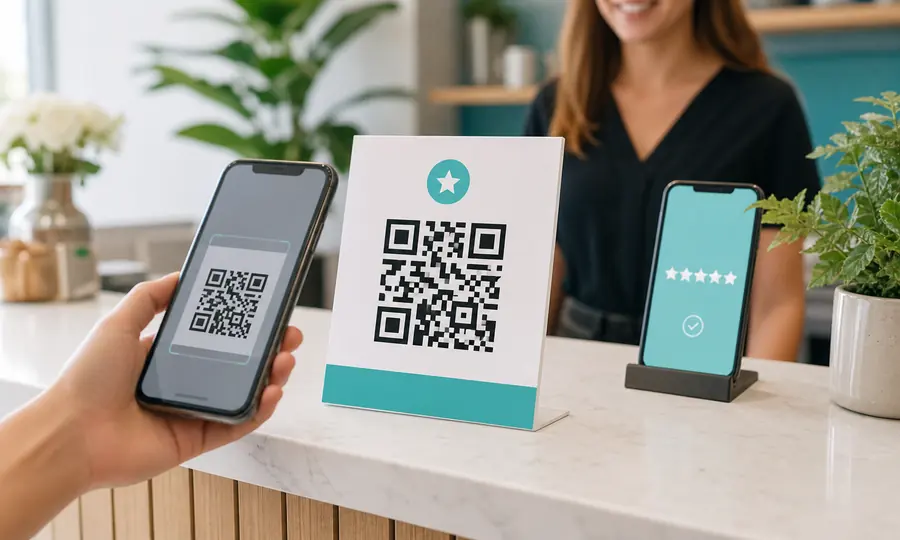
Google review QR code
Send customers straight to your Google review form, and see which placement earns the most reviews.
Create free QR code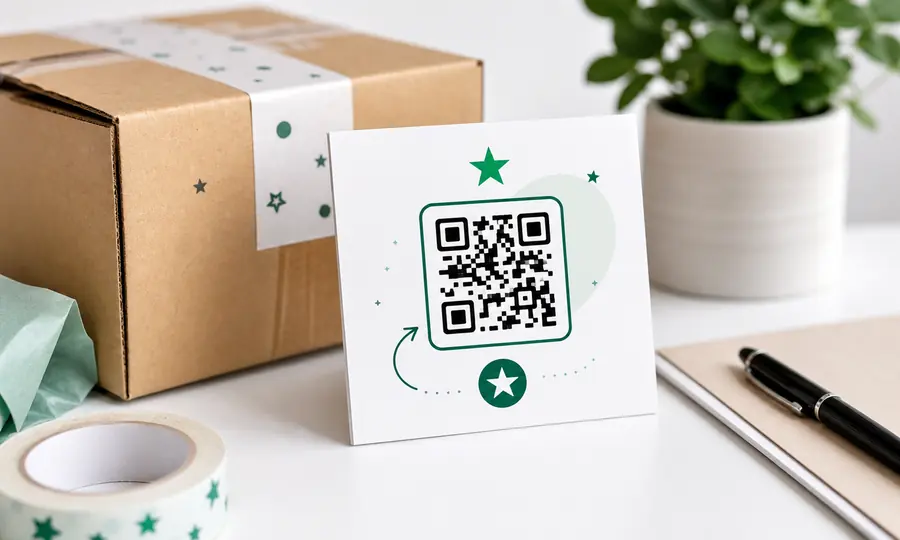
Trustpilot review QR code
Turn happy customers into Trustpilot reviews with a scannable link to your review form.
Create free QR code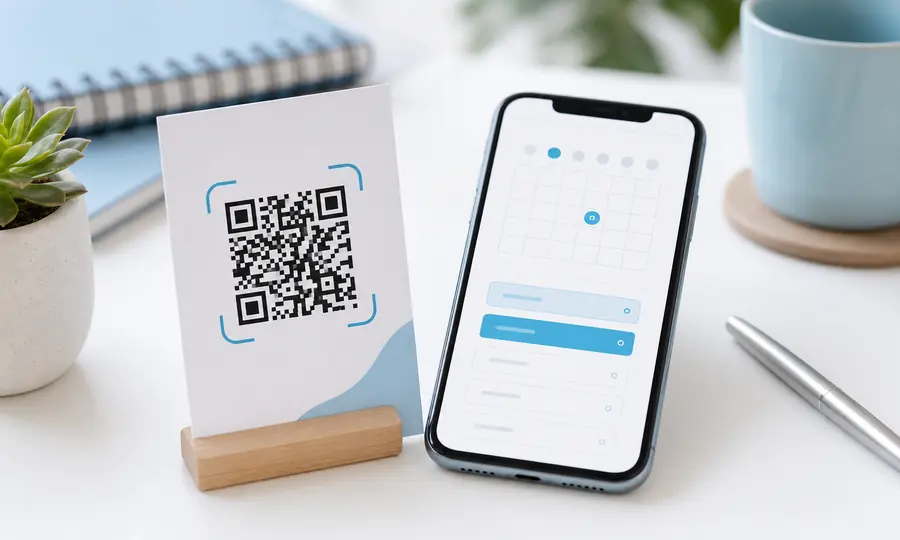
Calendly QR code
Let people book a slot the moment they see your card, flyer or door sticker.
Create free QR code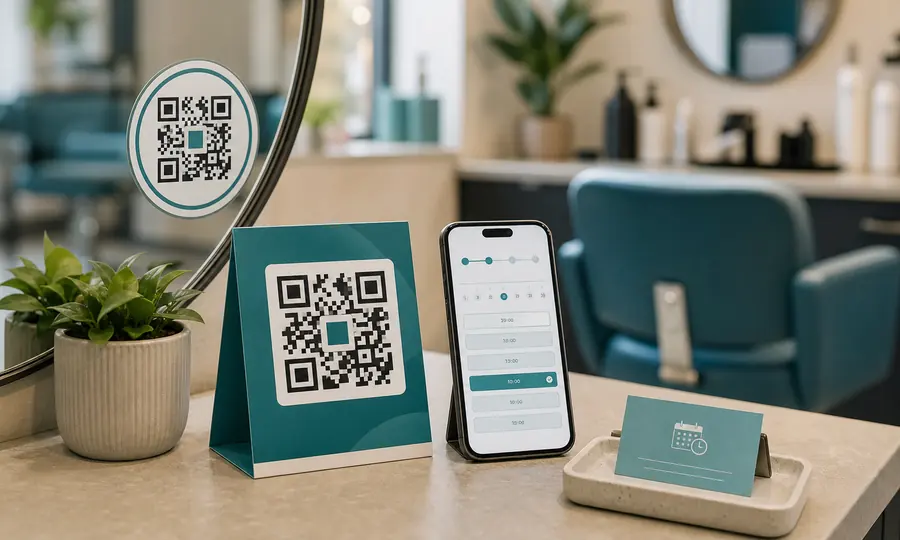
Booking page QR code
Booksy, Fresha, Setmore or your own site: one scan takes customers to your booking page.
Create free QR code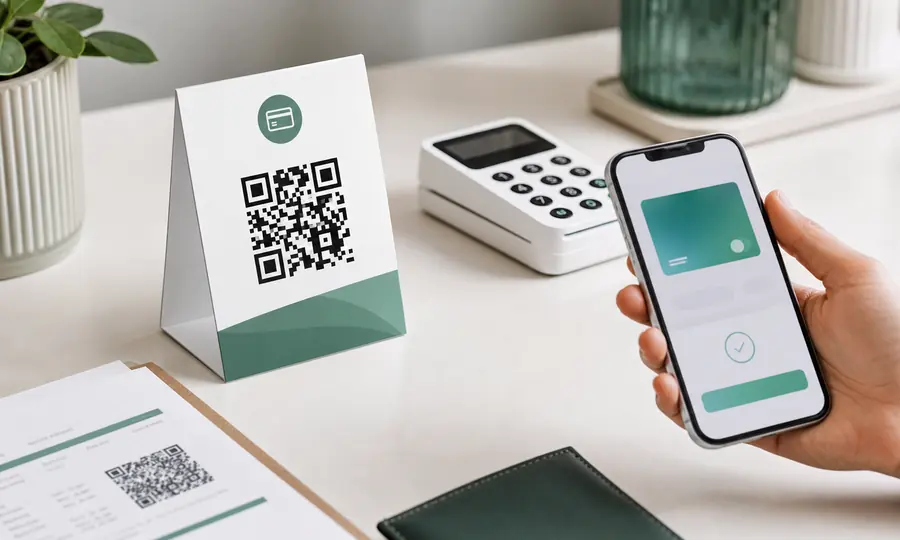
Stripe payment QR code
Turn a Stripe payment link into a scannable code customers can pay on the spot.
Create free QR code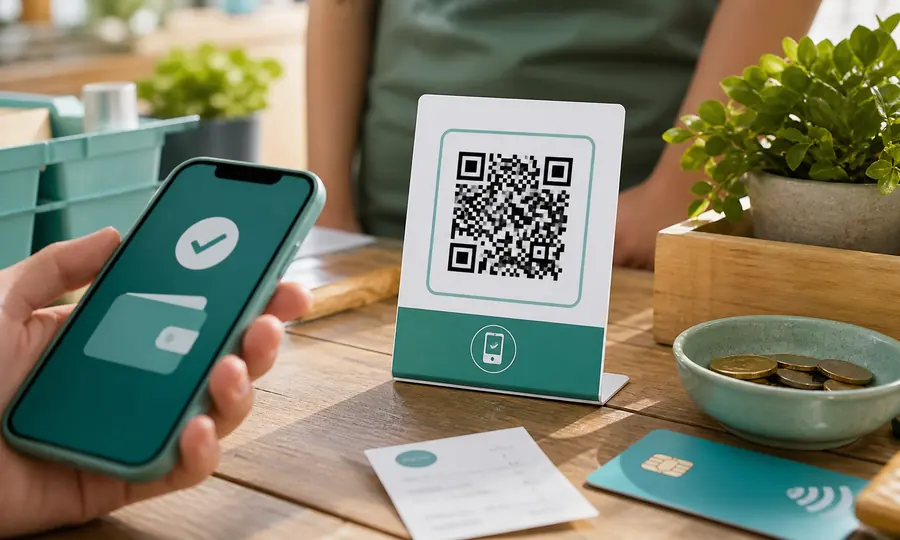
PayPal QR code
A scannable PayPal.Me link so customers can pay you in seconds, tracked per placement.
Create free QR code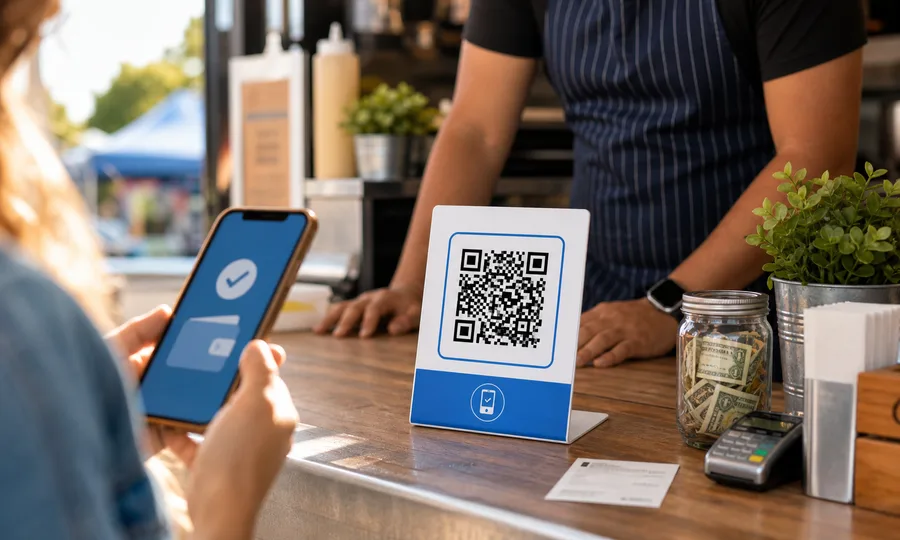
Venmo QR code
A scannable Venmo link so customers can pay you in seconds, tracked per placement.
Create free QR code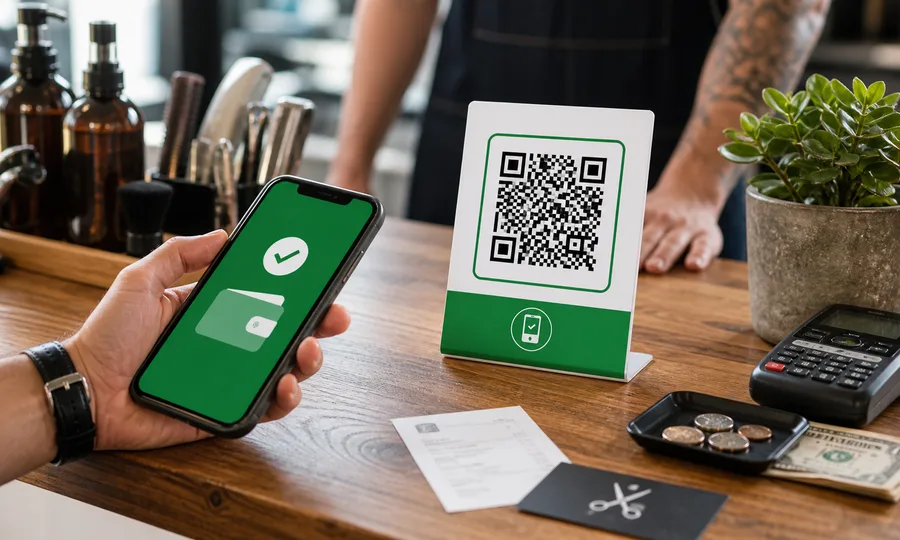
Cash App QR code
Turn your $Cashtag into a scannable code customers can pay on the spot, tracked per placement.
Create free QR code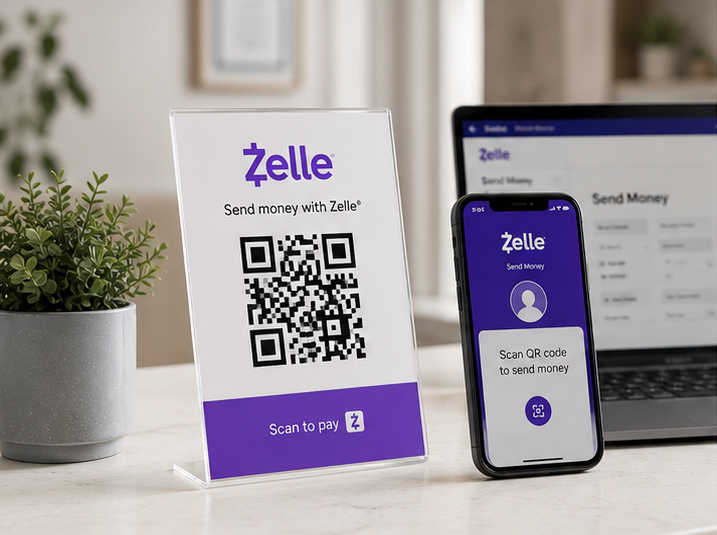
Zelle QR code
Your bank app’s Zelle QR code, turned into a printable one you can track and re-point later.
Create free QR code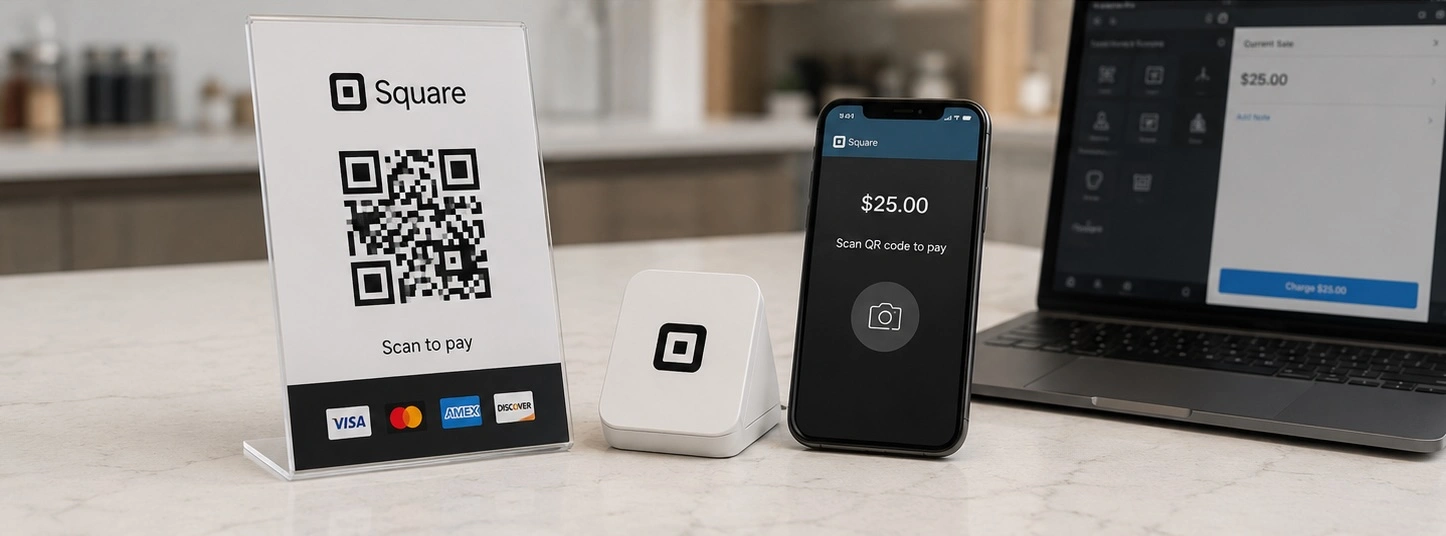
Square QR code
Turn a Square checkout link, online store or invoice into a scannable code, tracked per placement.
Create free QR code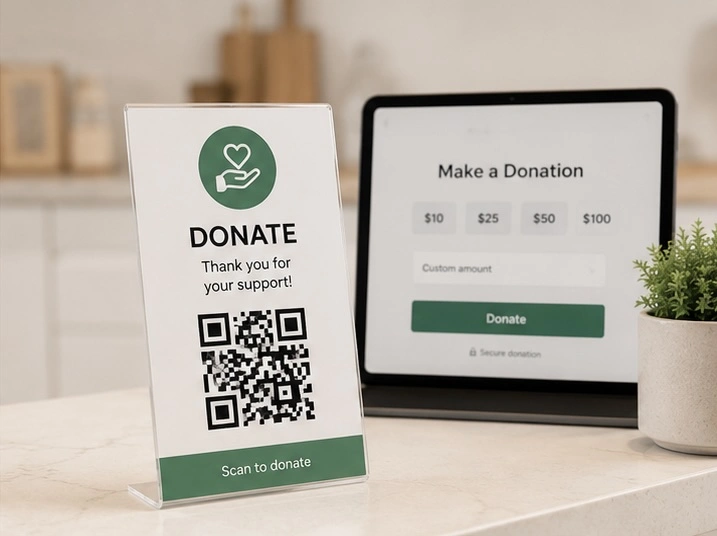
Donation QR code
One scan takes people to your giving page, and you see which door, table or noticeboard actually brought donations in.
Create free QR code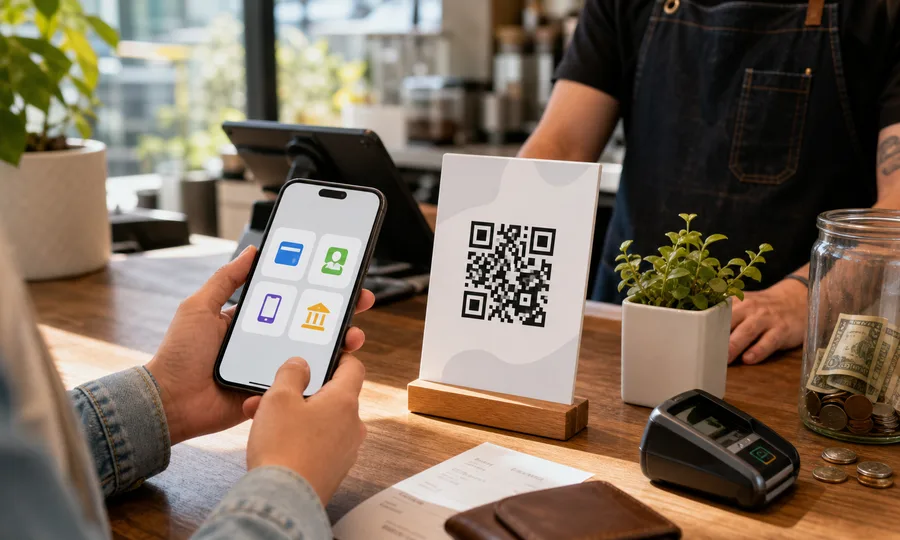
Multiple payment methods QR code
One QR code with PayPal, Venmo, Cash App and card. Customers scan once and pick how to pay, and you see which method wins.
Create free QR code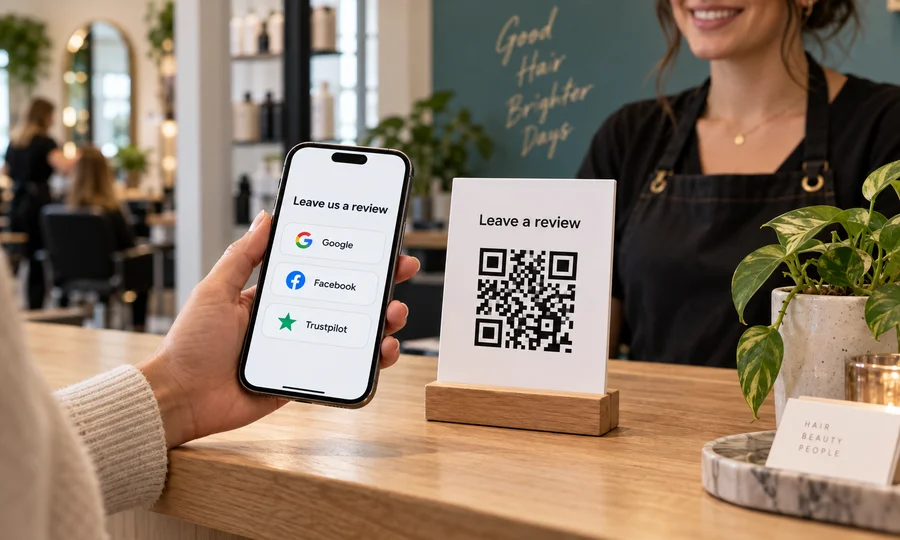
Multiple review sites QR code
One QR code with Google, Facebook, Trustpilot, Yelp and BBB. Customers scan once and pick where to review you.
Create free QR code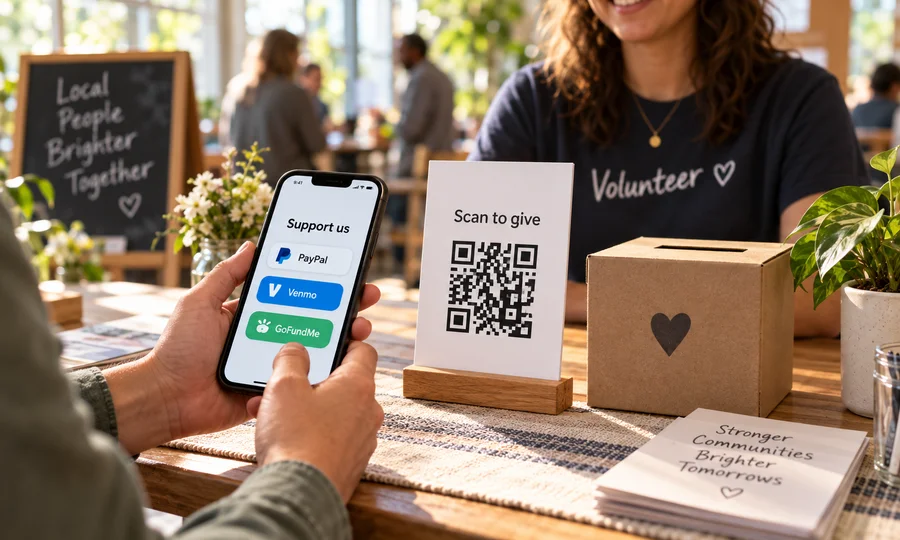
Multiple donation methods QR code
One QR code for giving. PayPal, Venmo, Cash App, card or GoFundMe on a single page you can edit anytime.
Create free QR code