
Best QR Code Generators for Accepting Venmo Payments (2026)
· Updated · Scanlo Team

Contents
- How we compared these tools
- Static vs dynamic: the choice that decides everything
- The Venmo in-app QR is not the same as a print-ready code
- Quick comparison
- 1. Scanlo - trackable Venmo QR codes
- 2. Venmo's built-in QR code - native and zero setup
- 3. QR Tiger - a full dynamic QR platform
- 4. Bitly (QR Code Generator) - for teams already using Bitly
- 5. QR Code Monkey - the best free static option
- 6. Canva - the best for a branded code
- What no QR code roundup tells you about Venmo codes
- How to make a trackable Venmo QR code
- How to switch without reprinting everything
- Which should you choose?
- Frequently Asked Questions
- Bottom line
Quick answer
For Venmo payments, the best QR generator depends on tracking after print. Venmo's in-app QR is fine phone-to-phone, but static and hard to share. A redirect tool like Scanlo builds a dynamic code from your venmo.com/u/username link that any camera reads, you can edit anytime, and whose scans you compare by placement. Six options below.
Search "QR code generator for Venmo" and you get a wall of tools that all look the same. They are not, and for a business the difference that matters is invisible in the screenshots: whether the code is static or dynamic, and whether it is built from your public profile link or from the image sitting inside the Venmo app. Get that wrong and the QR on your stall, tip jar, website or invoice either dies the day your details change, or never tells you whether anyone scanned it.
This comparison cuts through it. We looked at six tools a business actually considers when it wants customers to pay by Venmo with a scan, scored them on what matters for getting paid rather than generic design features, and we are upfront about the trade-off most roundups bury.
How we compared these tools
A QR code for payments has a different job than a QR code on a poster. We weighted the comparison toward what affects getting paid and knowing whether it worked:
Trackable. Can you see how many people scanned the code, and ideally where and on what device? Venmo shows completed payments and activity, not scans.
Editable after printing or placing on a website. If your username, destination, or promo amount changes, does the printed code still work, or do you reprint everything?
Placement comparison. Can you run a separate code on the tip jar, the truck window, website, and the invoice, and tell which one pulled the most payments?
Easy to share and print. A lot of Venmo search demand is "how do I get / share my QR." The code has to leave the app cleanly: downloadable, printable, and readable by any phone camera.
Cost and honesty of pricing. Free static tools are genuinely free. Tracking sits behind a plan, and some "free" tools are really a funnel into expensive dynamic plans.
One thing we deliberately did not do: rank by feature count. The most feature-stuffed platform is rarely the right tool for a small business that just wants to be paid.
Static vs dynamic: the choice that decides everything
Every tool here makes one of two kinds of code, and this is the single most important thing to understand before you print anything.
A static QR code has the destination baked into the image itself. When someone scans it, their phone reads the link directly off the printed pattern. It is free and works forever, but it can never change, and no one can tell you it was scanned. Venmo's built-in QR and free generators like QR Code Monkey produce static codes.
A dynamic QR code points at a short redirect URL that you control. The scan hits the redirect, gets logged, and is forwarded to your real Venmo page. Because the printed image only ever contains the redirect, you can change where it sends people at any time, and every scan is counted. This is what makes tracking and placement comparison possible, and it is the category Scanlo, Bitly, and QR Tiger sit in.
If your code will live on a printout you cannot easily replace, or you want to know whether it is working, you want a dynamic code. If it is a one-off you will throw away, static is fine.
The Venmo in-app QR is not the same as a print-ready code
There is a Venmo-specific trap worth calling out before the comparison. Venmo gives every account a personal QR inside the app (usually under the scan icon). It is perfect for holding up your phone so someone can scan it and pay you on the spot. The problem starts when people treat that screen as a finished business asset.
That in-app code is static. You cannot see how many people scanned it, you cannot point it somewhere else later, and getting a clean, high-resolution file out of the app for a flyer or website is awkward. Most of the people searching "how to get a Venmo QR code" or "how to share my Venmo QR" are hitting exactly this wall: the code lives on a phone screen, not in a file they can put on a stall, a truck, an invoice, or a site.
The fix is to make your QR from your public profile link instead. Every Venmo account has a shareable page at venmo.com/u/YourUsername (an ordinary web address). A QR built from that link opens in any phone's camera, lands on your Venmo payment page, and works whether the person already has the app open or not. You can also attach amount and note parameters to that link so the customer sees a pre-filled total, which is useful for fixed tips, fixed-price items, or a set donation. Every generator below, including Scanlo, builds the code from that link rather than from a screenshot of the app.
If that code is going on a tip jar rather than a stall or an invoice, the placement and the wording beside it are a separate job: here is what a tip jar QR code sign should say and where to put it.
Quick comparison
Tool | Type | Trackable | Editable after print | Best for | Price |
|---|---|---|---|---|---|
Scanlo | Dynamic | Yes | Yes | Tracking and comparing Venmo QR placements | Free, paid from $9/mo |
Venmo in-app QR | Static | No | No | Scanning phone-to-phone in person | Free (business fees may apply) |
QR Tiger | Dynamic | Yes | Yes | A full QR platform with many code types | Paid plans, free trial |
Bitly (QR Code Generator) | Dynamic | Yes | Yes | Teams already using Bitly | Freemium, tracking on paid |
QR Code Monkey | Static | No | No | A free, one-off static code | Free |
Canva | Static | No | No | A branded, designed code | Free or Pro |
Prices and limits change. Verify the current figures on each provider's site before you commit.
1. Scanlo - trackable Venmo QR codes
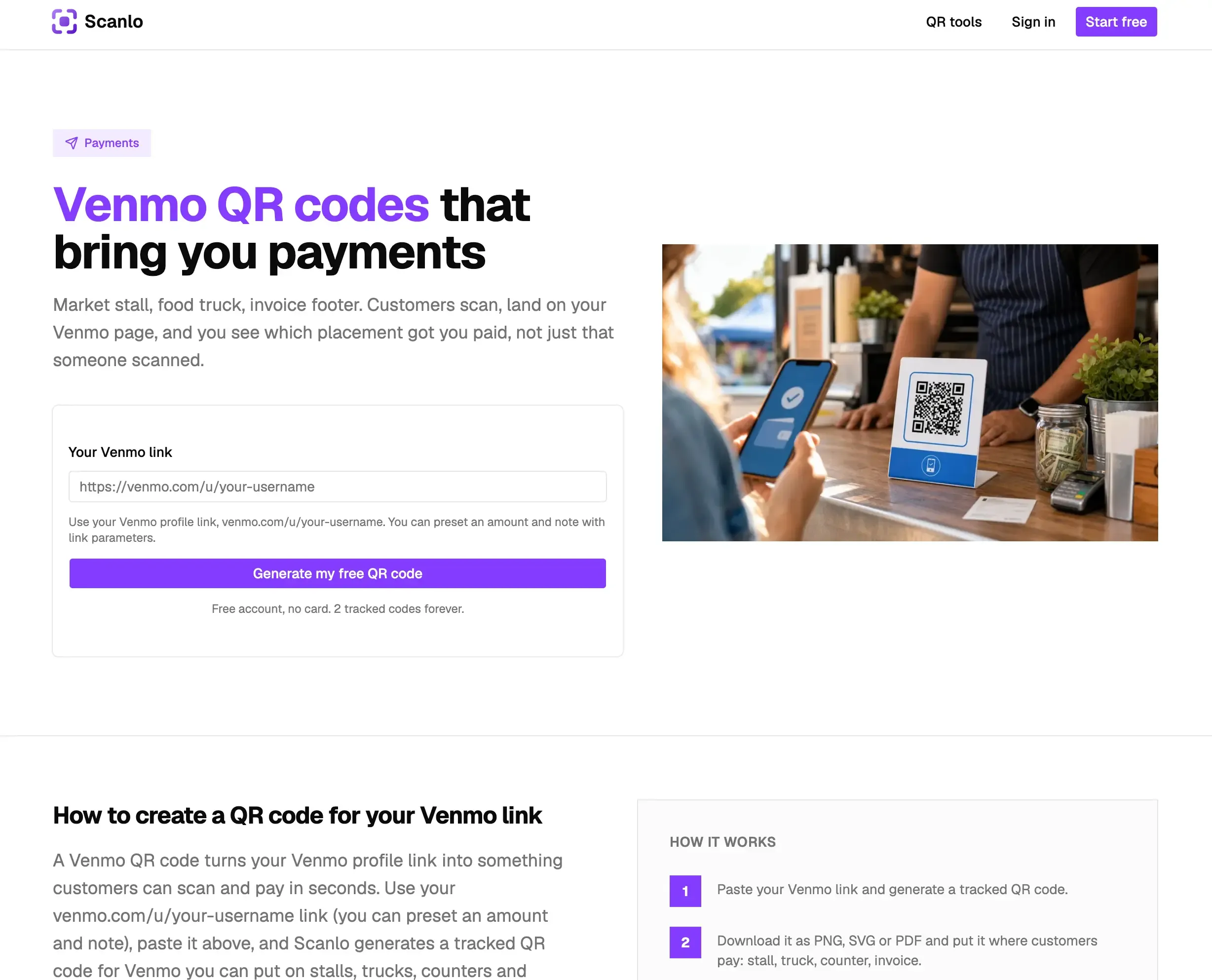
Scanlo is a dynamic QR built specifically around the question other tools ignore: is this code actually working? It makes a QR that redirects to your venmo.com/u/username page and logs every scan, so you see how many people scanned, when, and from which device and country.
What it does well. Because it is built from your profile link, it scans with any phone camera and is easy to download as PNG, SVG, or PDF for print or a website embed. The destination is editable forever, so a printed code never dies even if you change your username, switch to a business profile, or run a seasonal amount through the same code. You can create a separate code per placement (tip jar, food truck window, counter card, invoice footer) and compare them side by side, which is the only honest way to learn where your QR earns its space. If your Venmo link already carries a pre-filled amount or note, paste that full link as the destination and the QR carries it through.
What is missing. Scanlo is a tracking and redirect layer, not a payment processor and not a design suite. Venmo still handles the money, and if you want a heavily designed code you will style it elsewhere. It is focused on the service-business use case rather than enterprise QR fleets.
Pricing. The free plan covers up to two tracked codes with 30 days of history, which is enough to compare two placements. Paid starts at $9/month billed yearly (or $18/month) and adds more codes, longer history, full analytics including country and device breakdowns, and removes Scanlo branding. A printed code keeps redirecting even if you downgrade or cancel; only the depth of reporting is gated.
Choose Scanlo if you want to know whether your Venmo QR is working and which placement performs best, without paying enterprise prices for a single payment code.
👉 Start a free Scanlo account and generate your Venmo QR Code 👈
2. Venmo's built-in QR code - native and zero setup
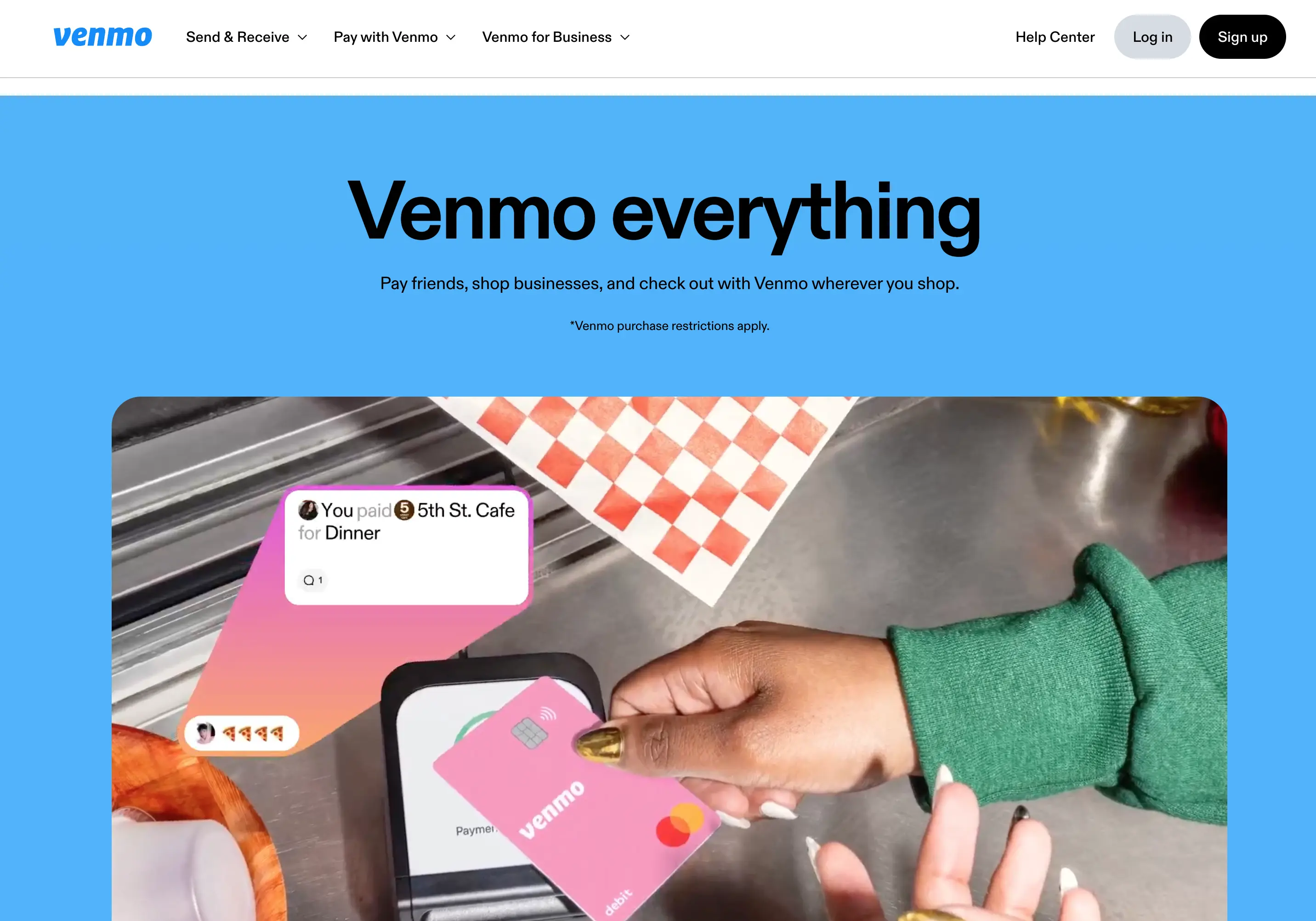
Venmo generates a personal QR code inside its own app, and for many sellers this is the obvious starting point. The money flows through Venmo with nothing in between, and there is nothing extra to sign up for.
What it does well. It is genuinely free to generate and it is native, so no third party touches the transaction. Shown from your phone for a customer to scan on the spot, it works well for quick, face-to-face payments at a market or between friends.
What is missing. It is static, so you cannot repoint it later, and Venmo gives you no scan analytics. You see payments that completed, but never how many people scanned and abandoned, and you cannot compare a tip jar code against a truck-window code because there is only one code. Getting a clean file for print or a website is clunky compared with generating from your profile link. Business and commercial payments may carry fees, so confirm Venmo's current rate before relying on it.
Choose Venmo's own QR if you are taking payment phone-to-phone in person and do not need to print, share as a file, track, or edit the code.
3. QR Tiger - a full dynamic QR platform
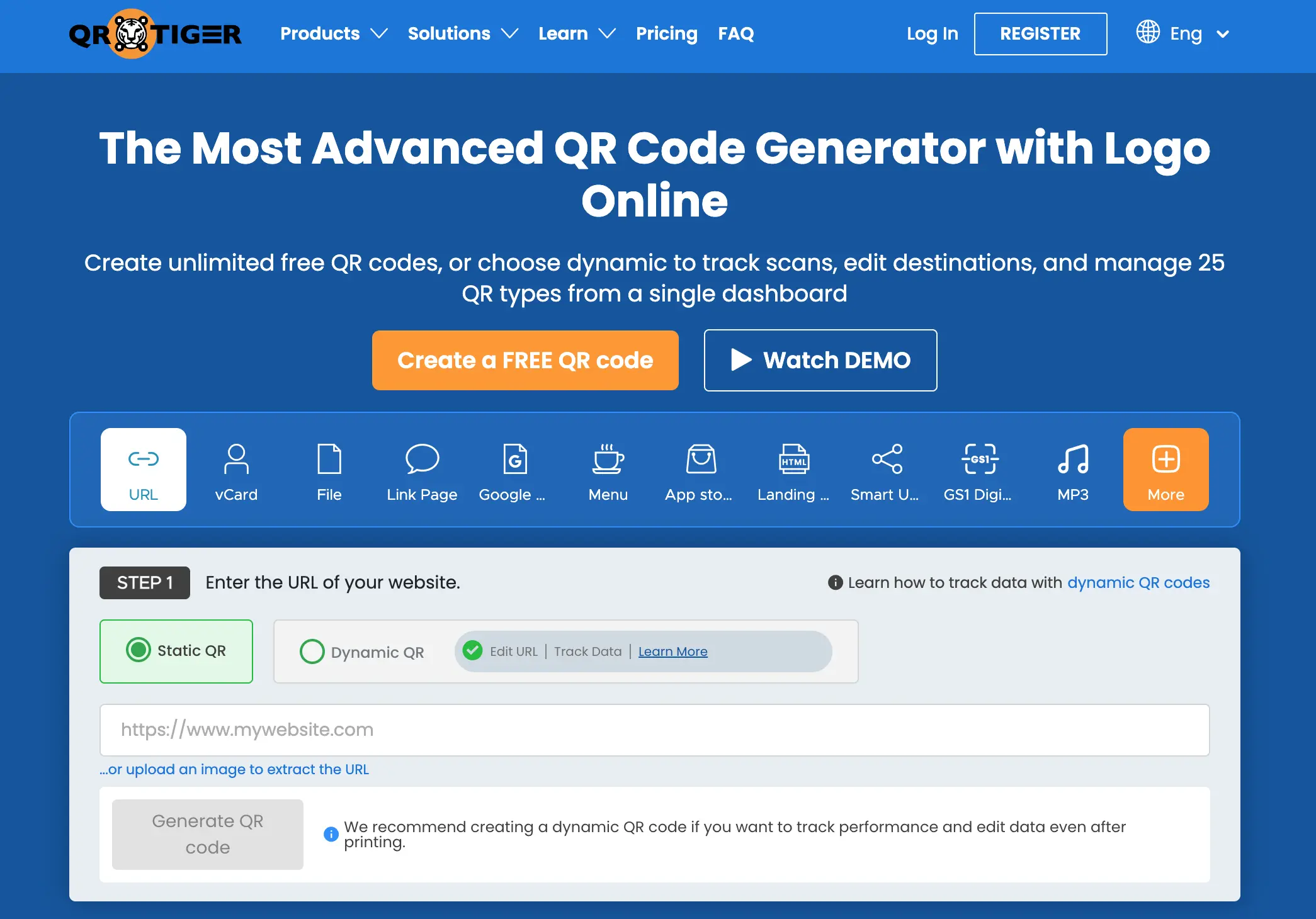
QR Tiger is a general-purpose dynamic QR platform with broad analytics, many QR code types, bulk generation, and integrations. It can point a tracked code at your Venmo profile link like any other URL.
What it does well. It is feature-rich, with scan analytics, design control, and integrations that suit marketers running varied QR campaigns, not just payments. If you already need QR codes for menus, links, and packaging as well as payments, consolidating on one platform can make sense.
What is missing. It is not built for Venmo payments specifically, so you are buying a broad toolkit to solve one narrow job. Pricing tiers and billing terms vary, and the cheapest plan can be capped on scans or codes. Verify the current plan limits before assuming the entry price covers what you need.
Choose QR Tiger if you want one general dynamic QR platform for many use cases, and payments are only one of them.
4. Bitly (QR Code Generator) - for teams already using Bitly
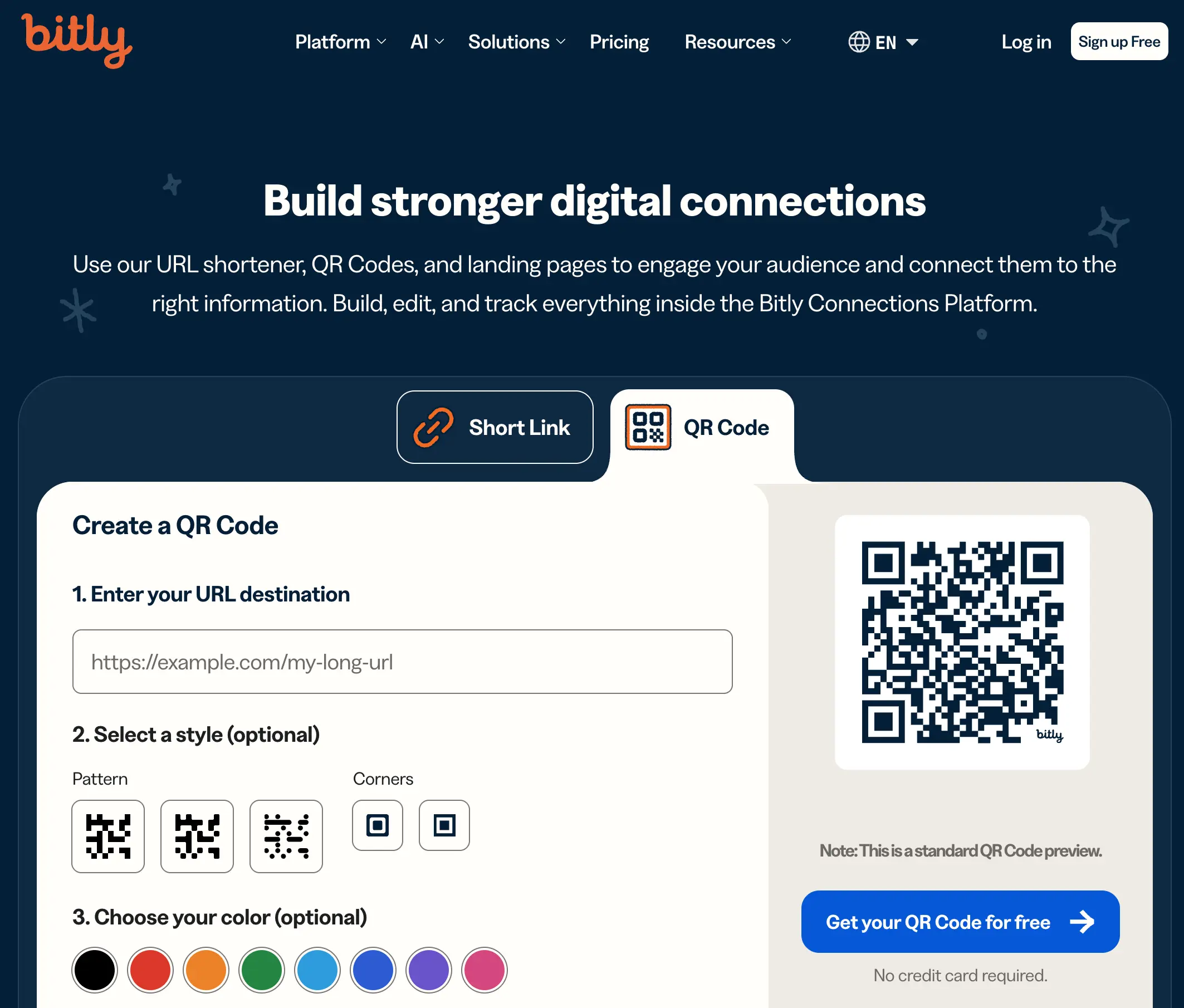
Bitly, the link shortener, includes a QR code generator that creates dynamic, trackable codes. A code can point at your Venmo profile link and report scans.
What it does well. If your team already pays for Bitly to manage short links, the QR feature is a natural extension with reporting you already understand, and the brand is well established.
What is missing. QR tracking generally sits on paid tiers, and for a business that only needs a payment code, paying for the wider Bitly platform can be more than the job requires. It is a link tool that added QR, not a payments-focused tool.
Choose Bitly if you are already invested in its ecosystem and want to keep everything in one dashboard.
5. QR Code Monkey - the best free static option
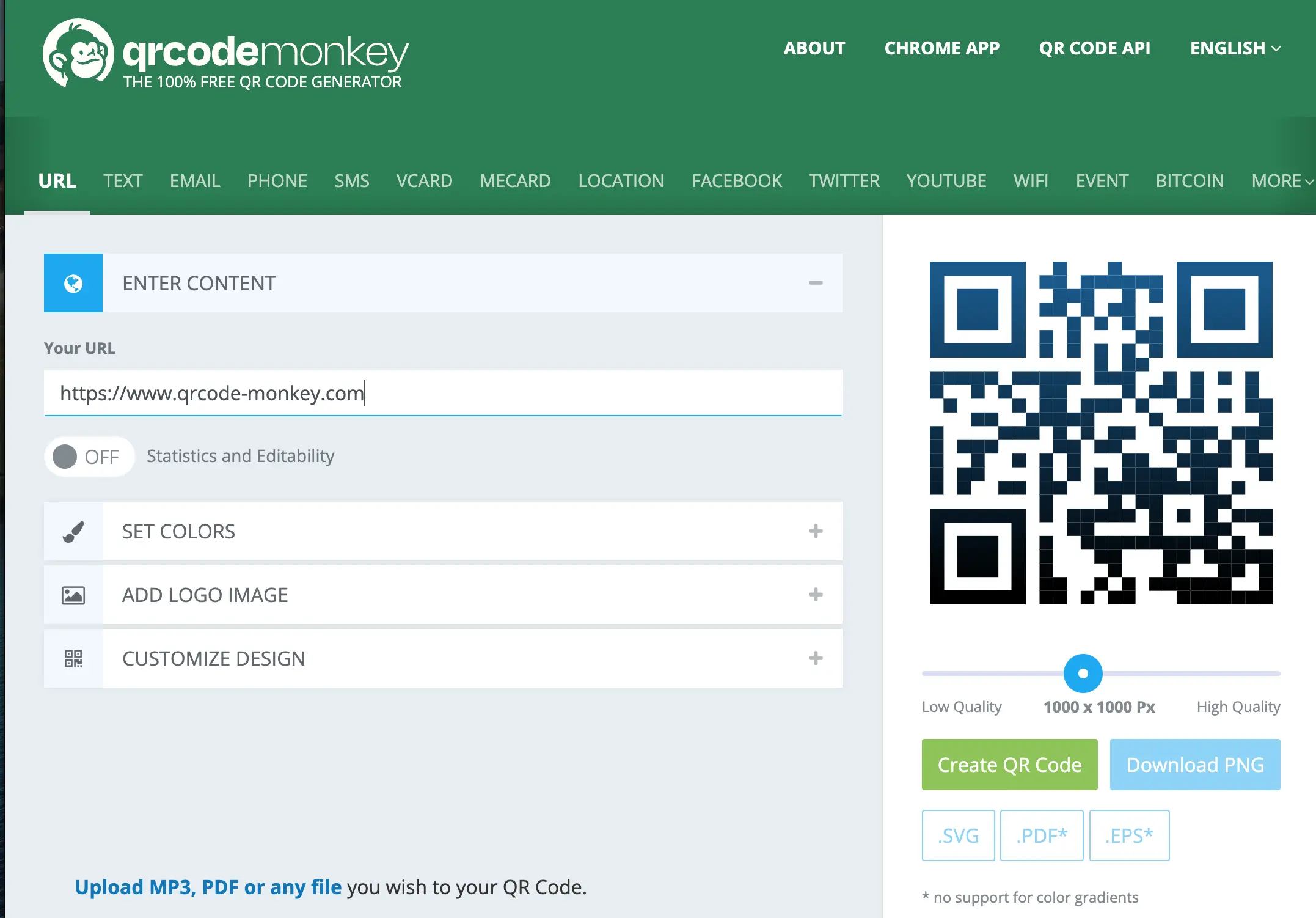
QR Code Monkey is a free generator with no account required and strong customization. Paste your venmo.com/u/YourUsername link, style the code with colors and a logo, and download a high-resolution image.
What it does well. It is free, fast, and produces clean, high-resolution codes with no sign-up. For a quick, one-time code you do not expect to change, it is hard to beat, and because it uses your profile link, it scans with any camera and is easy to drop into a flyer or website.
What is missing. The code is static, so there is no tracking and no editing once it is printed. Be aware that free static generators are often the front door to a paid dynamic platform; the free code is real, but the upsell is the business model.
Choose QR Code Monkey if you need a free, one-off static Venmo QR and accept that it can never change or be measured.
6. Canva - the best for a branded code
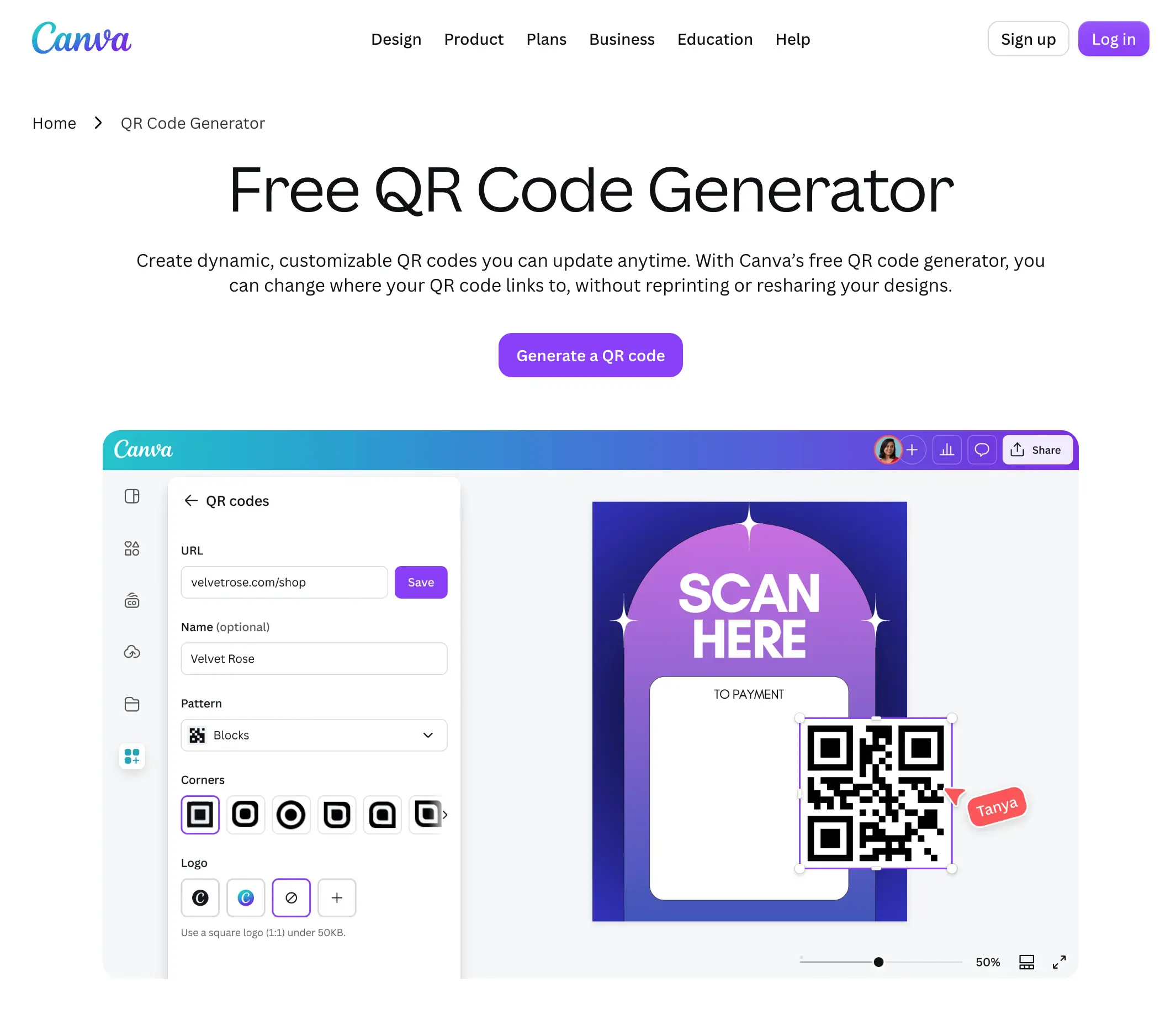
Canva includes a QR code generator inside its design editor, which makes it easy to drop a Venmo QR straight into a flyer, menu, tip-jar sign, or truck sticker that already matches your brand.
What it does well. Design. If the code lives inside print material you are already creating in Canva, generating it in the same place is convenient and keeps everything on brand.
What is missing. The code is static with no analytics, so it is a design feature rather than a measurement tool. Use it when how the code looks matters more than what it can tell you.
Choose Canva if you want a good-looking Venmo QR inside branded print material and do not need tracking.
What no QR code roundup tells you about Venmo codes
Most "best QR generator" articles compare design features and skip the things that actually cost a business money. Here is what to know before you print:
The in-app QR is a phone screen, not a business asset. Venmo's own code is made to be scanned face-to-face. For print, web, invoices, or anything you need as a file, build the code from your
venmo.com/u/usernamelink instead.A static code is permanent. Once it is on a printout, the link cannot change. Switch your username, rebrand, or run a promotion, and every static code you printed is dead. A dynamic code survives all of that.
Venmo shows payments, not scans. You only see money that arrived. You cannot see how many people scanned and did not pay, which is exactly the signal that tells you a placement is not working.
One code cannot compare placements. If the same code is on your tip jar and your truck window, Venmo cannot tell you which one drove the payment. Separate tracked codes can.
Amount and note can ride on the link. Venmo lets you pre-fill an amount and a note on the profile URL. Paste that full link into the generator and the QR carries the prefill through. Test the link in a browser before you print.
"Free" often means "free for now." Many free generators make static codes as a funnel into paid dynamic plans. There is nothing wrong with that, but know which you are getting.
The QR is free; the transaction may not be. The generator's price is separate from any Venmo business or commercial fee, which still applies to the payment itself.
How to make a trackable Venmo QR code
If you want the tracking and editing from a dynamic tool, setup takes a couple of minutes:
Find your Venmo profile link (for example,
venmo.com/u/YourBusiness). Open it in a browser and confirm it loads your page. Optionally add amount and note parameters if you want a pre-filled total.Create a free Scanlo account and paste the link as your destination.
Download the QR code as a PNG, SVG, or PDF and print it, or embed it on your site with the snippet.
Add a second code for a different placement, then compare the scans after a week.
Because the printed code points at a redirect you control, you can change the destination later without reprinting anything. Create a trackable Venmo QR code.
For a full tutorial on designing codes for desktop, invoices, or fixed amounts, check out our guide on how to create a Venmo QR code.
If you also take other wallets, the same approach works for a Cash App QR code or a PayPal QR code, so you can track each one separately. For a side-by-side look at Cash App tools specifically, see the best QR code generators for Cash App.
How to switch without reprinting everything
If you already printed a static Venmo QR and want tracking, you do not have to start over everywhere at once. Make a dynamic code that points at the same profile link, then use it on every new printout and digital placement going forward. Old static codes keep working as-is, and everything new becomes measurable and editable. Over time, the dynamic code becomes your single source of truth, and you never reprint for a username or amount change again.
Which should you choose?
Three questions decide it:
Will the code ever need to change, or do you want to track it? If yes, you need a dynamic code (Scanlo, QR Tiger, or Bitly). If no, a static one built from your profile link is fine.
Is this only about payments, or QR codes across your whole business? Payments only points to a focused tool like Scanlo. A broad QR program points to a general platform like QR Tiger.
What is your budget for a single payment code? Free and static means QR Code Monkey or Canva from your profile link. Paid for tracking, without enterprise pricing, points to Scanlo.
For most small and service businesses that want to be paid by Venmo and actually learn what is working, a trackable code is the better long-term choice. For a one-off, free and static is enough, as long as you build it from your venmo.com/u/username link and not a screenshot of the in-app code.
Frequently Asked Questions
What is the best QR code generator for Venmo?
It depends on whether you need tracking. For a free static code, QR Code Monkey and Canva both turn your venmo.com/u/username link into a downloadable QR that scans with any camera. For a code you can edit after printing and whose scans you can measure, a dynamic tool like Scanlo is the better fit, and its free plan covers up to two trackable codes.
How do I get my Venmo QR code?
Inside the app, open the scan icon to see Venmo's personal QR on your phone. That version is fine to show face-to-face. For a file you can print, share, or put on a website, use your public profile link (venmo.com/u/YourUsername), paste it into a QR generator, and download the image. That is the version most businesses actually need. See our full guide on how to create a Venmo QR code.
Can you make a QR code for Venmo that any phone can scan?
Yes. Build it from your profile link rather than relying only on the in-app screen. Every Venmo account has a public page at venmo.com/u/YourUsername, which is an ordinary web address. A QR made from that link opens in any phone camera and lands on your Venmo payment page.
Can you track Venmo QR code payments?
Not with Venmo's built-in QR on its own. Venmo shows completed payments and activity but not how many people scanned the code or where. To track scans and compare placements, point the QR at a redirect tool such as Scanlo, which logs each scan before forwarding the visitor to your Venmo page.
Can I preset an amount on a Venmo QR code?
Yes. Venmo supports amount and note parameters on the profile link, so the customer can see a pre-filled total when they open it. Build or paste that full link as the destination of your QR. Always open the link in a browser first to confirm the prefill still works the way you expect.
Can I change where my Venmo QR code points after printing it?
Only if it is a dynamic code. A static code burns the link into the image, so a printed copy cannot be changed. A dynamic code from a redirect tool points at a link you control, so you can update the destination and the printed code keeps working.
Is it safe to share a Venmo QR code?
Sharing your Venmo QR code is safe. It lets others send you money, but it does not give anyone access to your account or the ability to withdraw funds. A redirect tool only forwards the scan to your Venmo page; it never touches the payment or your account. Always confirm the code on your own material leads to your real profile.
Does a Venmo QR code cost anything to make?
Generating the QR code is free with the tools here. Any Venmo business or commercial fee on received payments is separate and still applies to the transaction, so confirm the current rate before relying on it for business.
Bottom line
If you need a quick, free code that will never change, build one from your venmo.com/u/username link with QR Code Monkey or Canva, not from a screenshot of the in-app QR that only lives on your phone. If you want to know whether your Venmo QR is working, edit it without reprinting, and find out which placement pulls the most payments, use a trackable code instead. Create your trackable Venmo QR code with Scanlo.