
One code. Every way to pay, review or give.
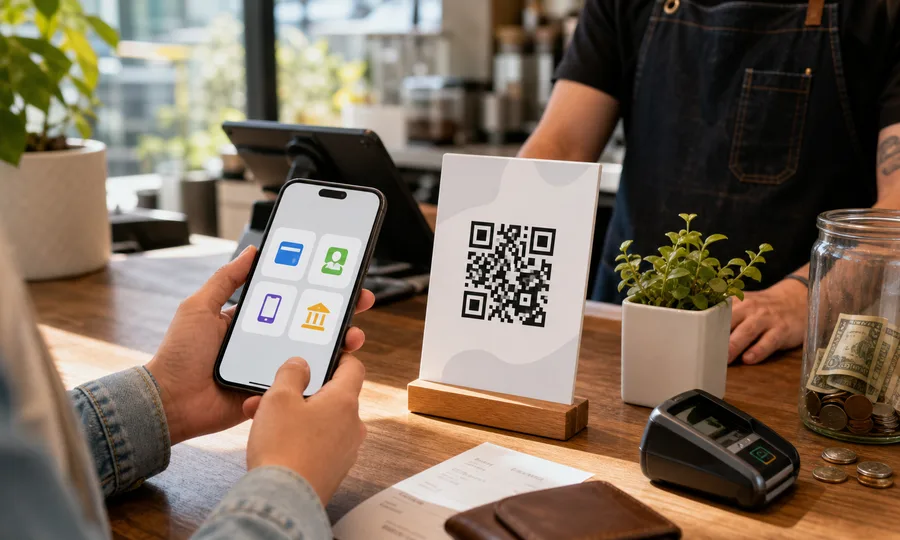
Some customers pay with Venmo, some with Cash App, some want a card. Some review on Google, others on Yelp. A Scanlo hub is one QR code that opens a short page of tracked links, so the customer picks and you see what they picked.
- Payment, review, tip and donation hubs
- Every link tapped is counted on its own
- Edit, add or reorder links without replacing the code
Four kinds of hub
Each hub type is built for one job, with the right providers ready to pick from, so setting one up is choosing your apps and pasting your links.
- Payment hub: Stripe, PayPal, Venmo, Cash App, Zelle and Square
- Review hub: Google, Facebook, Trustpilot, Yelp, BBB, Tripadvisor and more
- Tip jar: the same payment apps, worded for tips
- Donation hub: several ways to give behind one code
See which link wins
A hub counts two things: how many people scanned the code, and which link each of them tapped. That tells you whether anyone still uses PayPal at your counter, or whether your Yelp link is worth the space next to Google.
Still one code to place
A hub is a code like any other. It goes on the counter, the menu board or your website, it keeps working forever, and its links can change without the code changing.
On which plan
Free
One hub of any type with 2 links from the built-in templates, with Scanlo branding.
Standard
Up to 10 hubs of 10 links each, custom links and a description, which link wins, and no Scanlo branding.
Start with the job your code does
Each tool makes a tracked code for one job and walks you through it for that use case.
Multiple payment methods QR code
One QR code with PayPal, Venmo, Cash App and card. Customers scan once and pick how to pay, and you see which method wins.
Create free QR code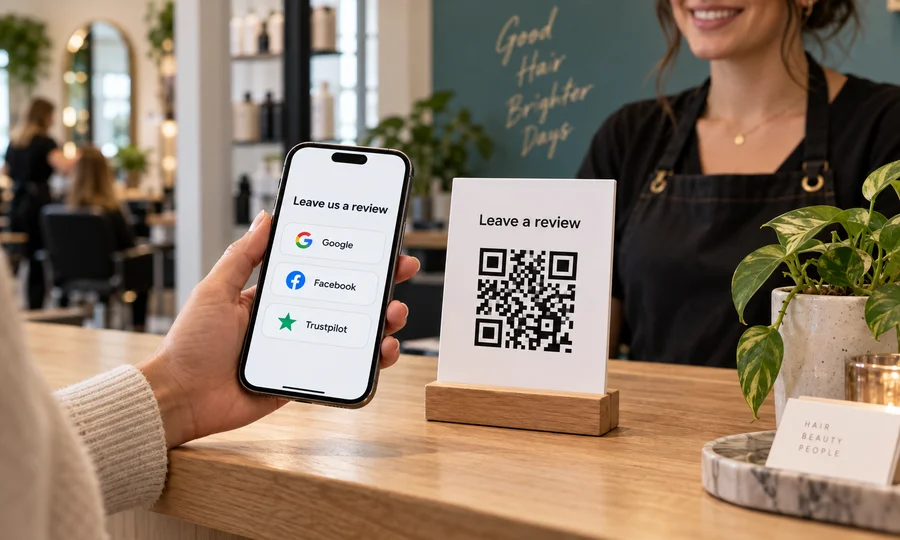
Multiple review sites QR code
One QR code with Google, Facebook, Trustpilot, Yelp and BBB. Customers scan once and pick where to review you.
Create free QR code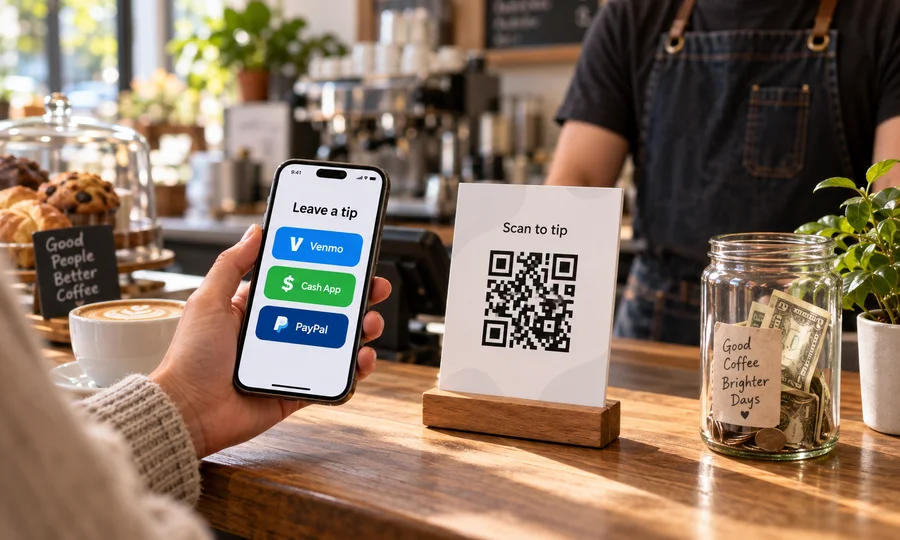
Tip jar QR code
A tip jar people can scan. Venmo, Cash App, PayPal or card on one code, and you see what gets used.
Create free QR code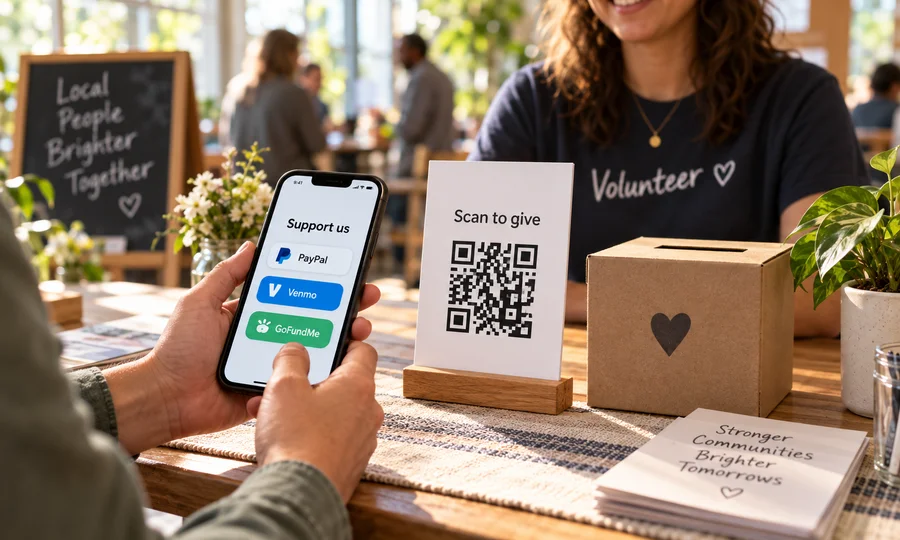
Multiple donation methods QR code
One QR code for giving. PayPal, Venmo, Cash App, card or GoFundMe on a single page you can edit anytime.
Create free QR codeQuestions
- Can one QR code have multiple links?
- A QR code can only hold one link, so a hub uses that link to open a short page listing all of yours. The customer scans once and picks the option they want.
- Does the customer need an app?
- No. The hub opens in the phone’s browser, and each link opens the payment or review app the customer already has.
- Do hubs count toward my code limit?
- No, hubs have their own allowance. Free includes one hub on top of the 2 tracked codes, and Standard includes 10.
Read more
Practical guides from the Scanlo blog on making your QR codes work harder.
Multiple QR Codes on One Sign? Print One and Track It
The space next to your register is an asset, and most businesses spend it on a single link that pays them nothing. Here is what one code should point at, and how to see which spot earned the scan.
QR Code Tip Jar Sign: What to Print, and Where to Put It
A tip sign that points at one app only works for people who have that app. Here is what to put behind the code, what to write on the card, and how to tell whether the spot you chose is doing anything.
Related features
Placement comparison
Counter vs. van vs. website: compare scans per placement and stop guessing which spot is worth the space.
Learn moreEdit without reprinting
Changed your booking system or payment link? Update the destination and every code you already placed follows.
Learn moreScan analytics
Daily scans for every code, plus country, device, referrer and bot filtering on Standard.
Learn moreStop choosing which app to print
Pick a hub type, add your links, and place one code. Start free, no card.
Pick your QR tool