
Which placement actually earned the scan?
A QR code on a counter, a van door or a window has no pixel and no click report. Scanlo gives every placement its own tracked code and a label, so you can compare them side by side and put more codes where people actually use them.
- One code per spot, labeled by where it lives
- Scans compared across placements in one view
- Website taps counted apart from real-world scans
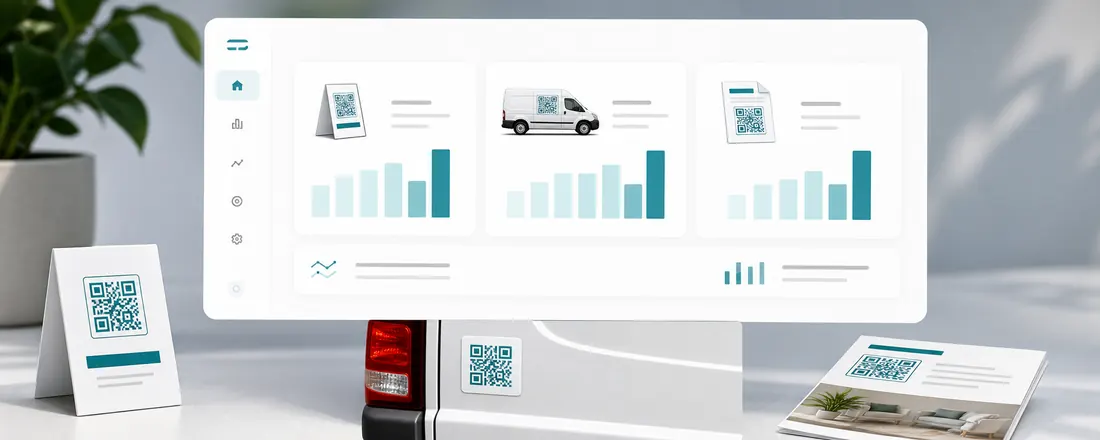
One job, several places
Most businesses put the same ask in more than one place: a review card by the register, a sticker on the receipt, a code on the van. With a single static code you only ever learn that something worked, never which one.
With Scanlo you create one code per placement and give it a label such as "Front counter" or "Van, driver door". Each code points at the same review, booking or payment page, and each one counts its own scans.
Compare placements, then move the codes
The dashboard lines your placements up against each other over the last 90 days, so a spot that never gets scanned stands out right away. Move that code somewhere busier, or retire it, and watch the next month.
- Scans per placement, side by side
- Bot scans filtered out, or included if you want the raw count
- Country, device and referrer behind every placement
Your website is a placement too
Put the same tracked code on your website with the embed snippet and it reports like any other spot. Desktop visitors scan it, phone visitors tap it, and the taps are counted separately so you can tell your site from the world outside.
On which plan
Free
Label every code by placement and see each one’s scan totals and daily history for 30 days.
Standard
The side-by-side placement comparison, bot filtering and 90 days of history across up to 20 codes.
Start with the job your code does
Each tool makes a tracked code for one job and walks you through it for that use case.
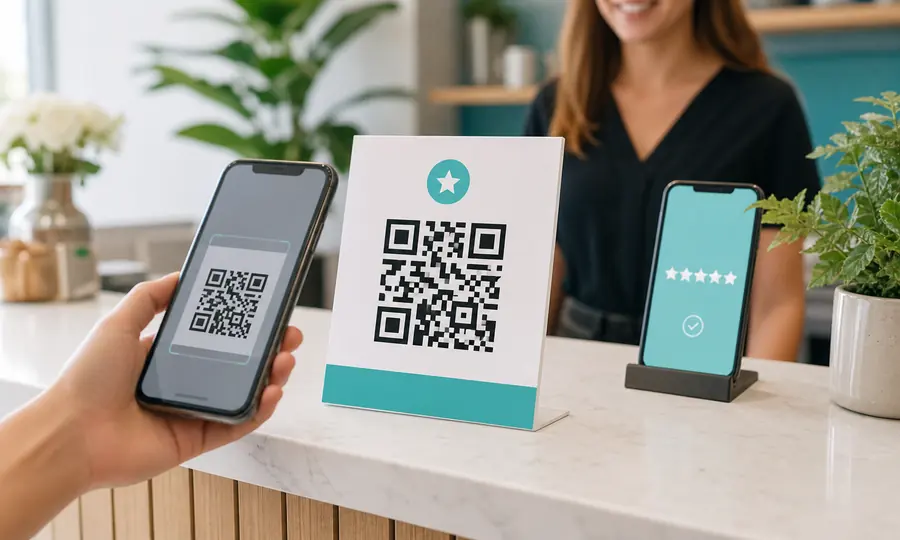
Google review QR code
Send customers straight to your Google review form, and see which placement earns the most reviews.
Create free QR code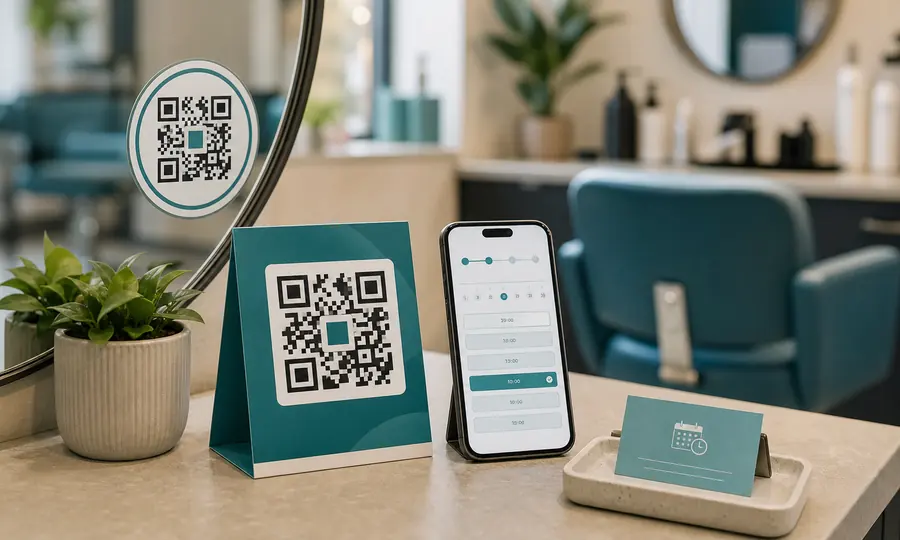
Booking page QR code
Booksy, Fresha, Setmore or your own site: one scan takes customers to your booking page.
Create free QR code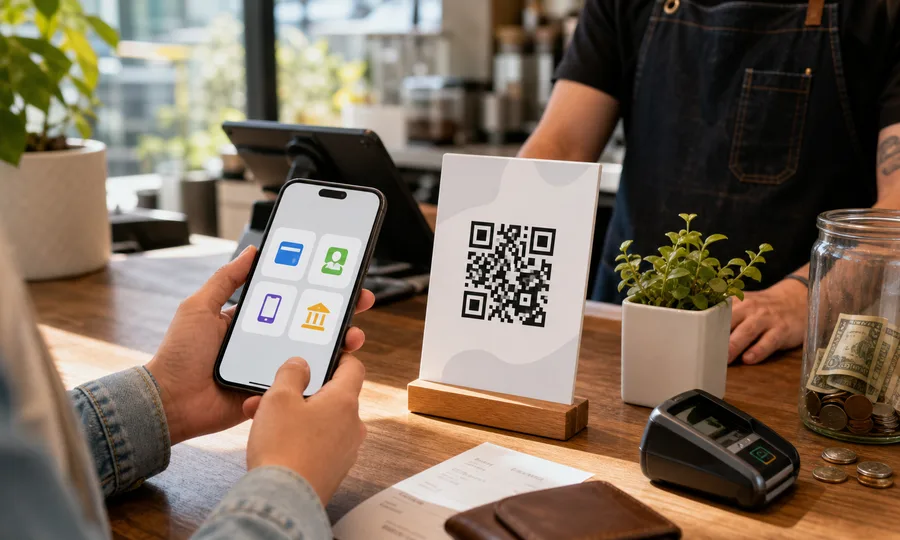
Multiple payment methods QR code
One QR code with PayPal, Venmo, Cash App and card. Customers scan once and pick how to pay, and you see which method wins.
Create free QR codeQuestions
- Do I need a separate QR code for each placement?
- Yes, and that is the point. Each code carries its own scan count, so giving every spot its own code is what lets you compare them. They can all send people to the same destination.
- How many placements can I compare?
- As many as you have codes. The Free plan includes 2 tracked codes and Standard includes 20. Hubs have their own allowance on top of that.
- Are bot scans counted?
- On Free every scan is counted, bots included. Standard flags automated scans (link previewers, security scanners) and leaves them out of the comparison by default, with a toggle to put them back.
Read more
Practical guides from the Scanlo blog on making your QR codes work harder.
Related features
Scan analytics
Daily scans for every code, plus country, device, referrer and bot filtering on Standard.
Learn moreThe same code on your website
Paste one snippet and the tracked code shows up on your site. Phone visitors tap it, and taps are counted apart from scans.
Learn moreYour numbers, in your inbox
A scan summary lands in your inbox, so you never have to log in to see what worked.
Learn moreFind out which spot is worth the space
Pick the job your code should do, place it in two spots, and let the numbers decide. Start free, no card.
Pick your QR tool