
Change where it points. Keep the code you already placed.
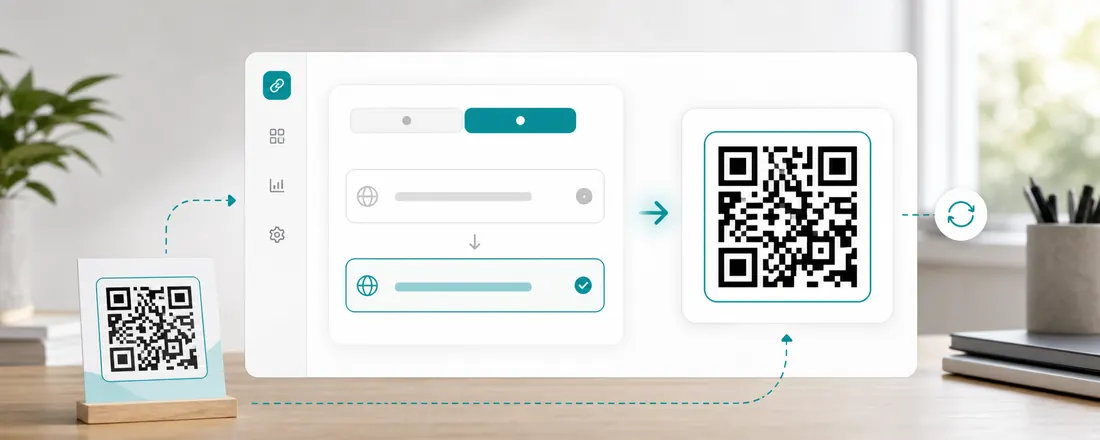
A Scanlo code encodes a short Scanlo link, never your destination itself. That is what makes it a dynamic QR code: when your booking system, payment link or review page changes, you update it in the dashboard and every code already on a counter, a van or a flyer follows.
- Edit the destination any time, on every plan
- The QR image never changes, so nothing gets replaced
- New links are safety-checked before they go live
Why a static code locks you in
A static QR code has the destination baked into its pixels. Switch from one booking tool to another, change your PayPal link, or move to a new review platform, and every code you put out is now pointing at the old place.
A Scanlo code points at a short link we run. The short link is what we update, so the pixels you placed stay correct forever.
How editing works
Open the code, paste the new destination and save. The change reaches every phone within about a minute, and the scan history stays attached to the same code, so your numbers carry on instead of starting again.
- http and https links only, no private or internal addresses
- Every new destination is checked against Google Safe Browsing
- Download the same QR as PNG, SVG or PDF whenever you need it
Editing and your plan
Editing is included on Free. If you ever move from Standard back to Free with more codes than Free allows, the oldest ones stay active and editable, and the rest are frozen: they keep redirecting and counting scans, and only editing is paused until you upgrade or swap which code is active.
On which plan
Free
Edit the destination of both your codes as often as you like.
Standard
The same, across up to 20 codes and 10 hubs.
Start with the job your code does
Each tool makes a tracked code for one job and walks you through it for that use case.
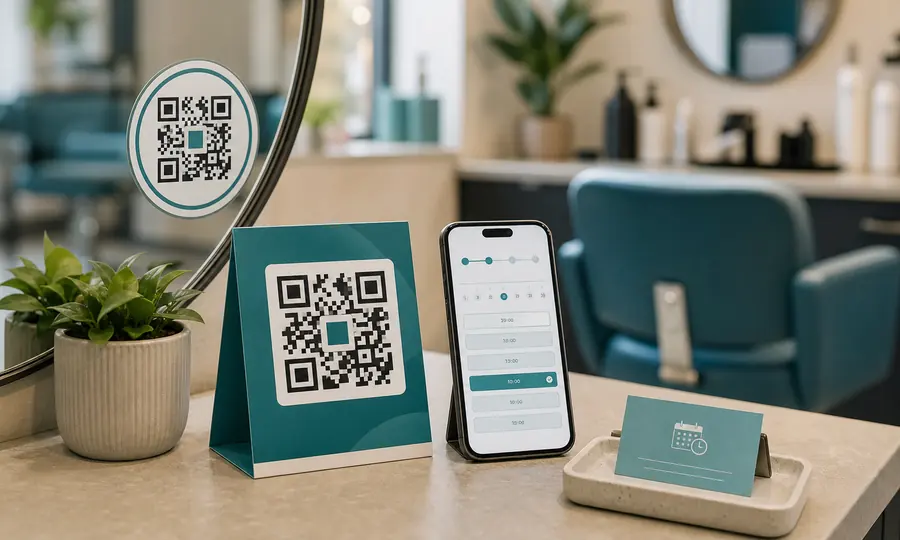
Booking page QR code
Booksy, Fresha, Setmore or your own site: one scan takes customers to your booking page.
Create free QR code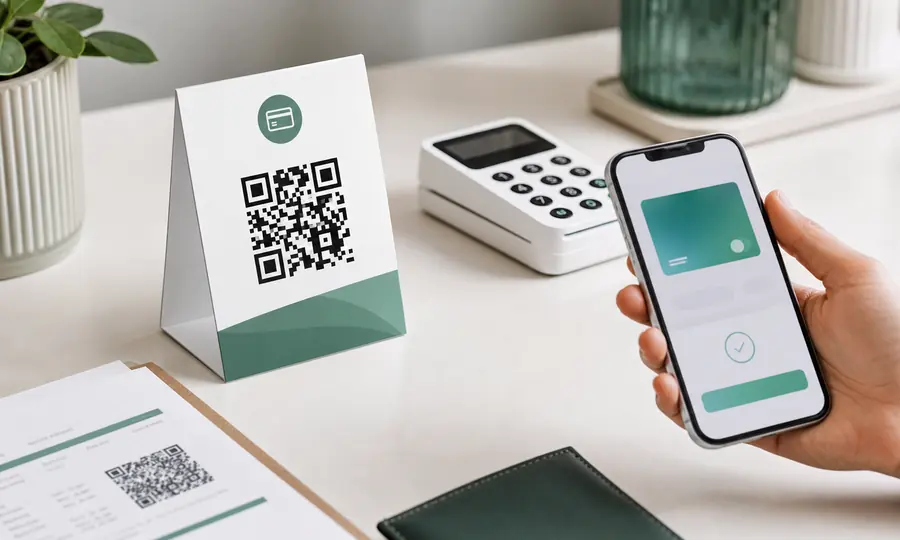
Stripe payment QR code
Turn a Stripe payment link into a scannable code customers can pay on the spot.
Create free QR code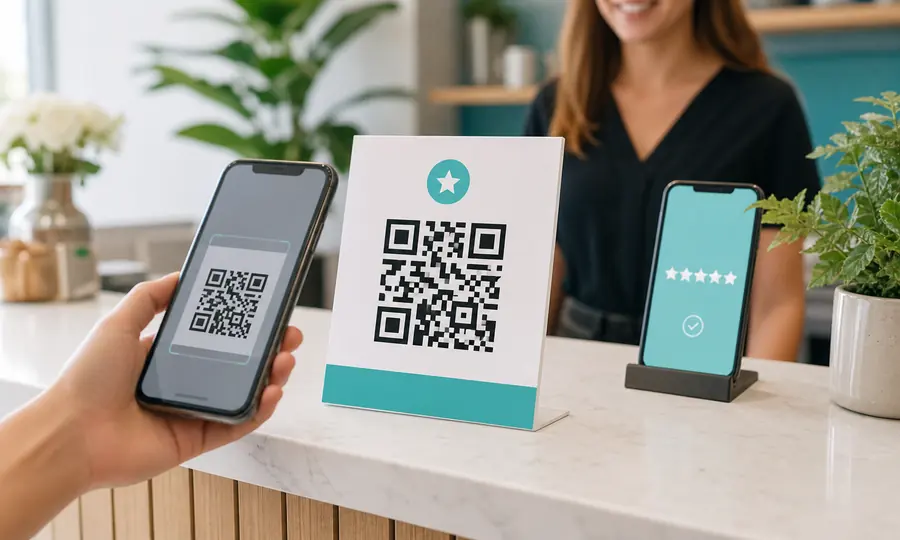
Google review QR code
Send customers straight to your Google review form, and see which placement earns the most reviews.
Create free QR code
PayPal QR code
A scannable PayPal.Me link so customers can pay you in seconds, tracked per placement.
Create free QR codeQuestions
- What is the difference between a static and a dynamic QR code?
- A static QR code stores the destination in the pattern itself and can never change. A dynamic QR code stores a short link that redirects, so the destination can be edited later and every scan can be counted. Every Scanlo code is dynamic.
- How fast does an edit take effect?
- Usually within a minute, everywhere. The redirect runs at the edge and the new destination spreads to every location in about that time.
- Does the QR code image change when I edit it?
- No. The code encodes the short link, not the destination, so the image is the same before and after. Nothing you already placed needs replacing.
Related features
Printed codes never die
A Scanlo code keeps redirecting forever, on any plan. We never break a code you already put out there.
Learn moreCodes phones trust
Every link is checked against Google Safe Browsing, and redirects run on their own domains, apart from everyone else’s mistakes.
Learn moreScan analytics
Daily scans for every code, plus country, device, referrer and bot filtering on Standard.
Learn moreMake a code you can change your mind about
Pick a use case, paste today’s link, and edit it whenever tomorrow’s is different. Start free, no card.
Pick your QR tool