
Track every scan, not just a number that goes up
Every Scanlo code logs its scans as they happen, so you see when people scan, not just how many did in total. Standard adds where they were, which device they used, and which scans came from bots.
- Daily scan history for every code
- Country, device and referrer on Standard
- Bot scans flagged and filterable
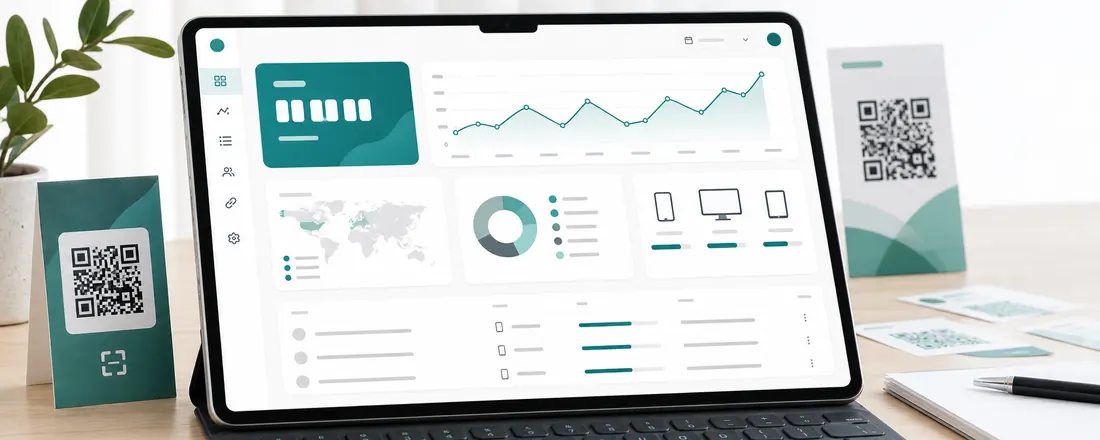
Totals and trends on every plan
Each code shows its total and a day-by-day chart, so a slow week, a busy Saturday or a code that stopped getting scanned are visible at a glance. Free keeps 30 days of history and Standard keeps 90.
The breakdowns behind the number
Standard splits every code’s scans three ways, all derived without cookies:
- Country, read at the edge from the request
- Device and operating system
- Referrer, for codes opened from a link rather than a camera
Bots, separated
Link previewers, email scanners and security crawlers open QR links too. Scanlo flags them as they arrive. On Standard you can leave them out of every chart, or put them back to see the raw count.
On which plan
Free
Scan totals and a daily chart for 30 days, bots included.
Standard
Country, device and referrer breakdowns, bot filtering and 90 days of history.
Start with the job your code does
Each tool makes a tracked code for one job and walks you through it for that use case.
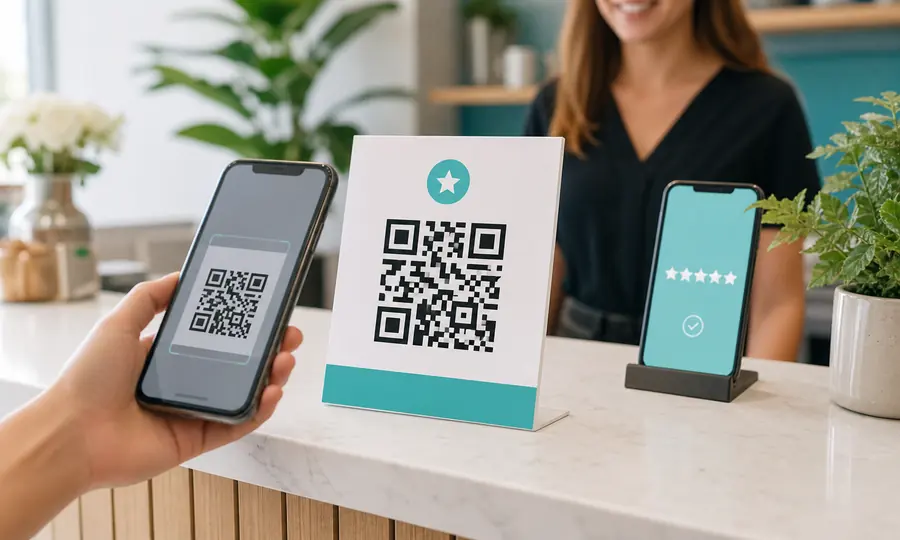
Google review QR code
Send customers straight to your Google review form, and see which placement earns the most reviews.
Create free QR code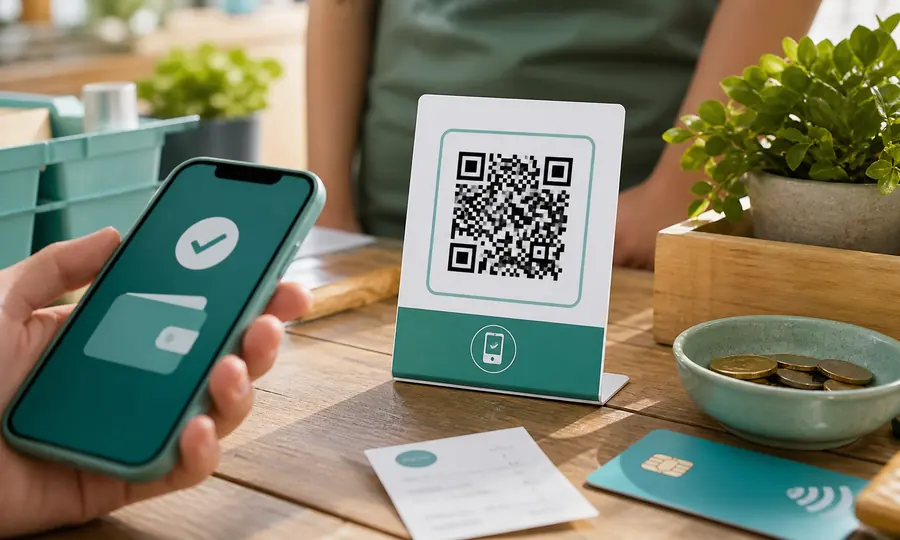
PayPal QR code
A scannable PayPal.Me link so customers can pay you in seconds, tracked per placement.
Create free QR code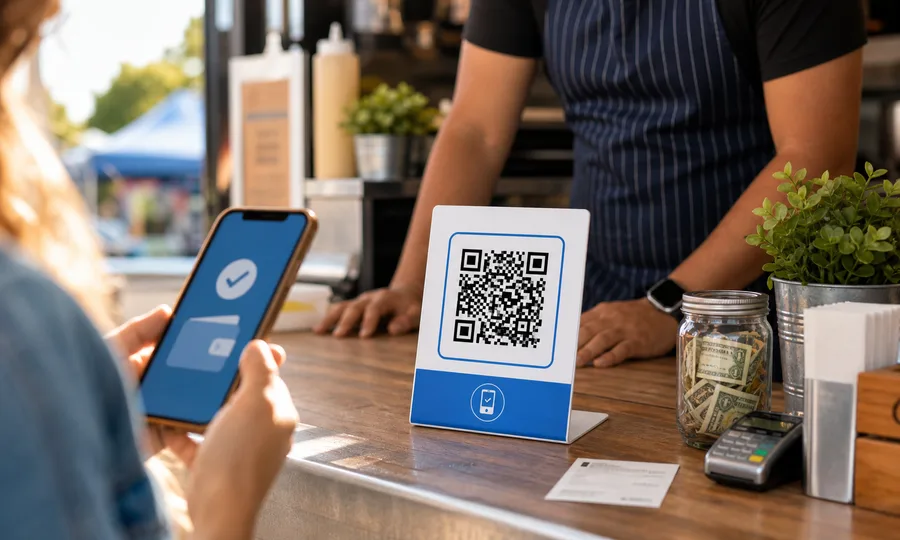
Venmo QR code
A scannable Venmo link so customers can pay you in seconds, tracked per placement.
Create free QR code
Calendly QR code
Let people book a slot the moment they see your card, flyer or door sticker.
Create free QR codeQuestions
- Can you track how many times a QR code is scanned?
- Yes, if the code is dynamic. A Scanlo code sends every scan through a short link that counts it before redirecting, which a static code cannot do.
- Can I see who scanned my QR code?
- No, and nobody honest can. Scanlo shows the country, device and referrer of each scan, never a person. No IP address is stored and no cookie is set.
- What counts as a bot scan?
- Automated requests such as link previews in chat apps, email security scanners and crawlers. They are flagged when they arrive, so Standard can leave them out of your numbers.
Read more
Practical guides from the Scanlo blog on making your QR codes work harder.
Related features
Placement comparison
Counter vs. van vs. website: compare scans per placement and stop guessing which spot is worth the space.
Learn moreYour numbers, in your inbox
A scan summary lands in your inbox, so you never have to log in to see what worked.
Learn moreTracking without cookies
No cookies, no stored IP addresses, no consent banner. Country and device are read at the edge and the IP is dropped.
Learn moreKnow whether your code is working
Make a tracked code for the job you need and watch the first scans come in. Start free, no card.
Pick your QR tool