
PayPal.Me vs PayPal QR Code: What to Use In-Person
· Updated · Scanlo Team

Contents
- What is the difference between PayPal.Me and a PayPal QR code?
- Should you use PayPal.Me or a PayPal QR code in person?
- When PayPal.Me makes more sense
- When the PayPal app QR code makes more sense
- Can you turn a PayPal.Me link into a QR code?
- How to make a PayPal.Me QR code you can edit and track
- Frequently Asked Questions
- Bottom line
Quick answer
PayPal.me and a PayPal QR code are two ways to reach the same payment page. PayPal.me is a shareable link, best sent by text, email, or invoice. A QR code is best in person, when someone can scan it with their phone. For most face-to-face payments a QR code is faster, and you can build one from your PayPal.me link.
If you take payments in person, you have probably run into both PayPal.Me links and PayPal QR codes and wondered which one you are actually supposed to use. They are closely related, they lead to the same place, and the right choice comes down to how the customer is paying: reading a link, or pointing a camera. This guide breaks down the difference and helps you pick.
What is the difference between PayPal.Me and a PayPal QR code?
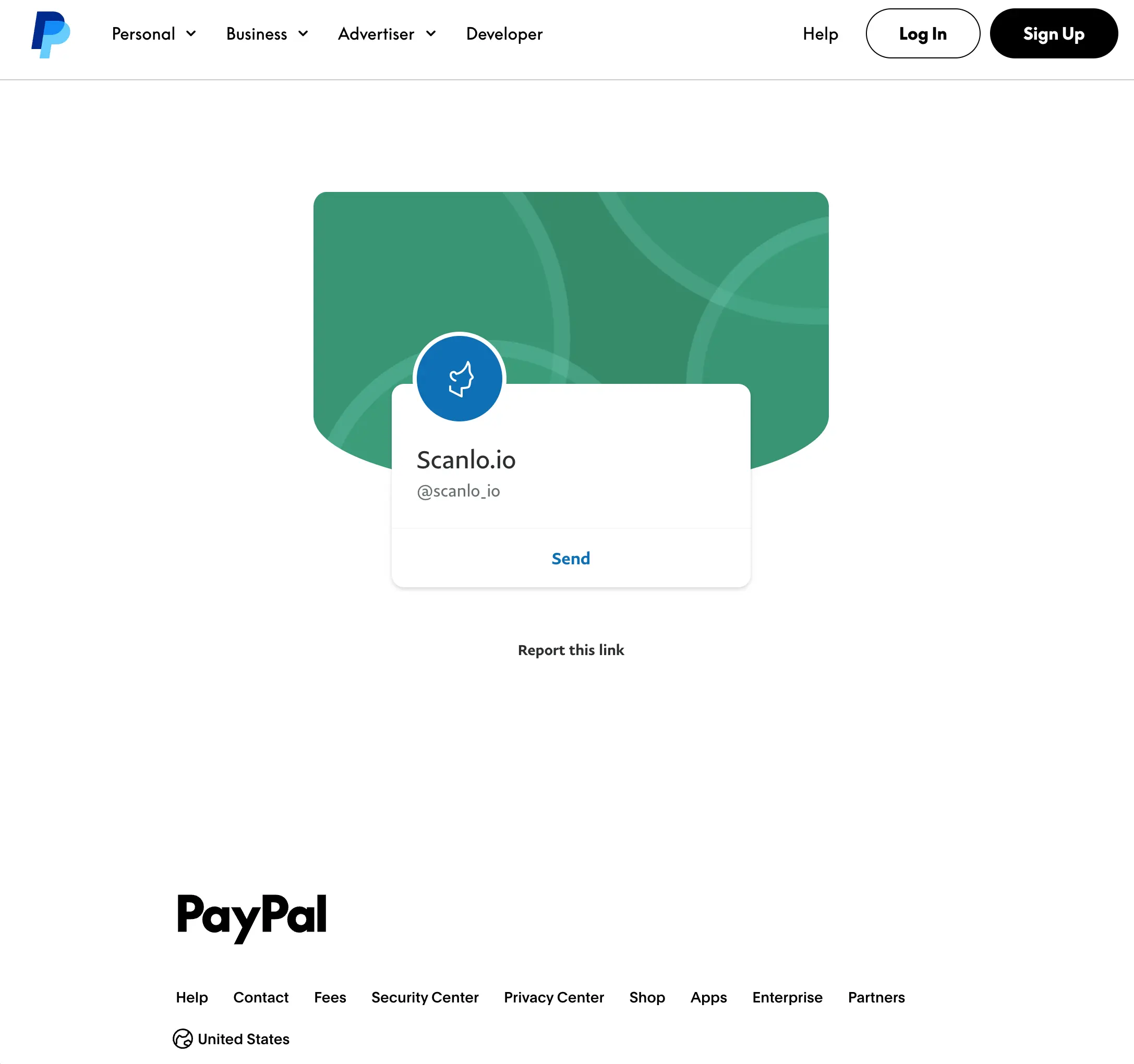
PayPal.Me is a personalized payment link, like paypal.me/yourbusiness. You create it once, for free, and it is tied to your PayPal account. Anyone who opens it lands on your PayPal payment page and can pay you.
A PayPal QR code is that same destination turned into something a phone camera can read. There are two versions of it: the code PayPal generates inside its own app for in-person payments, and a QR code you make yourself from your PayPal.Me link with any generator. Both open a PayPal payment screen when scanned.
So the honest answer is that they are not really rivals. A link and a QR code are two doors into the same room. The question is which door fits the situation.
Should you use PayPal.Me or a PayPal QR code in person?
The deciding factor is how the customer is in front of you.
If you can send them something, a text, an email, an invoice, a chat message, use the PayPal.Me link. They tap it and pay. A link is useless printed on a poster, but perfect in a message.
If they are physically there at a counter, a market stall, a table, use a QR code. Nobody wants to type paypal.me/yourbusiness by hand. They point their camera, the payment page opens, done.
In person, a QR code almost always wins because it removes the typing. That is the whole reason QR codes exist for payments. Behind the scenes it can still be your PayPal.Me link, just presented as something scannable.
When PayPal.Me makes more sense
Stick with the raw link, no QR code, when:
You are invoicing or messaging remotely and the customer is on a device already. A tappable link beats a code they would have to scan with a second phone.
You want one thing to share everywhere, in an email signature, a chat, a social bio. A link travels through text; a QR image does not.
The payment is occasional and casual, splitting a bill, a one-off reimbursement, where printing anything is overkill.
When the PayPal app QR code makes more sense
Use the native code PayPal generates in its app when:
You are taking a quick face-to-face payment and want PayPal to handle everything natively, including the goods-and-services flow and its associated protections.
You do not need to print anything and are happy to show the code from your phone each time.
You want the payment handled inside PayPal's own in-person system rather than as a plain link. Confirm the current goods-and-services fee for your market before you rely on it.
For a walkthrough of getting that code, see how to get a PayPal QR code for your business.
Can you turn a PayPal.Me link into a QR code?
Yes, and this is what most businesses actually want for anything printed. Copy your PayPal.Me link, paste it into any QR code generator, and download the image. Print it on a flyer, an invoice, or a counter card, and customers scan straight to your PayPal.Me page.
There is one catch worth knowing before you print at scale. A QR code made this way is static: your PayPal.Me link is baked into the image. If you ever change that link, for example you rename your PayPal.Me handle, every printed copy of the code now points at a dead page. It still scans; it just no longer goes anywhere. And you have no way to tell how many people scanned it. For a one-off code you will never change, that is fine. For anything printed in quantity, it is a risk.
How to make a PayPal.Me QR code you can edit and track
The fix for the static problem is a dynamic code. Instead of baking your PayPal.Me link into the image, you point the QR at a redirect you control, and the redirect forwards each scan to PayPal.
Copy your PayPal.Me link.
Create a free Scanlo account and paste it as the destination.
Download the QR code and print it.
Now the printed code points at a redirect, not the raw link. If your PayPal.Me handle changes, you update the destination once and every printed code keeps working, with no reprint. And because each scan passes through the redirect, you can see how many scans a placement gets, so a code that quietly stops working does not go unnoticed. If you want the detail, see can you track PayPal QR code payments.
Frequently Asked Questions
Is PayPal.Me the same as a PayPal QR code?
Not quite. PayPal.Me is a shareable payment link; a PayPal QR code is a scannable image that opens a PayPal payment page. They can lead to the exact same place, because you can turn a PayPal.Me link into a QR code. The link suits messaging and invoices; the QR code suits in-person scanning.
Can I create a QR code from my PayPal.Me link?
Yes. Copy your PayPal.Me link and paste it into any QR code generator to get a scannable image you can print. Note that a basic generator produces a static code with the link baked in, so it cannot be edited after printing. A redirect-based code stays editable.
Which is better for taking payments in person, PayPal.Me or a QR code?
A QR code, in most cases. In person, customers can scan a code instantly instead of typing your PayPal.Me link by hand. The QR code can still point at your PayPal.Me link underneath, so you get the convenience of scanning with the simplicity of your existing link.
What happens to my printed QR code if I change my PayPal.Me link?
If the code is static, it breaks: it still scans but now leads to a dead page, and you would have to reprint. If the code is dynamic, pointing at a redirect you control, you just update the destination once and every printed copy keeps working.
Does a PayPal.Me QR code cost anything?
Creating the link and generating a QR code is free. PayPal's standard goods-and-services fee still applies to the payment itself, so check the current rate for your market before relying on it for business.
Bottom line
PayPal.Me and a PayPal QR code are two routes to the same payment page: send the link when you are messaging or invoicing, show a QR code when the customer is standing in front of you. For anything you print, build the QR from your PayPal.Me link, and if that code is going out in quantity, make it one you can edit and track so a handle change never kills it. Create a trackable PayPal QR code with Scanlo and keep your printed code working all year.