
How Scanlo Opens Venmo, PayPal and Cash App From a QR Code
· Peter Bednarek
Contents
- How does a QR code open the Venmo, PayPal or Cash App app?
- What happens in Safari on iPhone?
- Why does Chrome on iPhone show an "Open" button?
- What about hubs with several payment buttons?
- Does the extra tap affect my scan count?
- Which links get this treatment?
- My test scan opened the App Store. What should I check?
- Do I need to do anything?
Quick answer
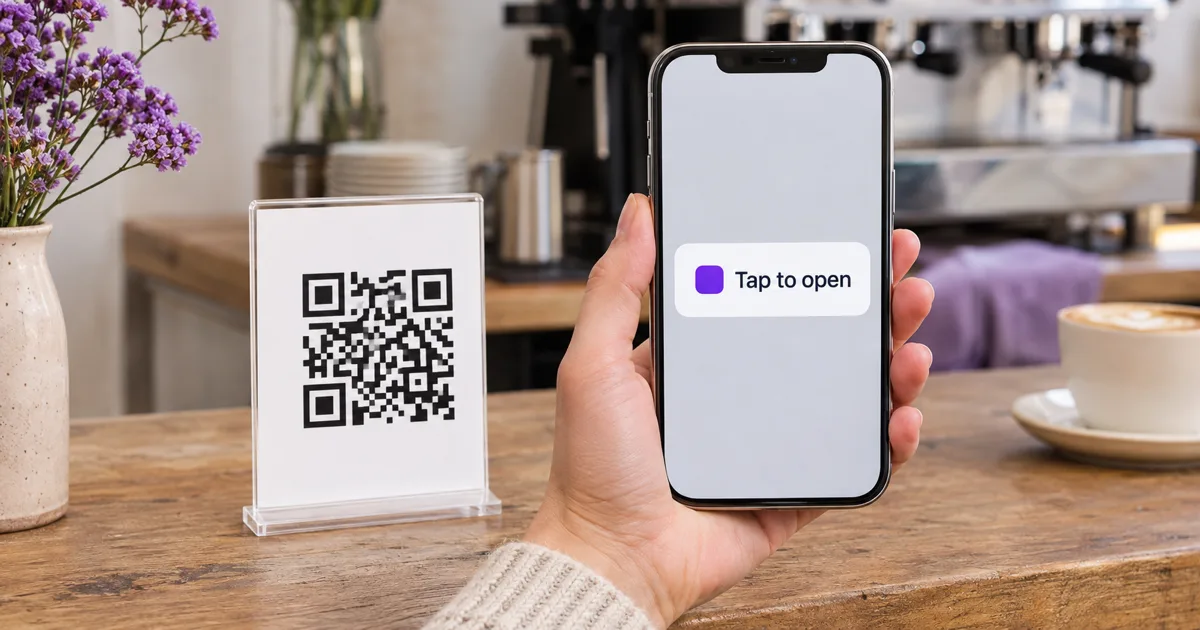
When someone scans a Scanlo code that points to Venmo, PayPal or Cash App, Safari on iPhone opens the app on your pay screen straight away. Chrome, Firefox and Edge on iPhone do not open apps on their own after a scan, so Scanlo shows them one button, Open Venmo (or PayPal, or Cash App), and one tap opens the app. It works on every plan, printed codes included.
A payment code has one job: get the customer from your sign to your pay screen, with your name already filled in, in as few steps as possible. For Venmo, PayPal and Cash App, the best place for that pay screen is the customer's own app, where they are already signed in and their card is already saved.
This article explains how Scanlo gets them there, why the experience is slightly different depending on which browser the customer uses on their iPhone, and what to check if a test scan ever ends up in the App Store.
How does a QR code open the Venmo, PayPal or Cash App app?
Through a feature of iOS called universal links. Venmo, PayPal and Cash App each tell Apple which of their web addresses belong to their app. When an iPhone is about to open one of those addresses and the app is installed, iOS hands the link to the app instead of loading the web page.
So the link on your code is an ordinary web address, like venmo.com/u/YourName or cash.app/$YourCashtag. With the app installed, the customer lands in the app on your profile. Without it, the same address opens the provider's web page, which is the right fallback for someone who does not use that app.
Your Scanlo code sits in front of that link. A scan hits your Scanlo short link first, Scanlo counts the scan, and then sends the customer on to the payment link.
What happens in Safari on iPhone?
Safari is the default browser on most iPhones, and it handles this the way you would hope:
Standard plan: the customer scans, and the app opens on your pay screen. No page in between.
Free plan: the customer sees a short Scanlo page for a moment, and then the app opens on your pay screen.
We tested both on a real iPhone with a PayPal payment link. In both cases the app opened directly on the payee.
Why does Chrome on iPhone show an "Open" button?
Because Chrome on iPhone does not let a page open an app on its own. Universal links only work there when a person taps a link. If a page moves to the payment link automatically, which is what a redirect does, Chrome shows the App Store instead, even when the app is already installed. In our iPhone test, the customer ended up on the app's home screen with your name gone, which is exactly the moment a payment gets abandoned.
So when Scanlo sees a scan coming from Chrome, Firefox or Edge on an iPhone or iPad, and the code points to a Venmo, PayPal or Cash App link, it does not redirect. It shows a page with a single button:
Open Venmo (or Open PayPal, or Open Cash App)
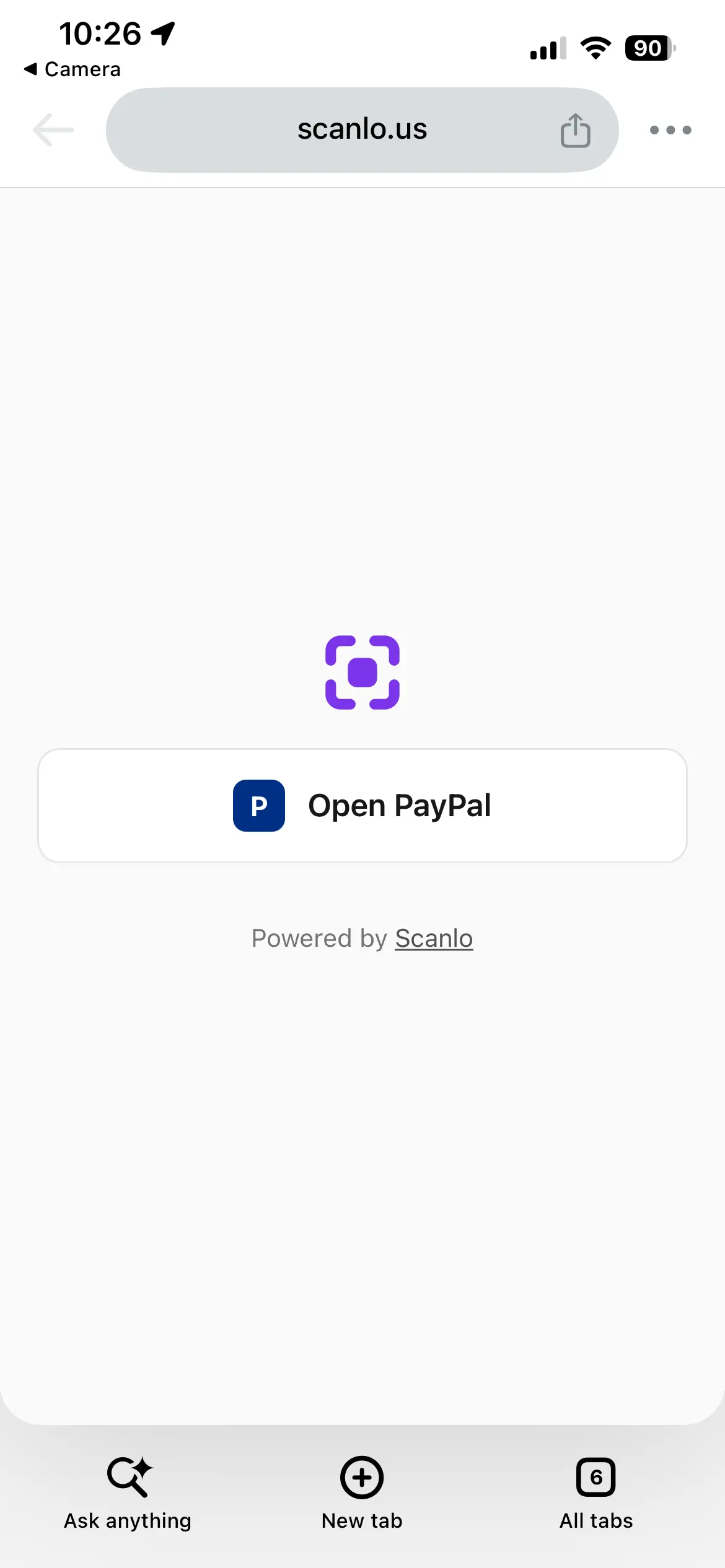
One tap, and iOS opens the app on your payment screen. That one tap is the whole point: it is what lets the iPhone hand the link to the app.
A few details:
It works on every plan. On Standard, the button page carries no Scanlo branding. On Free, it shows the Scanlo logo and a small "Powered by Scanlo" line, the same as the short page Free codes already show.
Firefox and Edge on iPhone get the same button because they are built the same way.
Safari is unchanged. Safari users never see the button. They go straight to the app as before.
Android goes straight through. The button page is only for the iPhone browsers listed above. Everyone else gets the normal redirect.
What about hubs with several payment buttons?
Nothing extra is needed. A payment hub is one QR code that opens a short page of buttons: Venmo, PayPal, Cash App and so on. The customer taps the app they want, and a tap is exactly what iOS needs. Hub buttons open the app in Safari and in Chrome on iPhone alike, so the hub page itself already does the job the button page does.
Does the extra tap affect my scan count?
No. The scan is counted the moment the code is scanned, before the button page appears. A customer who scans and then taps Open Venmo is one scan, not two. A customer who scans and then changes their mind is still one scan, the same as with any other code.
Which links get this treatment?
Scanlo recognizes the payment links that each app claims for itself:
App | Links that open the app |
|---|---|
Venmo |
|
PayPal |
|
Cash App |
|
Any other link (your website, a booking page, a Google review link) redirects as normal in every browser.
My test scan opened the App Store. What should I check?
Start here, in this order:
Is the app installed on the phone you tested with? Without it, iOS has no app to hand the link to, and the provider's web page or the App Store is the expected result.
Did you scan with the camera, or paste the link? A link typed or pasted into the address bar never opens an app on iPhone, in any browser. Test by scanning the printed code or the code on your screen with the phone's camera.
Is your Venmo link the Venmo app's own QR code? The QR code inside the Venmo app is not a link to your profile. It only works for people who already have Venmo, and everyone else lands in an app store with no way to see who to pay. Use your profile link instead:
venmo.com/u/followed by your username. Scanlo shows a warning when you paste the app's own code. More in our Venmo QR code guide.Is it a different kind of link? If your code points to a payment page that is not one of the links in the table above, it redirects as a normal web link. That is fine in Safari, but Chrome on iPhone may show the App Store. Contact us with the link and we will look at adding it.
The best test is the one your customers will do: print the code, or open it on a second screen, and scan it with your phone's camera once in Safari and once with Chrome set as your default browser.
Do I need to do anything?
No. This is handled for every Venmo, PayPal and Cash App code automatically, including codes you printed before it existed, because the decision is made when the code is scanned, not when it was created.
If you have not made a payment code yet, start with the one for the app your customers use most: Venmo, PayPal or Cash App. Or accept all of them from one printed code.