
The same code works on your website
A website is one more place the same tracked code can live. Copy the snippet from your dashboard, paste it into WordPress, Squarespace, Wix, Shopify or Webflow, and the live code appears. No plugin, no script.
- One HTML snippet, no plugin or script
- Scannable on desktop, tappable on a phone
- Website taps counted apart from scans
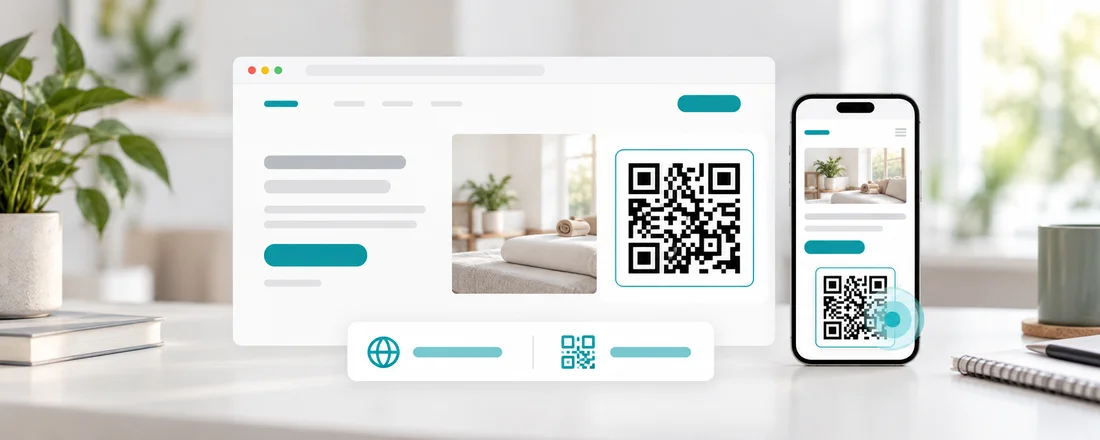
Built for the phone people are holding
Nobody can scan a code on the screen they are looking at, so the snippet wraps the code in a link. Visitors on a computer scan it with their phone, visitors on a phone tap it, and both go through the same tracked redirect.
Taps and scans, side by side
Your analytics split website taps from real-world scans, on every plan. You finally see whether your site or your counter does more of the work.
Paste once, never touch it again
The image is tied to the code, not its destination. Edit where the code points later and your website keeps showing the right thing without a single change to the page.
On which plan
Free
The embed snippet and the website vs. real-world split are included.
Standard
The same, with no Scanlo branding on the codes themselves.
Start with the job your code does
Each tool makes a tracked code for one job and walks you through it for that use case.
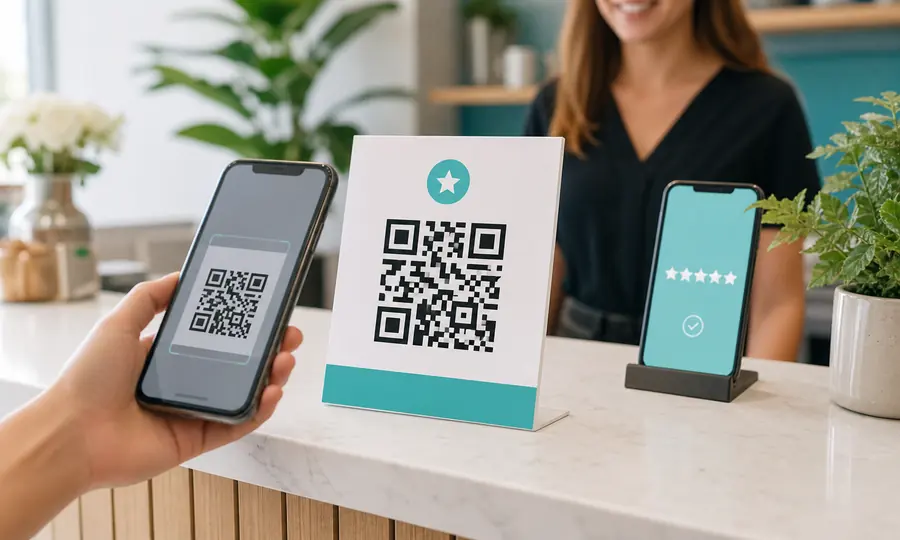
Google review QR code
Send customers straight to your Google review form, and see which placement earns the most reviews.
Create free QR code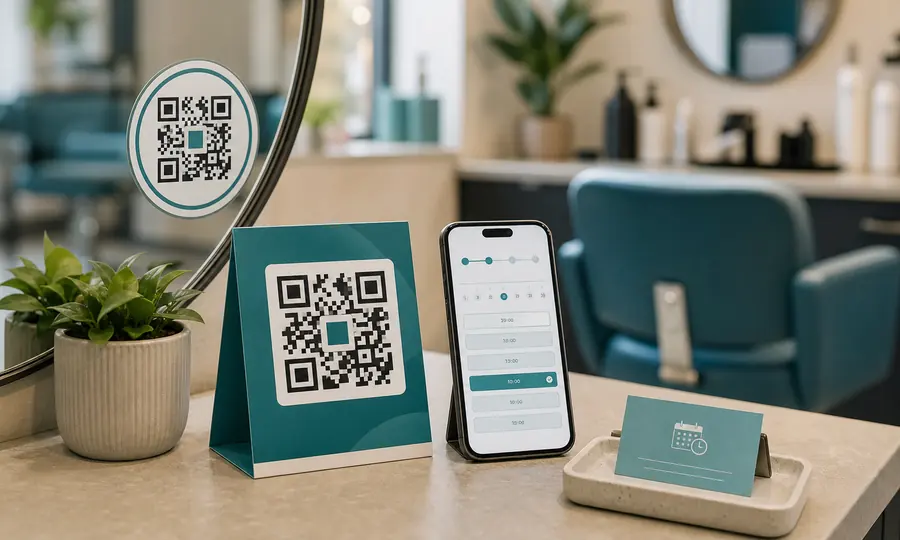
Booking page QR code
Booksy, Fresha, Setmore or your own site: one scan takes customers to your booking page.
Create free QR code
Donation QR code
One scan takes people to your giving page, and you see which door, table or noticeboard actually brought donations in.
Create free QR codeQuestions
- Which website builders does the snippet work with?
- Any that let you add an HTML block, including WordPress, Squarespace, Wix, Shopify and Webflow.
- Does the snippet slow my site down?
- No. It is a plain image inside a link, with no JavaScript. The image is a small SVG served from a cache.
- Can I remove the "QR by scanlo.io" line?
- Yes. It is one line of text in the snippet, and you can delete it on any plan.
Related features
Placement comparison
Counter vs. van vs. website: compare scans per placement and stop guessing which spot is worth the space.
Learn moreEdit without reprinting
Changed your booking system or payment link? Update the destination and every code you already placed follows.
Learn moreScan analytics
Daily scans for every code, plus country, device, referrer and bot filtering on Standard.
Learn morePut your code where your visitors already are
Create a code, copy the snippet, paste it into your site. Start free, no card.
Pick your QR tool