
Your scan numbers, delivered to your inbox
Tracking is only useful if someone reads it. Scanlo sends you the numbers instead of waiting for you to log in: how many scans each code got, which placement led, and what changed since last time.
- A monthly summary on every plan
- A weekly summary on Standard
- The figures are in the email, not behind a link
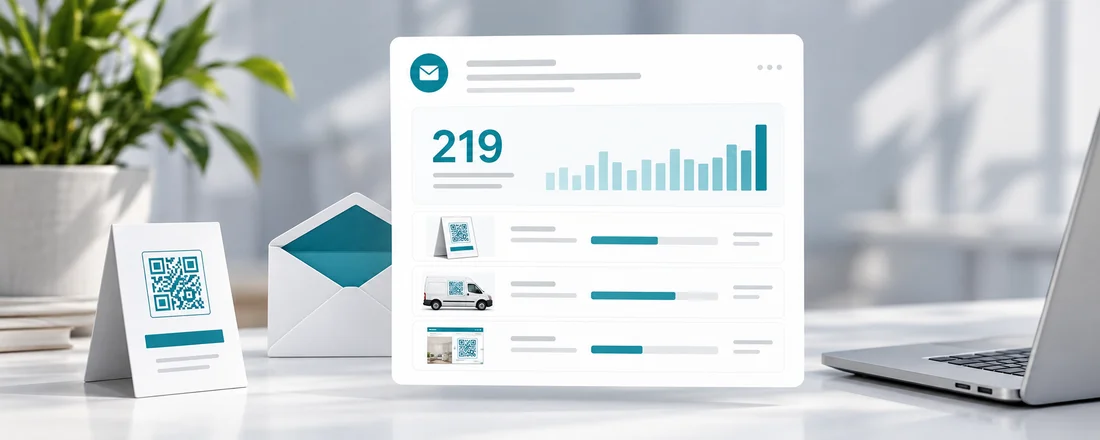
What the summary shows
The email leads with the total and then lists every code with its own count, so you can see at a glance which one did the work. Hubs show how many people tapped through, and codes on your website show taps apart from scans.
- Scans per code, with bots named and left out
- Hub tap-throughs and website taps
- On Standard: month on month change, top countries and devices, and the placement comparison
Quiet months say so
If nothing was scanned, the email says that plainly and asks where the code is, because a code nobody scans is usually a placement problem worth knowing about.
Weekly, for when you are testing
On Standard a short weekly summary joins the monthly one, which is what you want while you are moving codes between placements and need the answer before the month is out.
On which plan
Free
A monthly summary with every code’s scan count.
Standard
A weekly summary as well, with breakdowns and the placement comparison.
Start with the job your code does
Each tool makes a tracked code for one job and walks you through it for that use case.
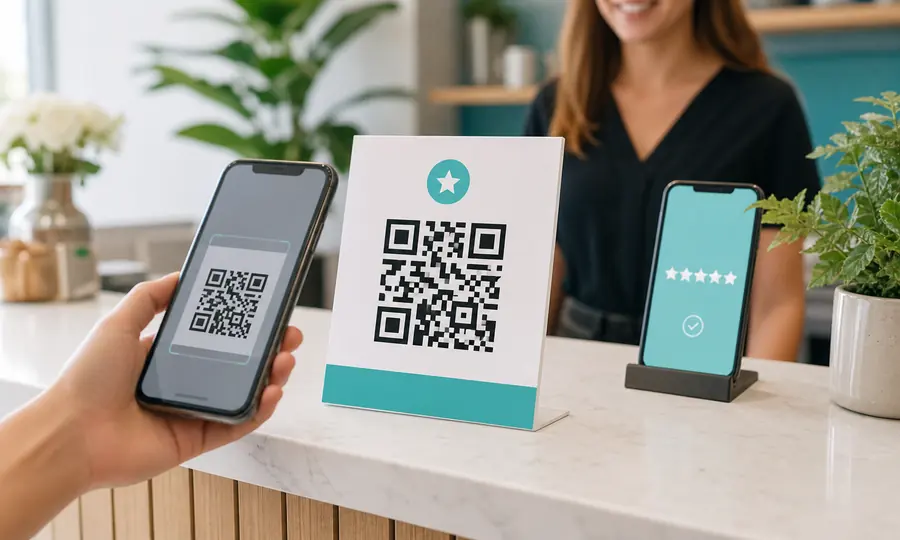
Google review QR code
Send customers straight to your Google review form, and see which placement earns the most reviews.
Create free QR code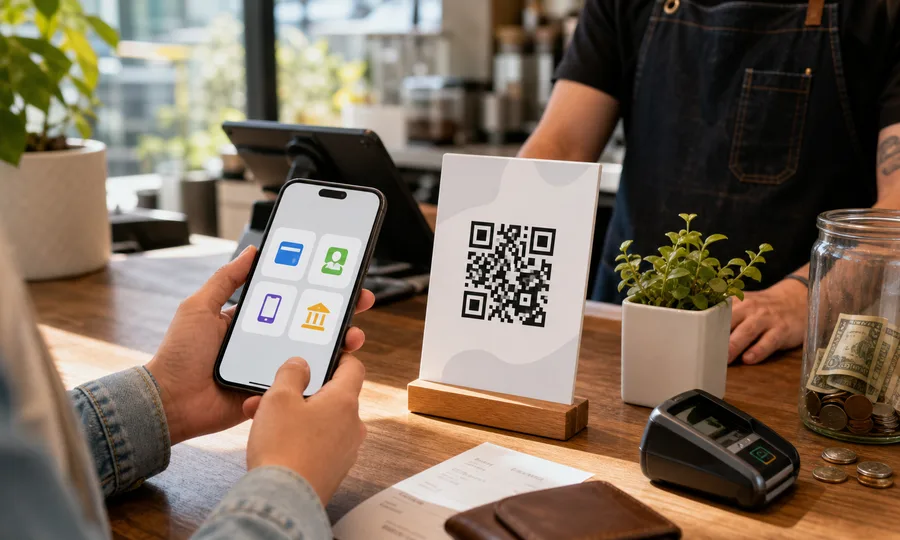
Multiple payment methods QR code
One QR code with PayPal, Venmo, Cash App and card. Customers scan once and pick how to pay, and you see which method wins.
Create free QR code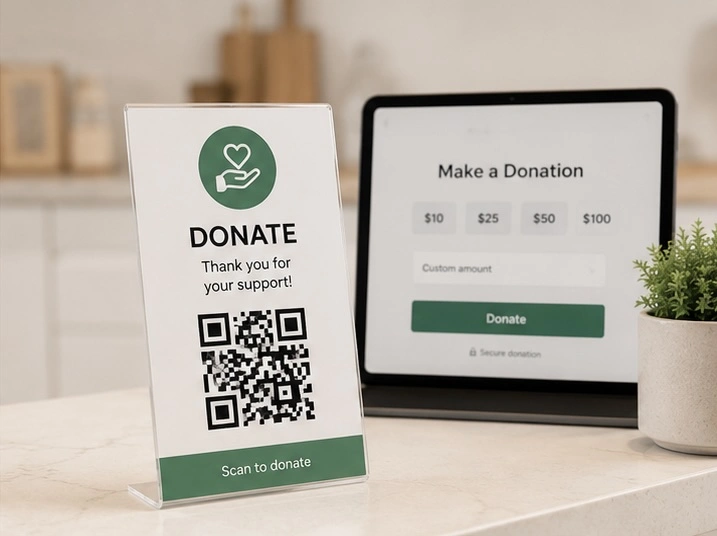
Donation QR code
One scan takes people to your giving page, and you see which door, table or noticeboard actually brought donations in.
Create free QR codeQuestions
- Can I turn the summaries off?
- Yes. Every summary has a one-click unsubscribe link, and turning summaries off does not affect any other email or your codes.
- When does the monthly summary arrive?
- In the first days of each month, covering the month that just ended.
- When does the weekly summary arrive?
- On Standard, every Monday, covering Monday to Sunday just gone. Weeks with no scans are skipped, so a weekly email always has something in it, and the monthly one still tells you about a quiet month.
- Do I need to log in to read it?
- No. The numbers are in the email itself. The dashboard is there when you want more detail.
Related features
Scan analytics
Daily scans for every code, plus country, device, referrer and bot filtering on Standard.
Learn morePlacement comparison
Counter vs. van vs. website: compare scans per placement and stop guessing which spot is worth the space.
Learn moreOne code, several links
A hub puts Venmo, PayPal and a card link (or Google, Yelp and Facebook) behind one code, and shows which one customers pick.
Learn moreLet the numbers come to you
Create a code today and your first summary arrives at the start of next month. Start free, no card.
Pick your QR tool