
QR codes phones and customers can trust
People are rightly wary of scanning a code and landing somewhere strange. Scanlo checks every destination before a code goes live and runs redirects on their own domains, so your code goes where you said it would and keeps a clean reputation.
- Google Safe Browsing check on every link
- Redirects isolated on dedicated short domains
- No private addresses or redirect loops
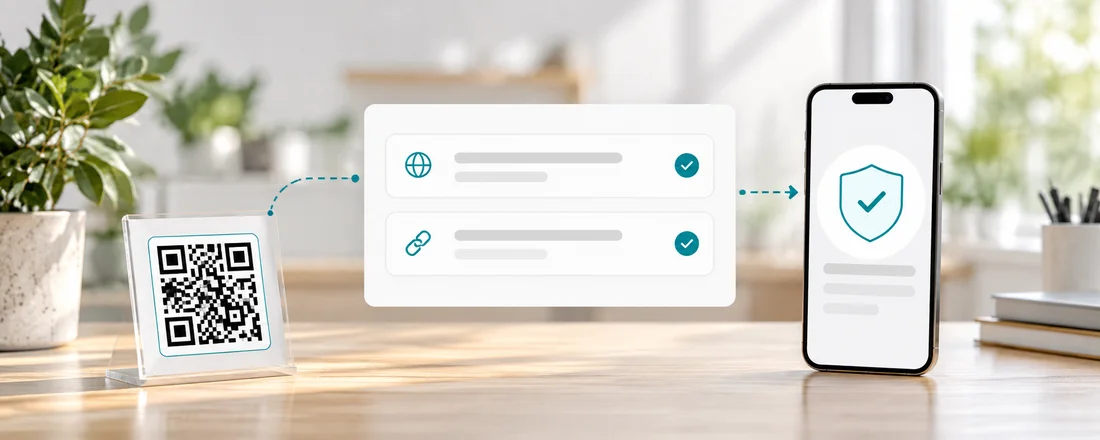
Every link is checked
When you create a code or change where it points, the destination is checked against Google Safe Browsing. A link flagged for malware or phishing is refused, so a code can never be pointed somewhere harmful, by mistake or otherwise.
- Only http and https links
- No IP addresses or private network hosts
- No links that loop back into Scanlo
Redirects live on their own domains
Scanlo redirects never run on scanlo.io. They run on separate short domains that we can rotate, so the reputation of one bad actor on a shared link shortener can never get your code blocked by a phone or a browser.
On which plan
Free
Every safety check, on every code.
Standard
The same checks. Safety is never a paid extra.
Start with the job your code does
Each tool makes a tracked code for one job and walks you through it for that use case.
Stripe payment QR code
Turn a Stripe payment link into a scannable code customers can pay on the spot.
Create free QR code
PayPal QR code
A scannable PayPal.Me link so customers can pay you in seconds, tracked per placement.
Create free QR code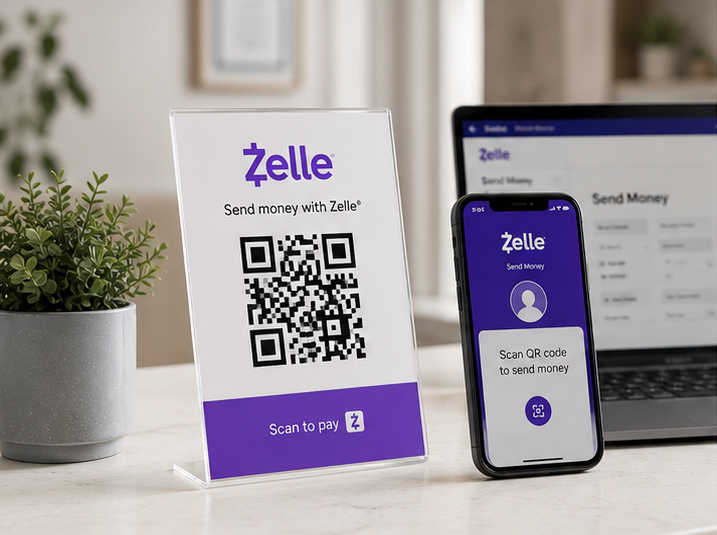
Zelle QR code
Your bank app’s Zelle QR code, turned into a printable one you can track and re-point later.
Create free QR codeQuestions
- Are QR codes safe to scan?
- A QR code is only as safe as the link inside it. Scanlo checks each link with Google Safe Browsing when the code is created and every time it is edited, and refuses any that are flagged.
- Why does my code use a different domain than scanlo.io?
- Redirects run on dedicated short domains, kept apart from the website, so their reputation stays clean and can be protected independently.
Related features
Printed codes never die
A Scanlo code keeps redirecting forever, on any plan. We never break a code you already put out there.
Learn moreTracking without cookies
No cookies, no stored IP addresses, no consent banner. Country and device are read at the edge and the IP is dropped.
Learn moreEdit without reprinting
Changed your booking system or payment link? Update the destination and every code you already placed follows.
Learn moreGive customers a code they can scan without a second thought
Pick a use case and create a checked, tracked code. Start free, no card.
Pick your QR tool