
Your code keeps working. Forever, on any plan.
Plenty of QR generators make a dynamic code free and then switch it off when a trial ends, leaving a dead code on your counter. Scanlo never does that. A code you placed keeps redirecting and counting scans whatever you pay, including nothing.
- Redirects never stop for billing reasons
- Cancel and your codes still work
- Scans keep being counted the whole time
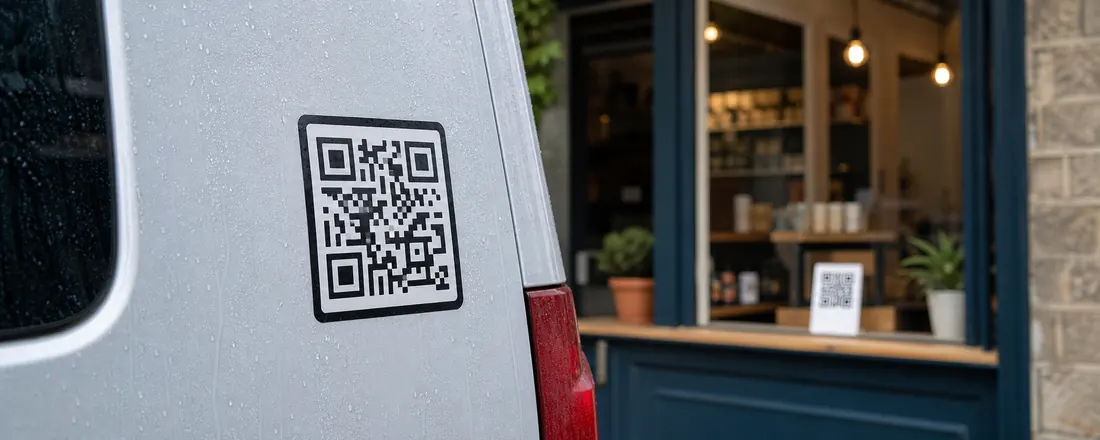
The rule
We never disable a redirect because of a plan. What a plan changes is how much you can do: how many codes you can create, how deep the analytics go, how much history you keep and whether the Scanlo branding shows. The code itself keeps working.
What happens if you downgrade
If you go from Standard back to Free with more codes than Free includes, the oldest ones stay active and the rest are frozen. A frozen code still redirects and still counts scans. Only editing it is paused, until you upgrade or choose which code is active.
Why we can promise it
Running a redirect costs us almost nothing, and breaking one costs you a reprint and a customer who scanned a dead code. That trade is not worth making, so it is a rule of the product rather than a perk of a plan.
On which plan
Free
Every code redirects forever.
Standard
Every code redirects forever. Cancel and that stays true.
Start with the job your code does
Each tool makes a tracked code for one job and walks you through it for that use case.
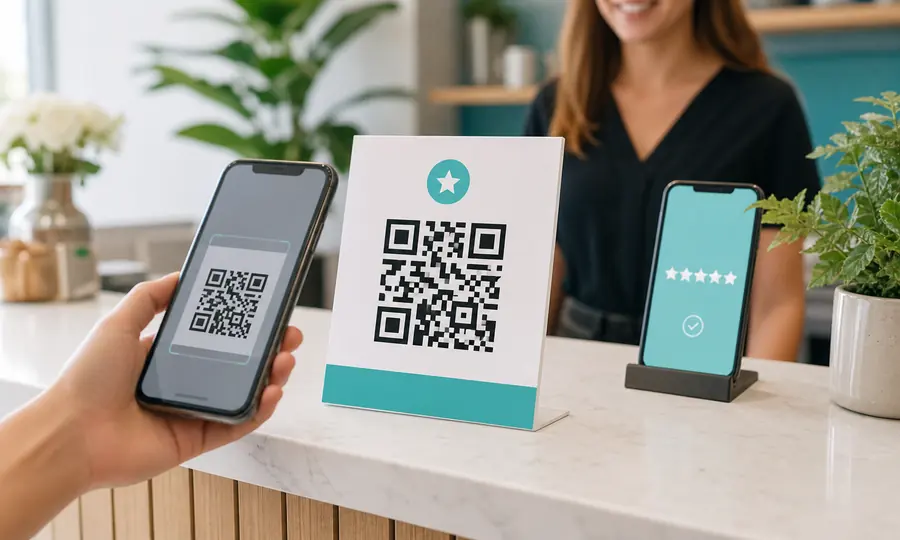
Google review QR code
Send customers straight to your Google review form, and see which placement earns the most reviews.
Create free QR code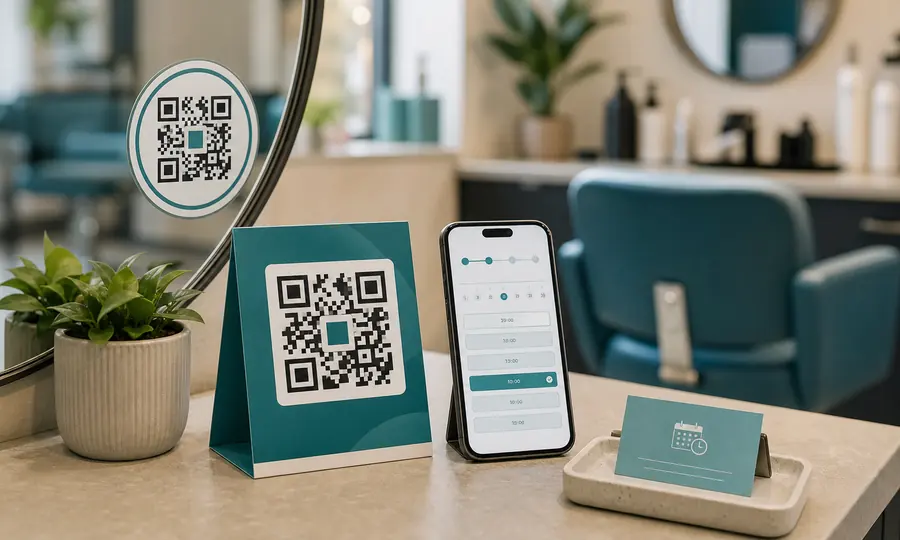
Booking page QR code
Booksy, Fresha, Setmore or your own site: one scan takes customers to your booking page.
Create free QR code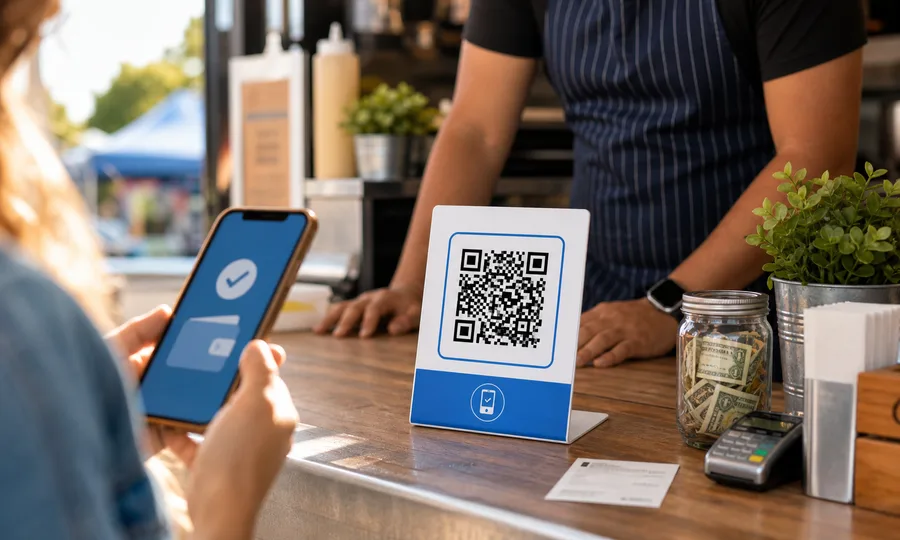
Venmo QR code
A scannable Venmo link so customers can pay you in seconds, tracked per placement.
Create free QR codeQuestions
- Do dynamic QR codes expire?
- Some do, when the service behind them stops redirecting at the end of a trial or a subscription. Scanlo codes do not. They redirect forever on every plan, including Free and a cancelled subscription.
- What if I cancel Standard?
- Your account moves to Free. Every code keeps redirecting and counting scans. If you have more codes than Free includes, the extra ones can no longer be edited until you upgrade.
- Is there a scan limit?
- No. Scans are never capped on any plan.
Related features
Edit without reprinting
Changed your booking system or payment link? Update the destination and every code you already placed follows.
Learn moreCodes phones trust
Every link is checked against Google Safe Browsing, and redirects run on their own domains, apart from everyone else’s mistakes.
Learn moreScan analytics
Daily scans for every code, plus country, device, referrer and bot filtering on Standard.
Learn morePlace a code you never have to worry about
Pick a use case and create your first tracked code. Start free, no card, and it keeps working forever.
Pick your QR tool